Stage a batch
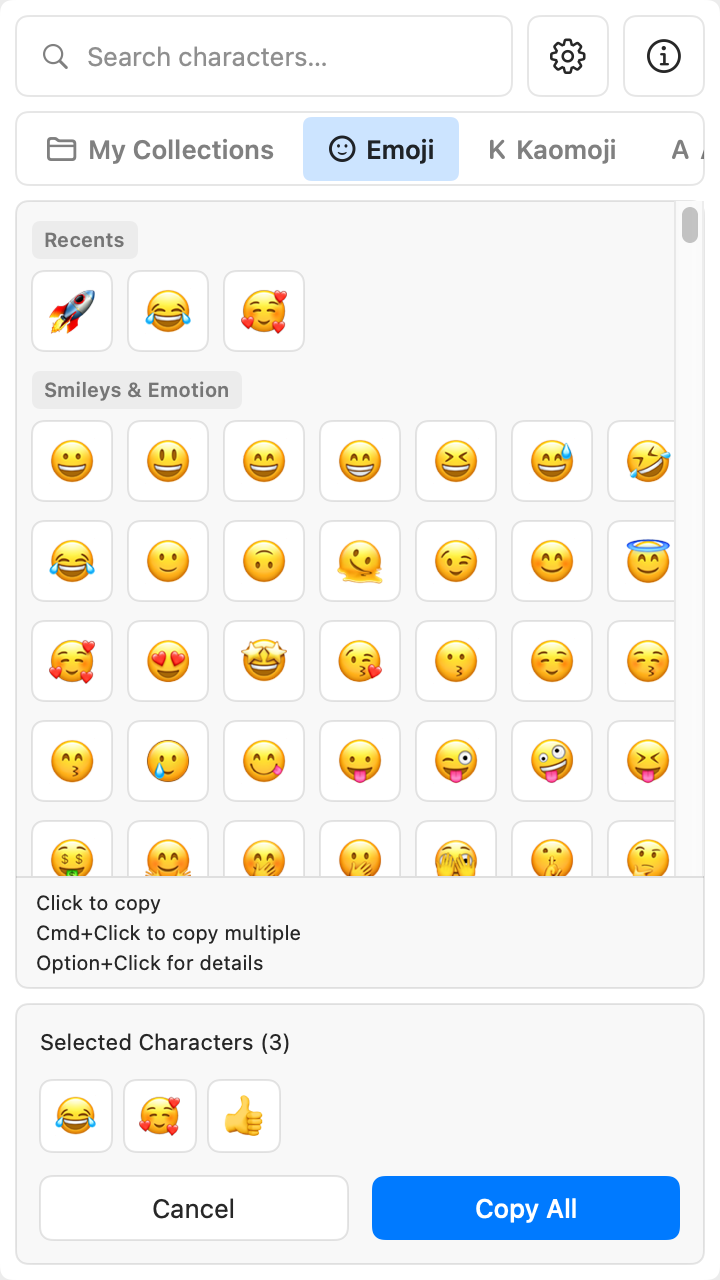
Hold Cmd and click each character you need. CharBox copies them all in one clipboard entry.

CharBox: Character Picker
Mac menu-bar character picker
Open CharBox from your menu bar. Search emoji, symbols, and kaomoji, then click to copy.
Paid app. $0.99, one-time purchase.
Available for Mac.
The small daily hassle
If you forget the shortcut for macOS Character Viewer, you may need to search for it. Changing it means looking up the steps and setting a new shortcut. Need several characters? You have to switch between the picker and your app as you copy them.
One click, then copy
CharBox stays in your menu bar. Open it and search is ready.
01 · Open
The picker opens with search focused.
02 · Find
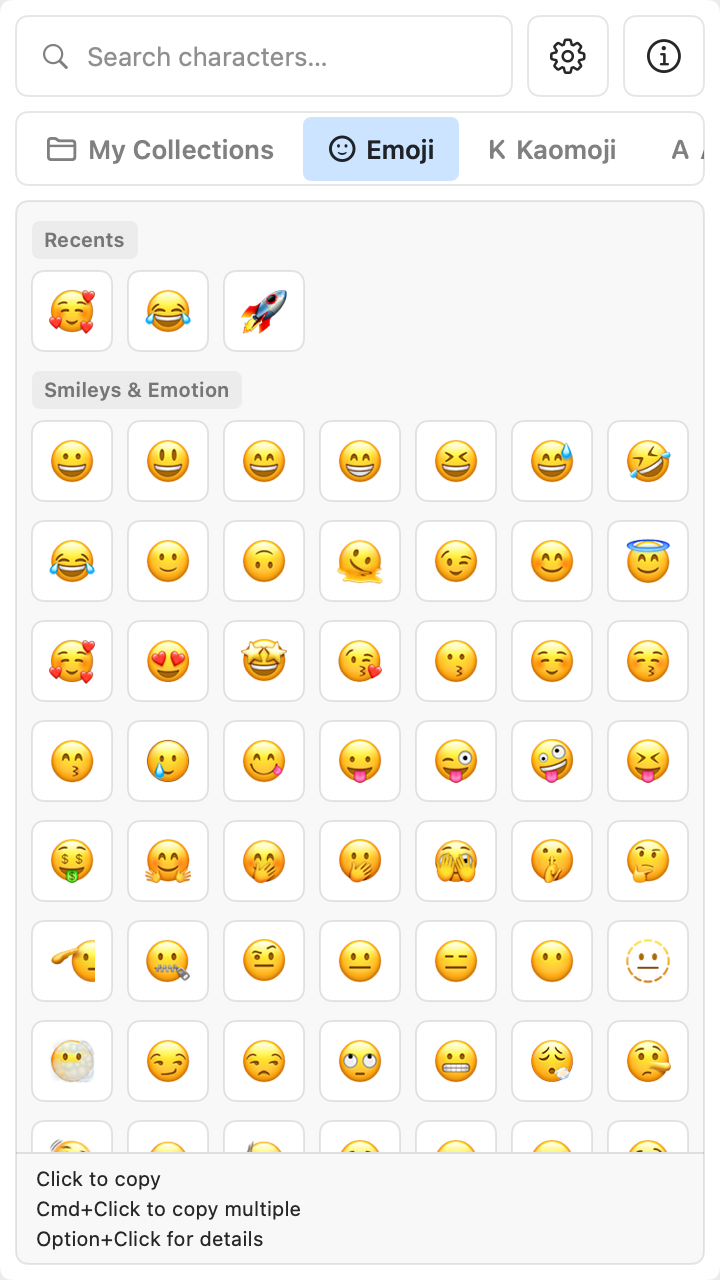
Recent emoji sit at the top, with groups below.
03 · Copy
It is copied to your clipboard.
New in CharBox 2.0
Pick what you need first, then return to the app you are working in with the full set copied.
Hold Cmd and click each character you need. CharBox copies them all in one clipboard entry.
Save characters in named collections for later. Add a character from the picker or Character Details. Copy the whole collection when you need it.
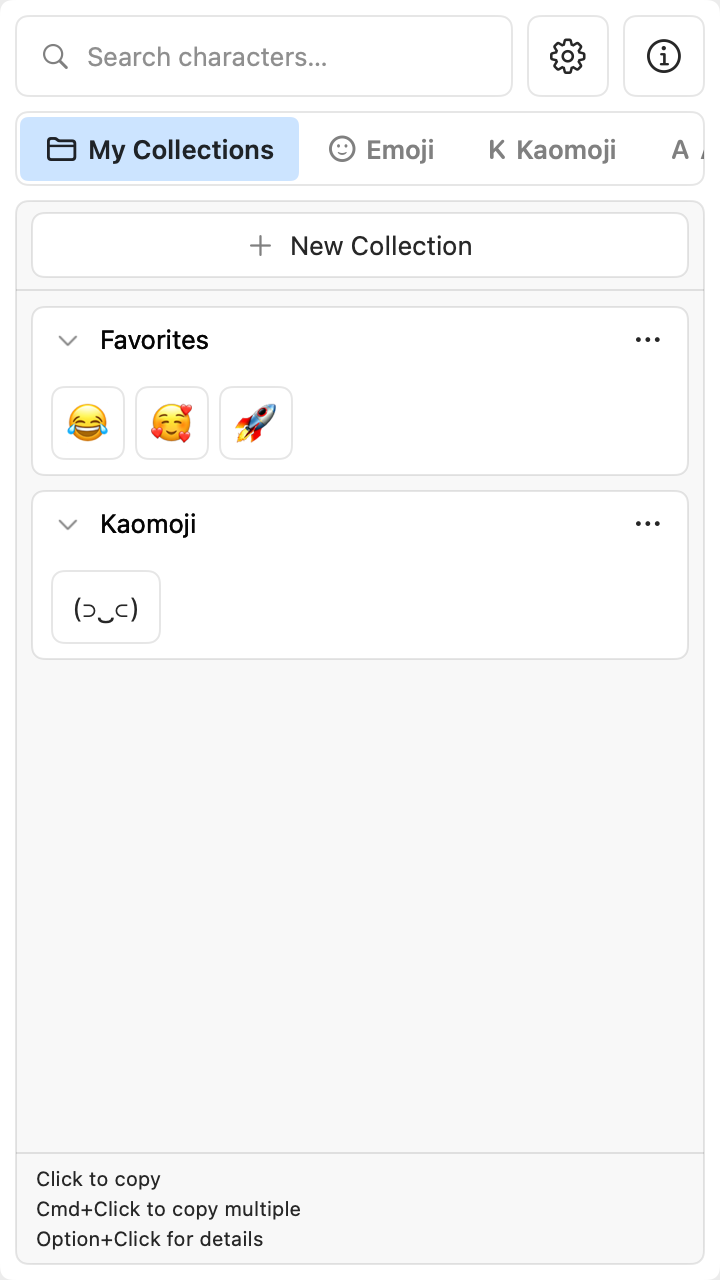
Create, rename, duplicate, delete, expand, or collapse a collection. Search within your collections, too.
More ways to find the right character
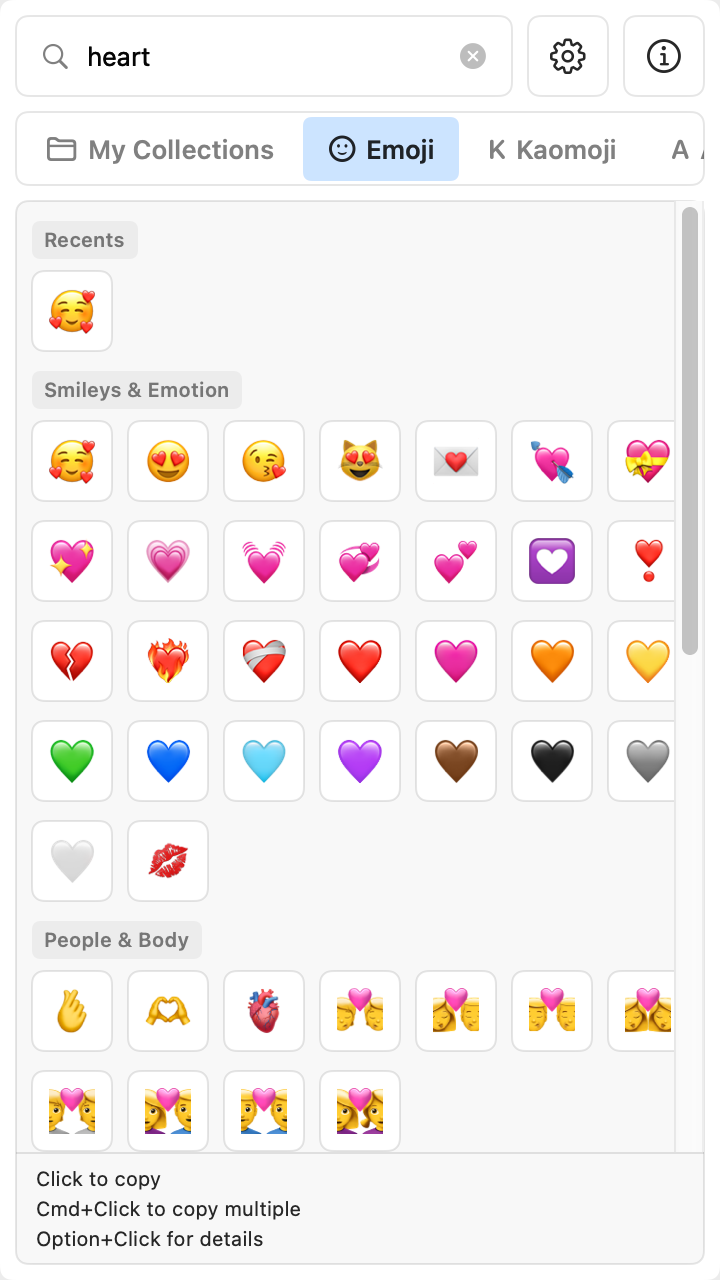
Search by name, keyword, meaning, or Unicode code point. Results update as you type. Results across the picker are grouped by category.
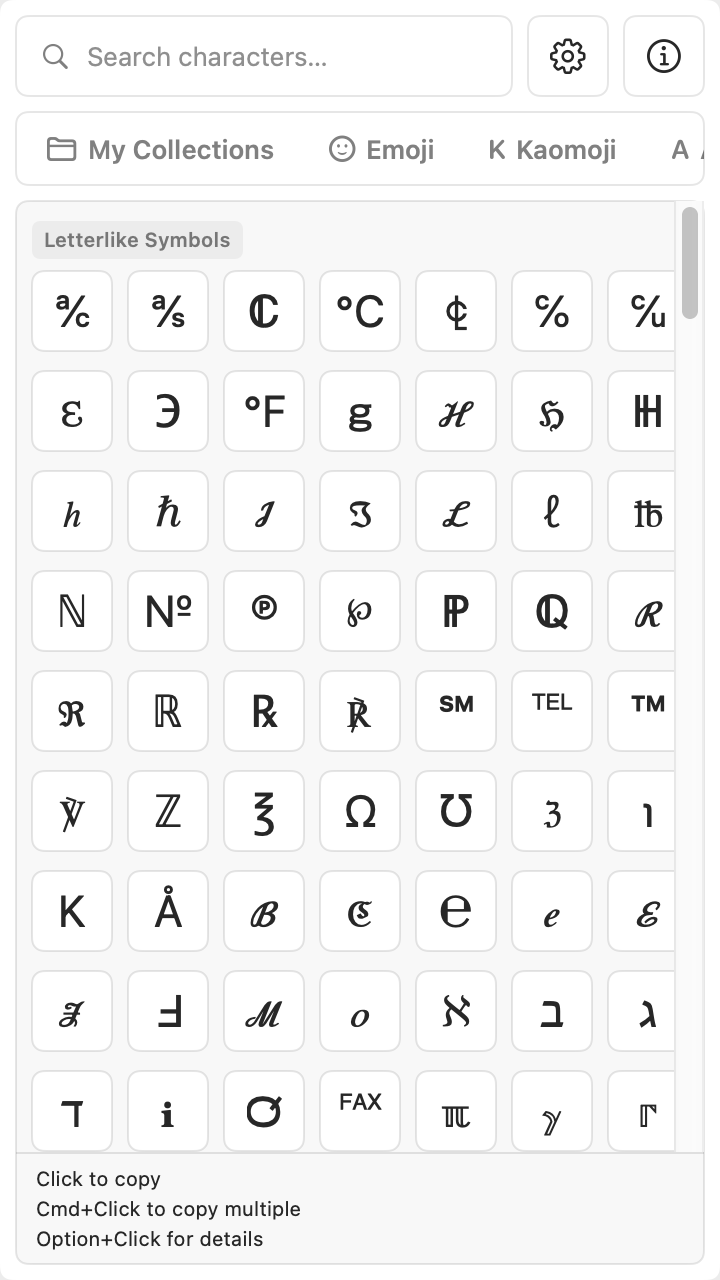
Browse emoji and kaomoji. Symbols are grouped into Alphabets, Numbers, Math, Arrows, Punctuation, Currency, and Symbols.
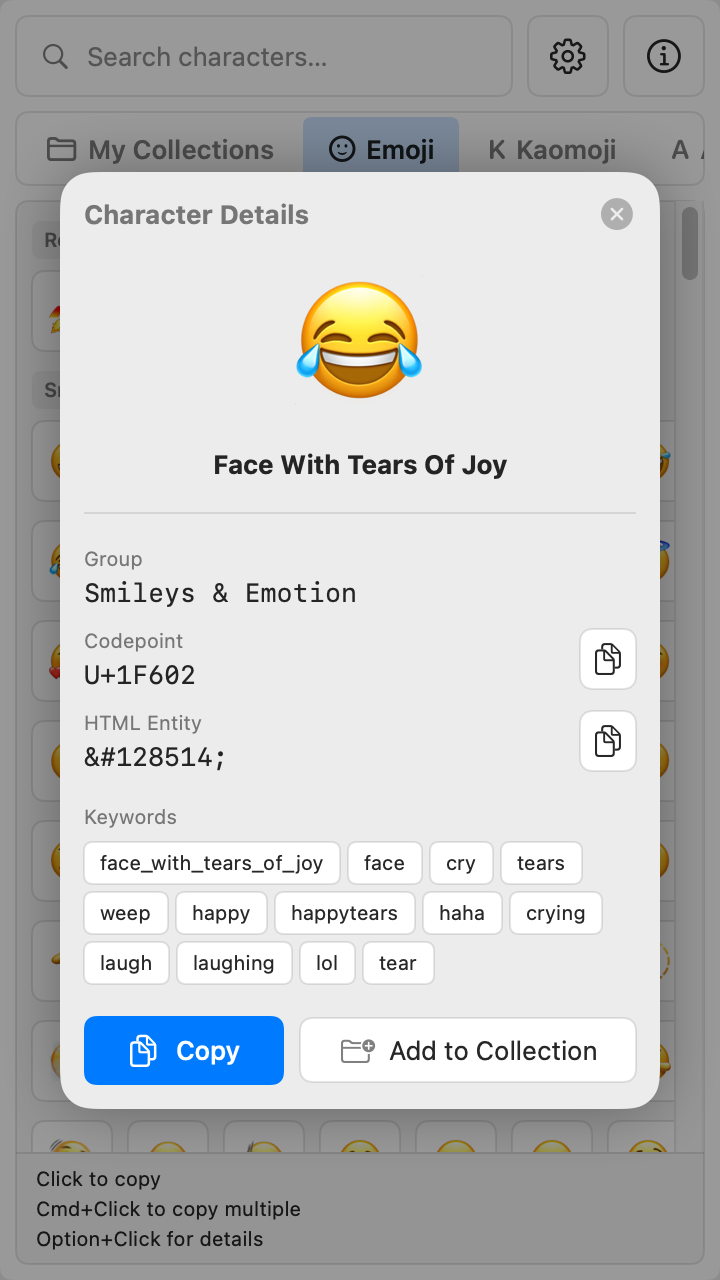
The refreshed picker has a taller layout, new colors, and consistent character cells. Its status bar shows a character's name on hover. Open Details for the name, keywords, code point, HTML entity, and source group.
Also includes Emoji 17 support, recent characters, copy confirmation, and an option to launch at login.
Try it right here
The same three taps as in the app: choose what you need, tap a character, and it is copied to your clipboard.
01 · Pick what you need
02 · Tap a character to copy it
03 · Paste it anywhere
Tap a character above — it lands in your clipboard, ready to paste.
Sample characters from the app — CharBox on your Mac searches the full emoji, symbol, and kaomoji set offline.
No account. No connection needed.
Before you download
No. CharBox is a paid app: a one-time $0.99 purchase from the Mac App Store.
CharBox is for Mac and requires macOS 14.6 or later.
Yes. Hold Cmd and click the characters you want. CharBox copies them together in one clipboard entry. You can also save and copy named collections.
One click from your menu bar
Get CharBox for Mac.
Paid app. $0.99, one-time purchase.
More apps