“My friends and I are having fun creating personalized wallpapers of all the places we've been to.”
How it works
Try it right here
Choose a location
Search any place in the app or choose one from Top locations.
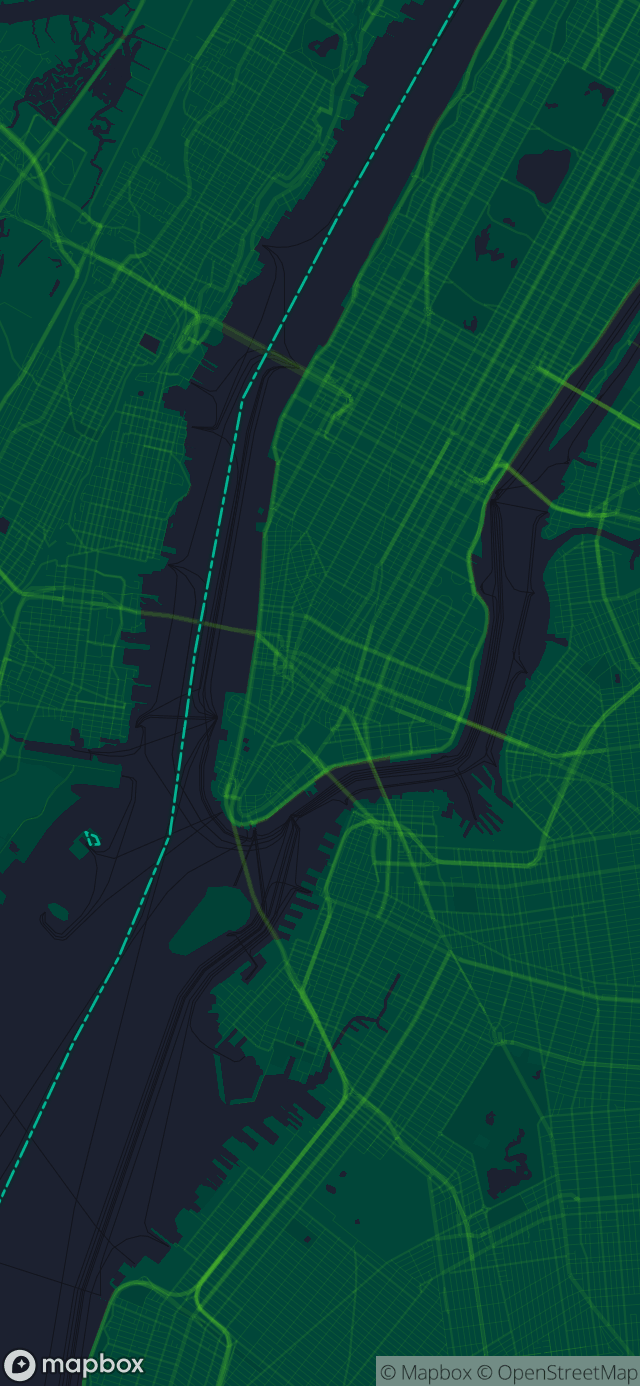
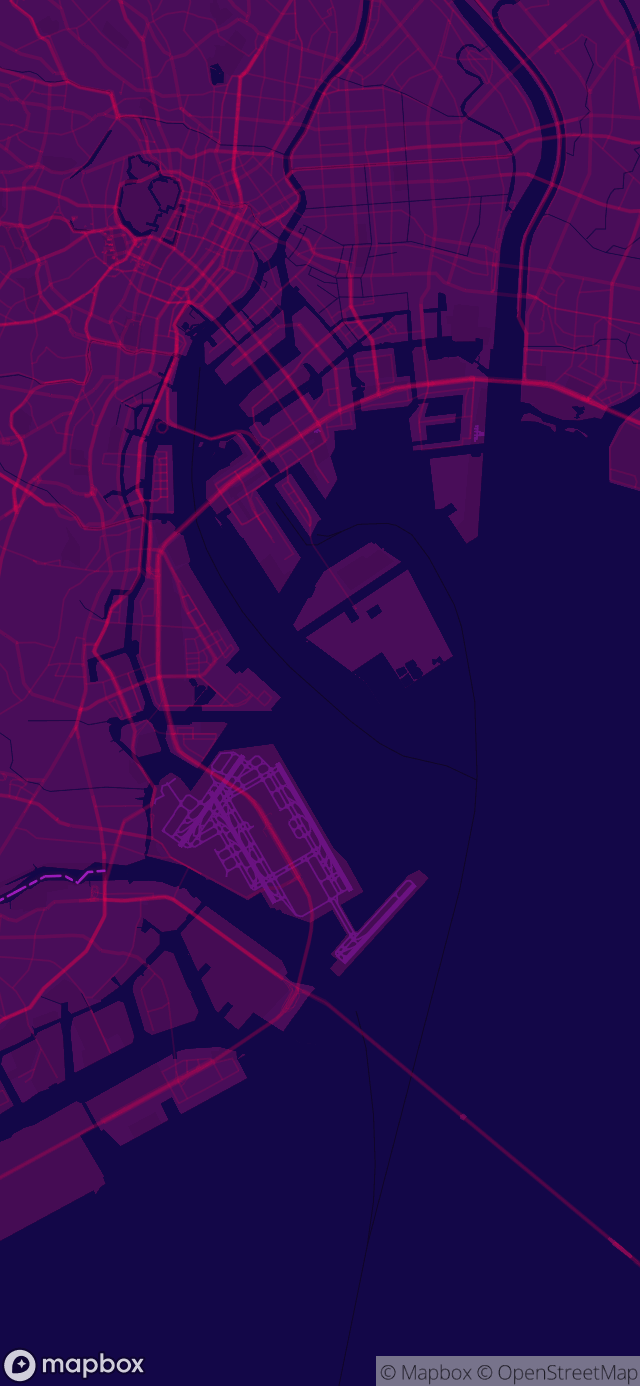
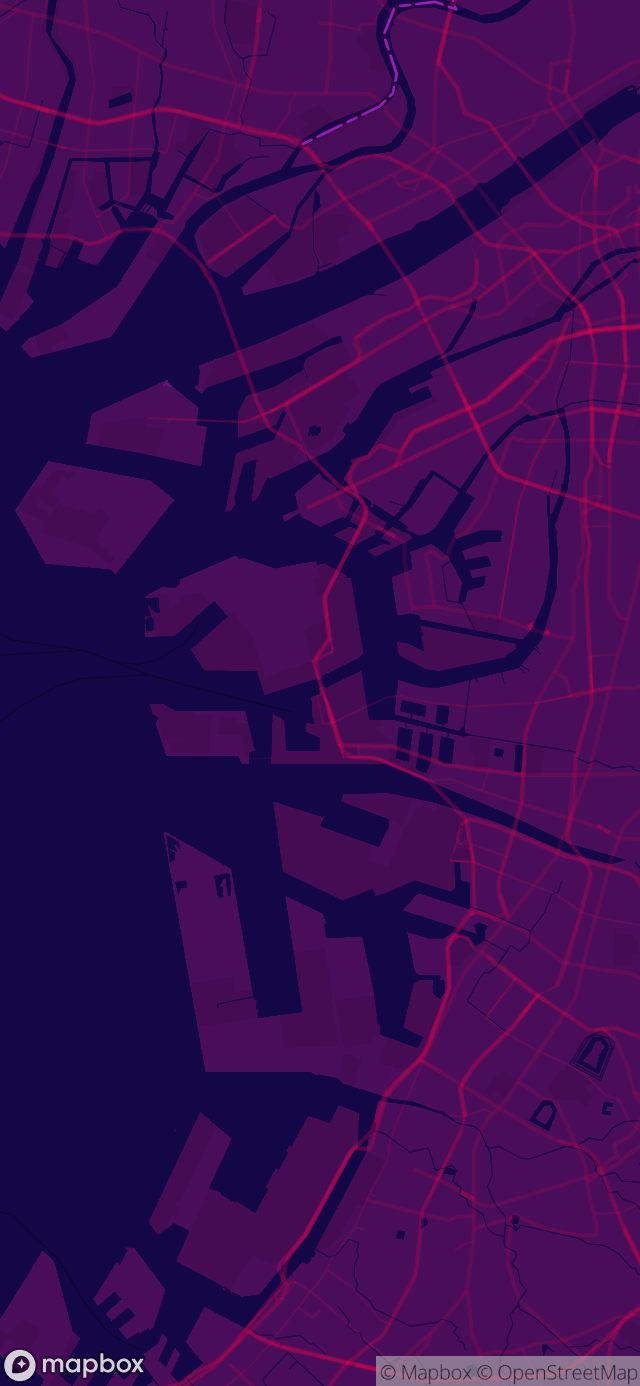
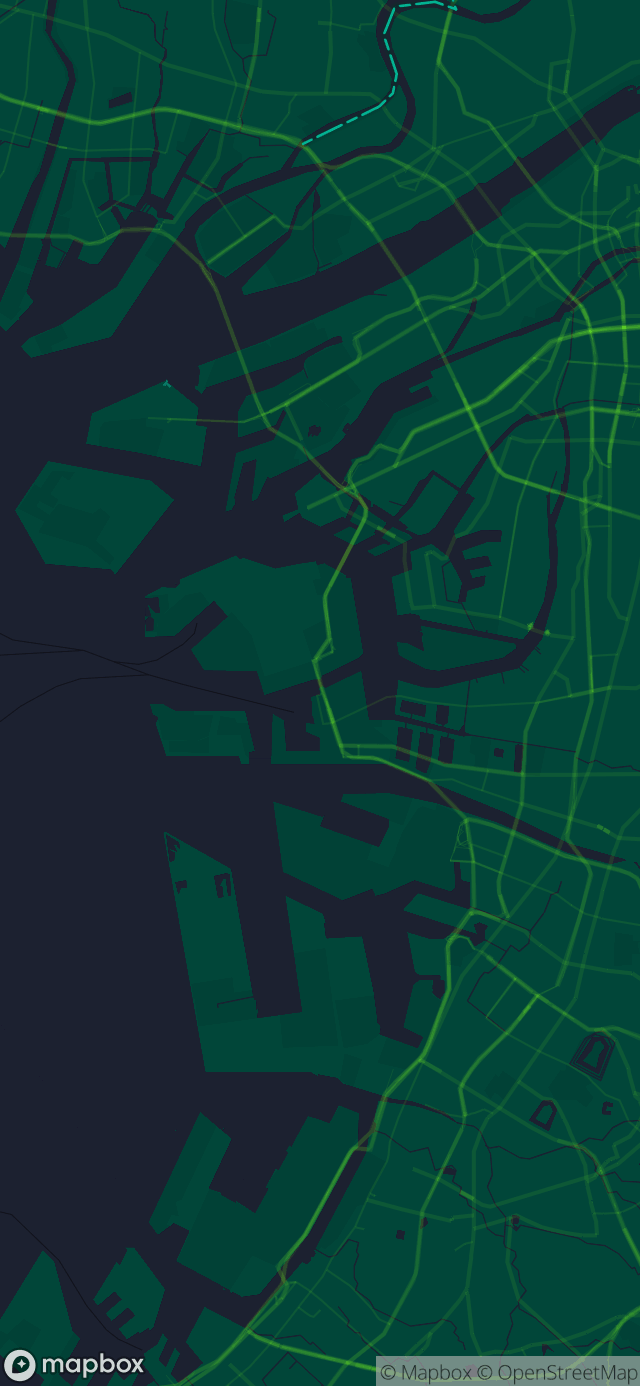
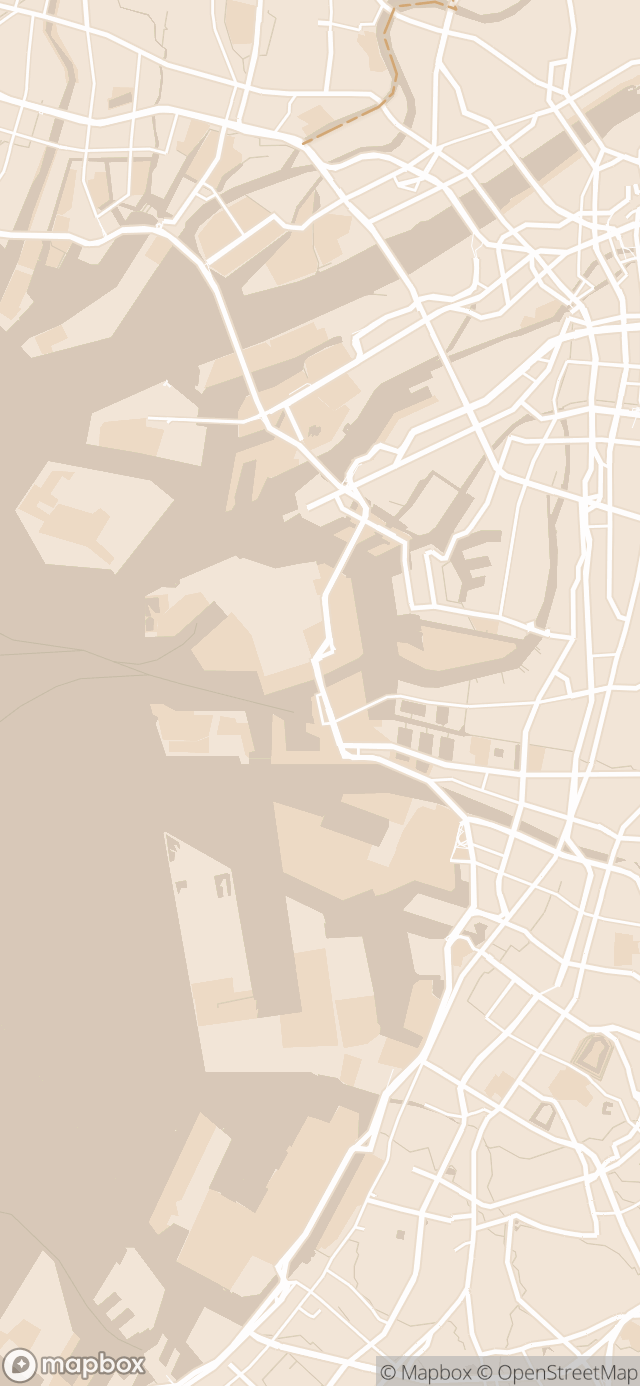
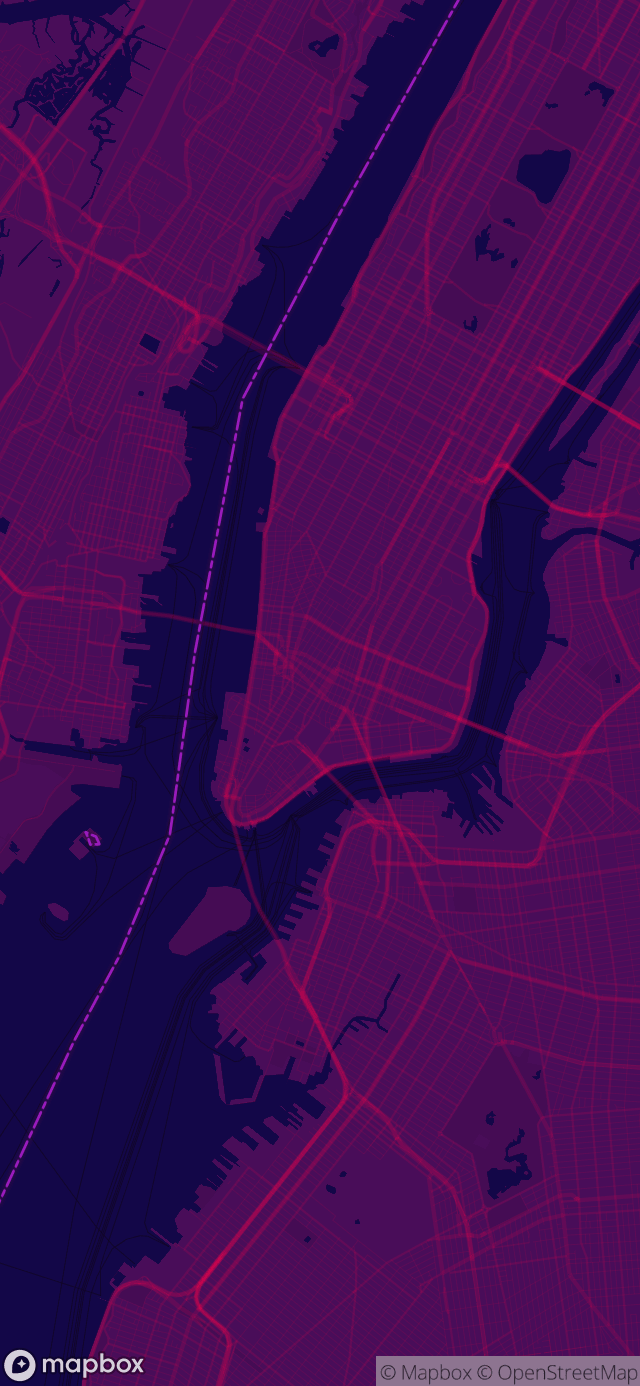
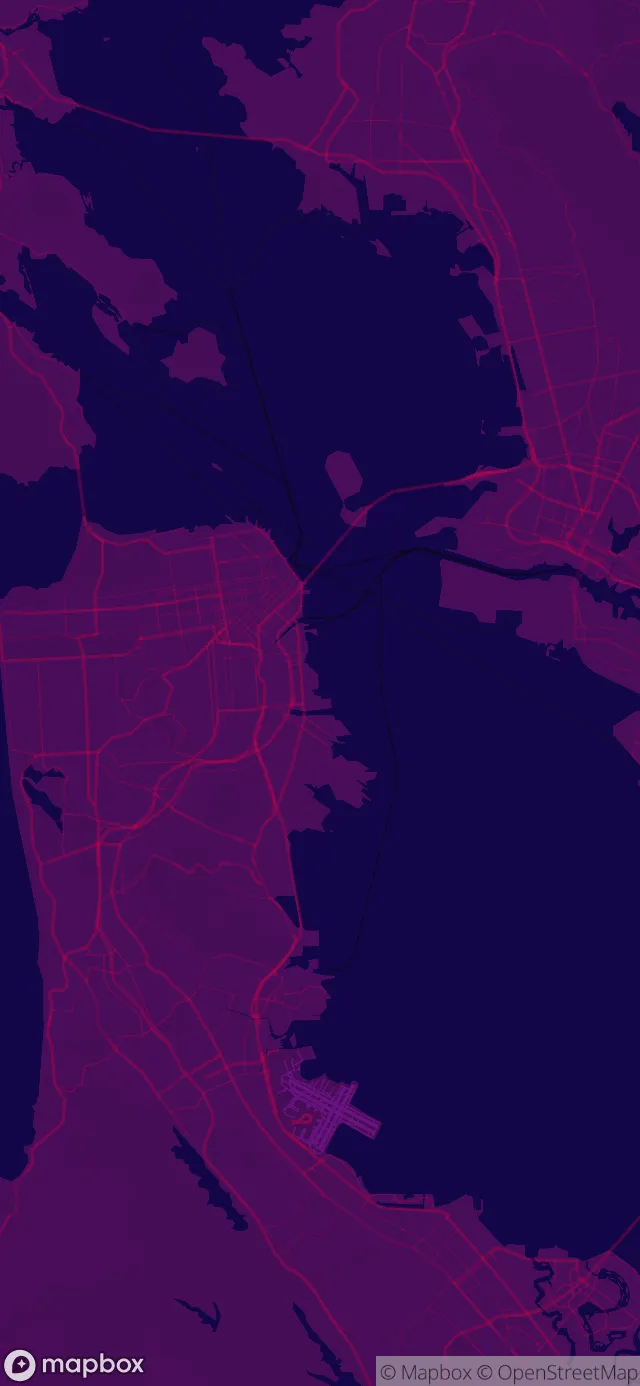
Osaka, New York, Helsinki, and Tokyo, plus any place you search for in the app.
Pick a style
Choose from 10 free Essential styles. One in-app purchase gives you 29 more.
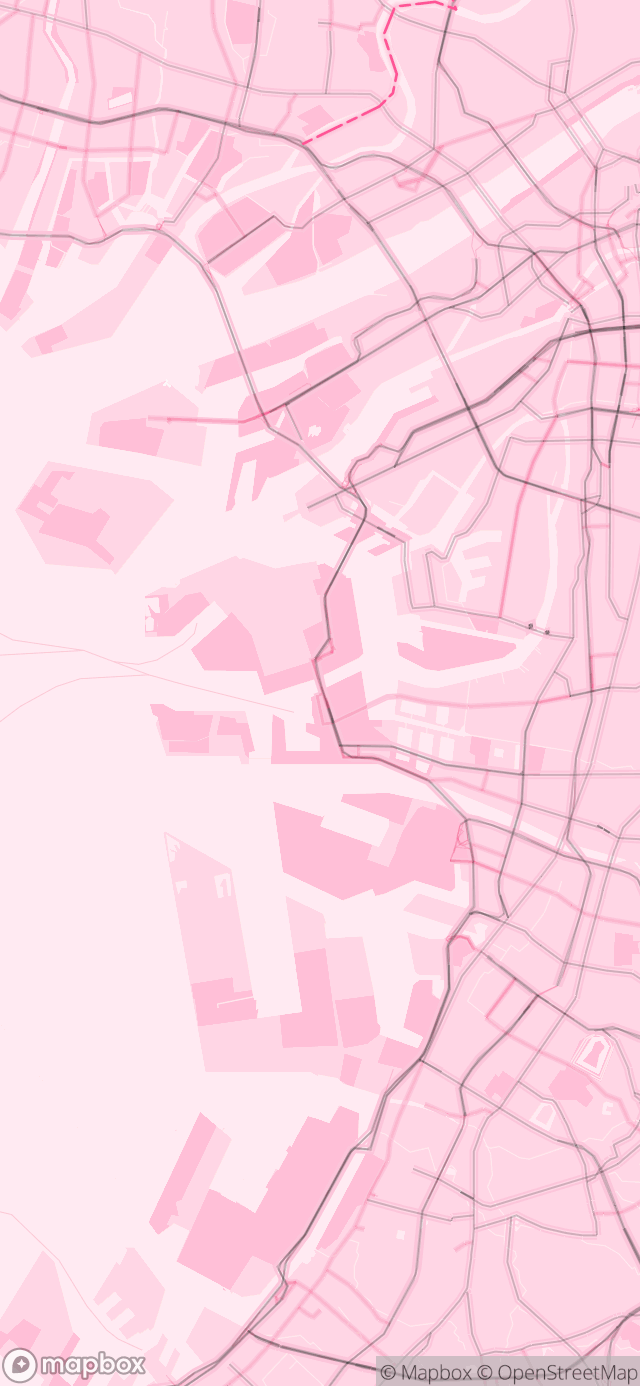
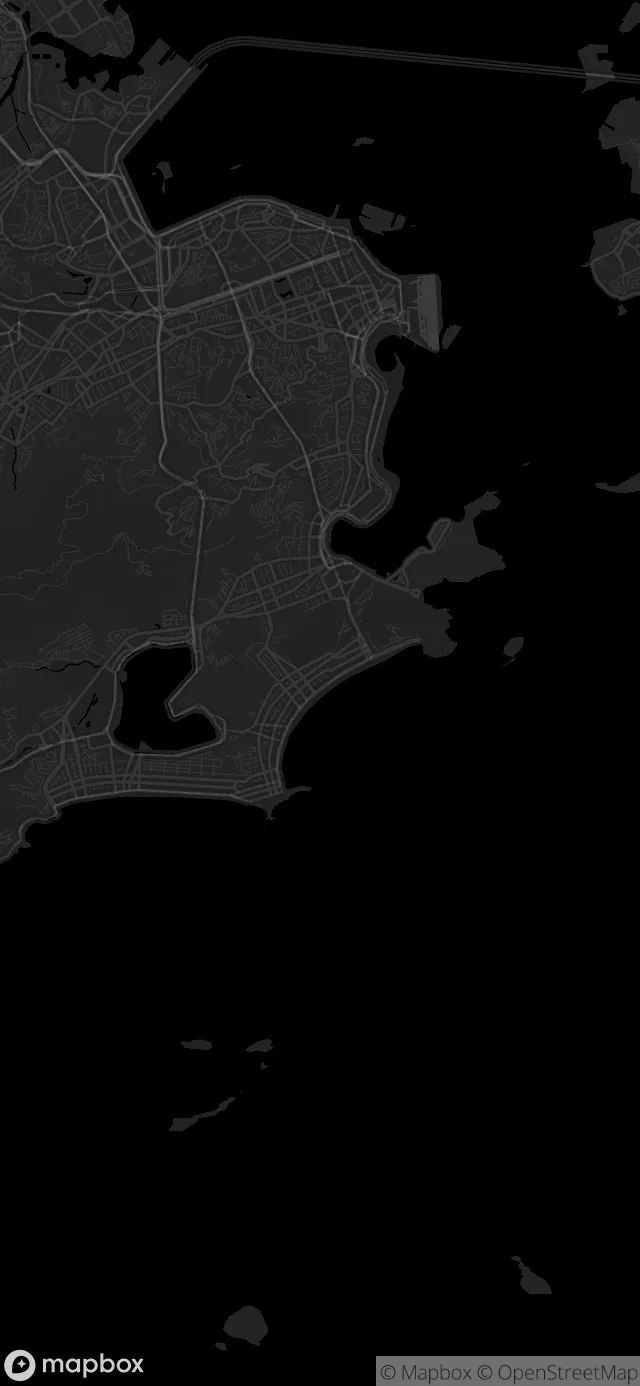
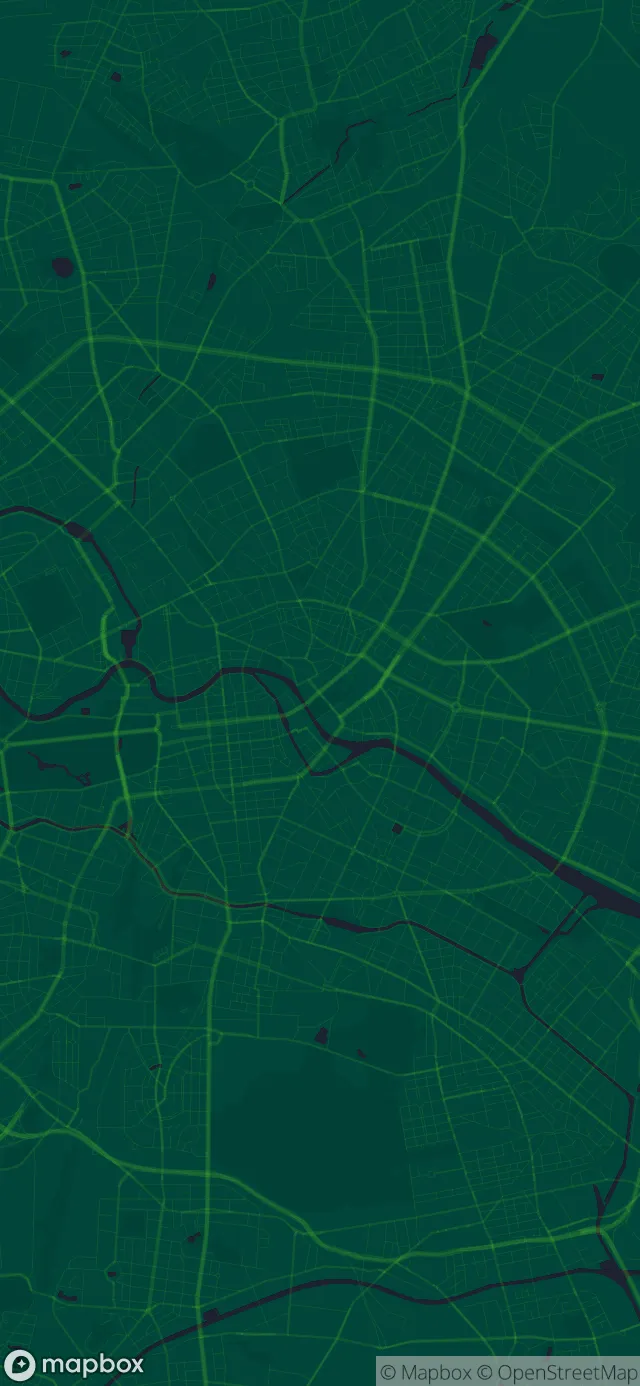
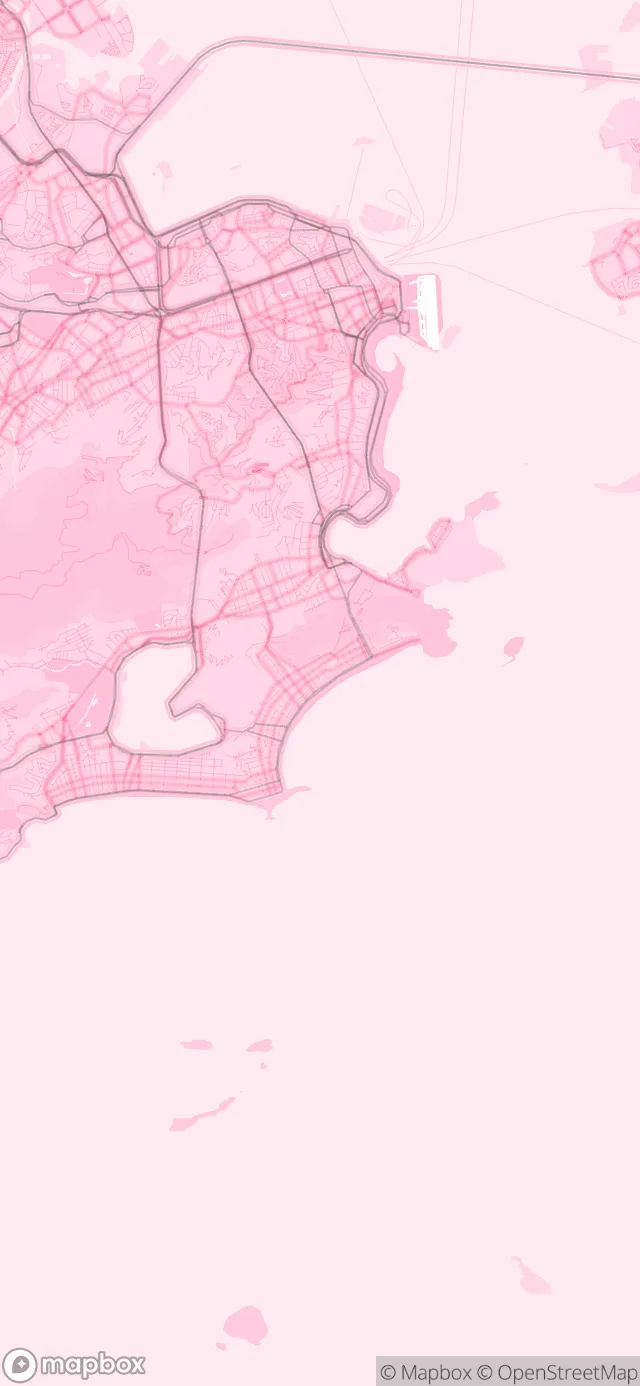
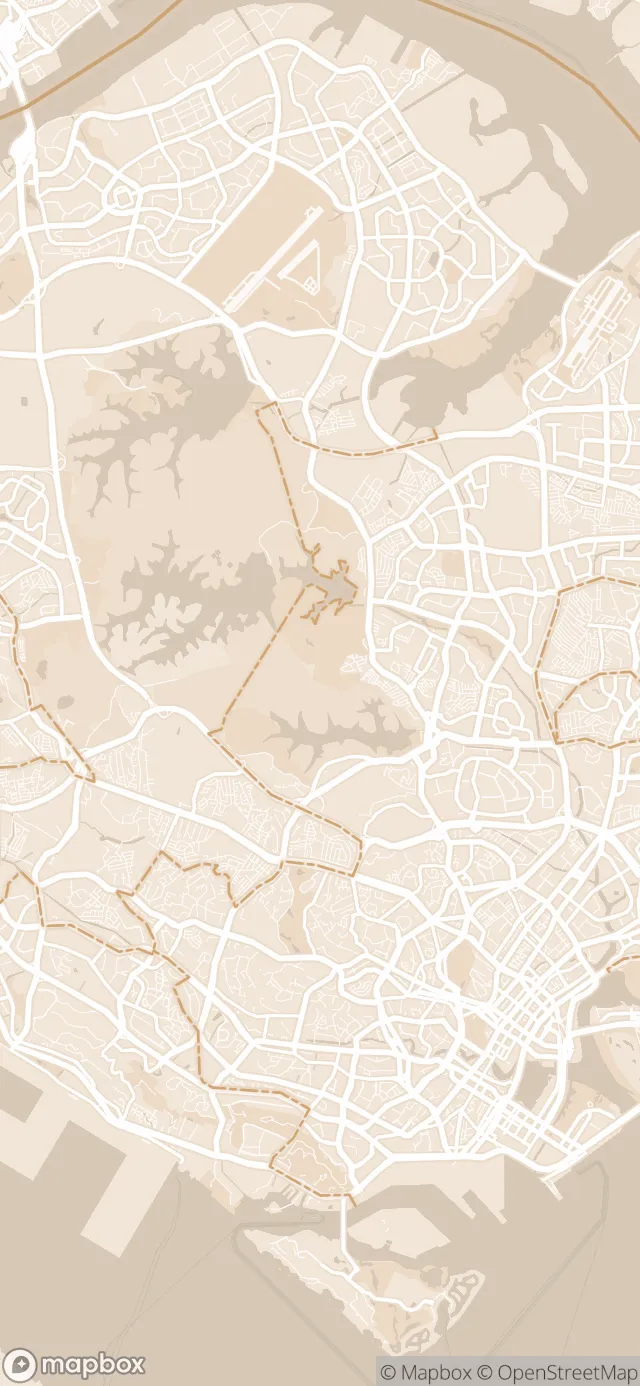
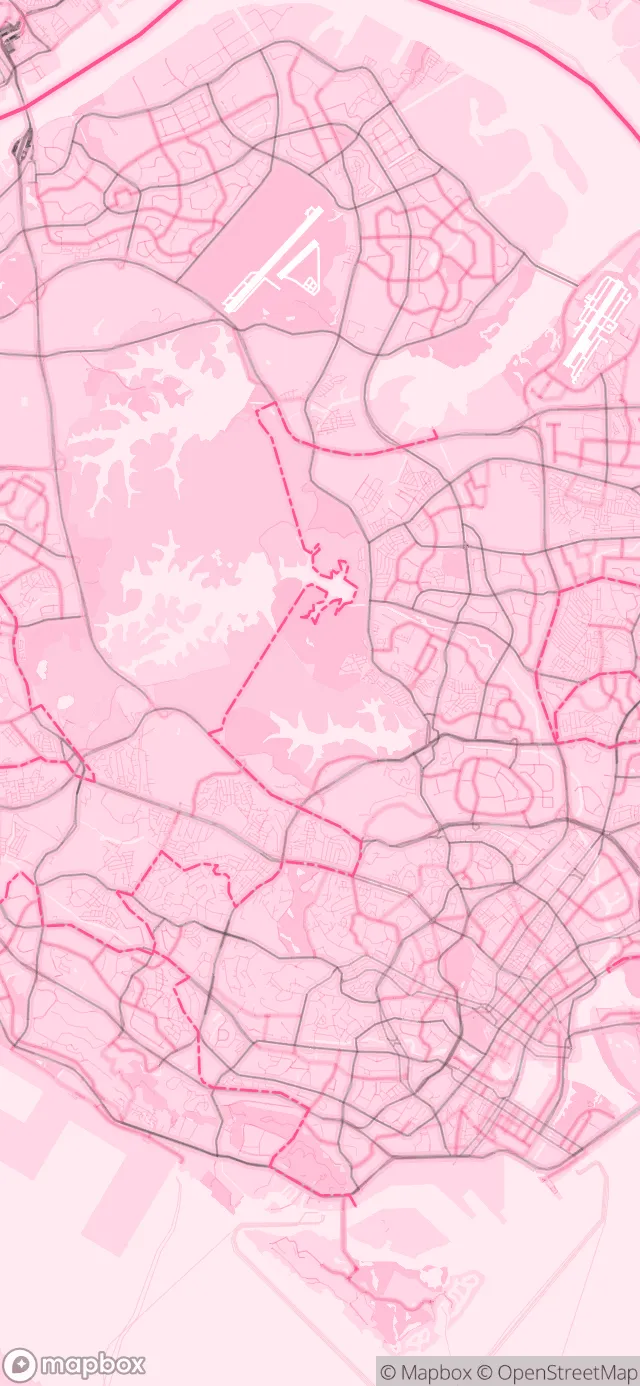
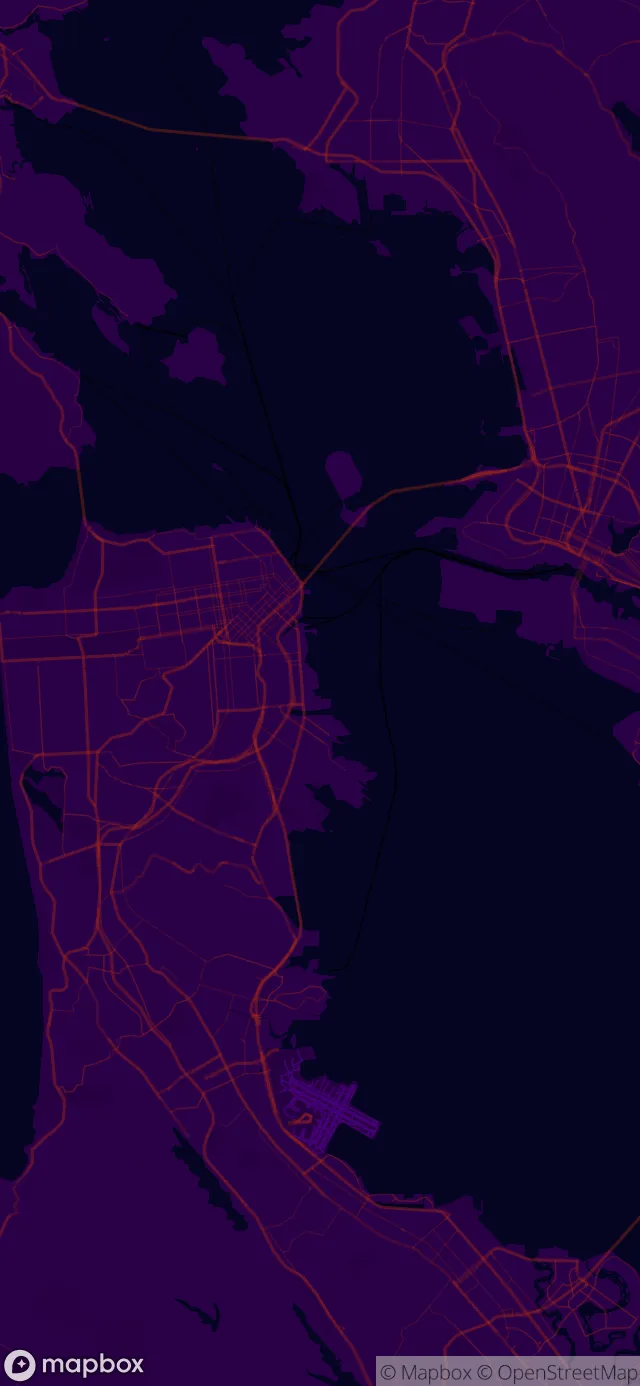
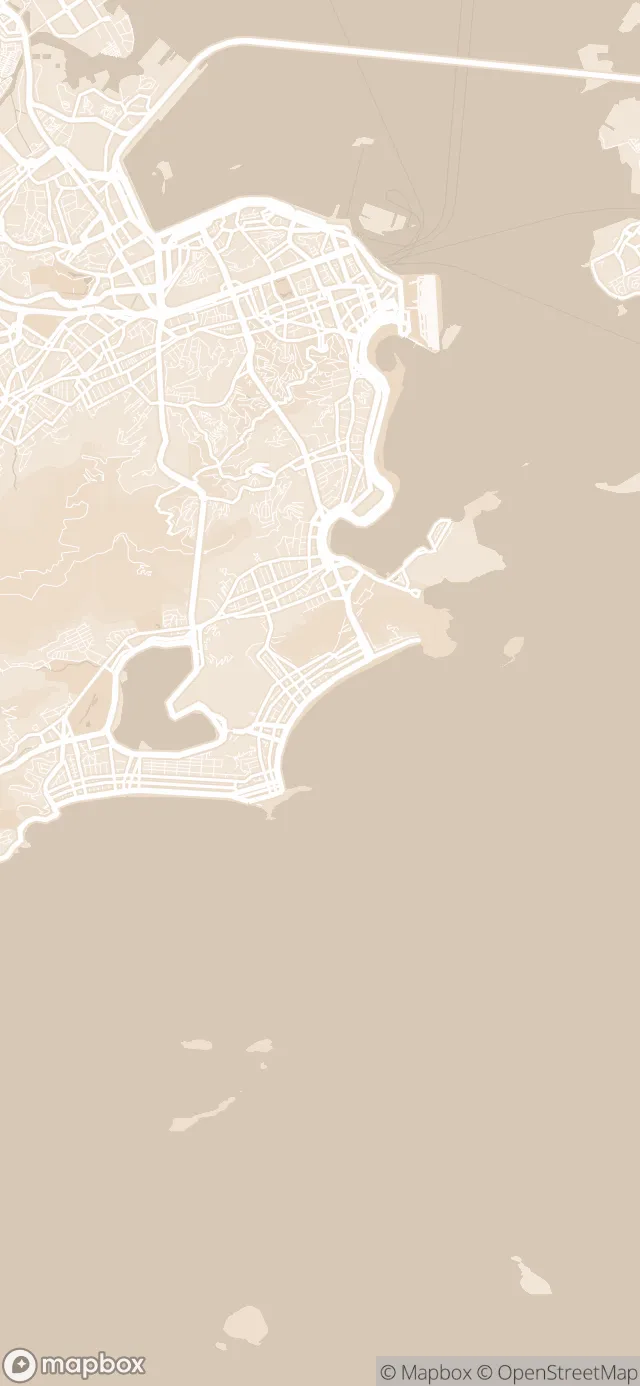
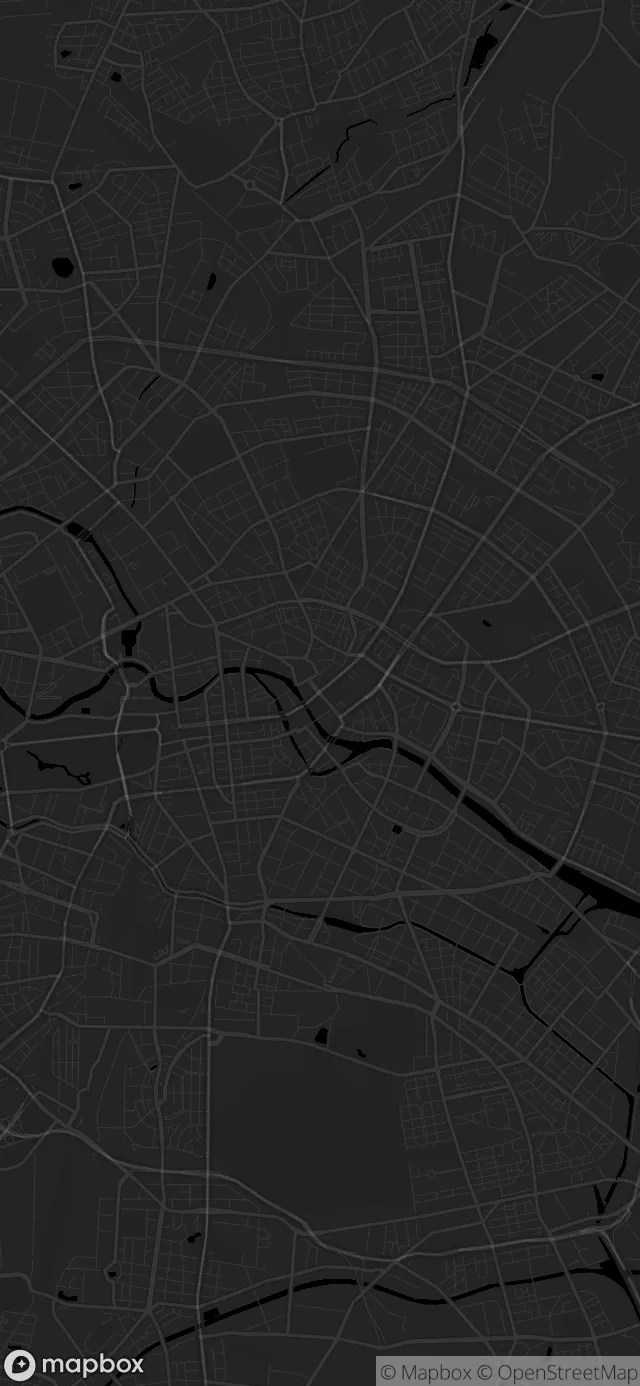
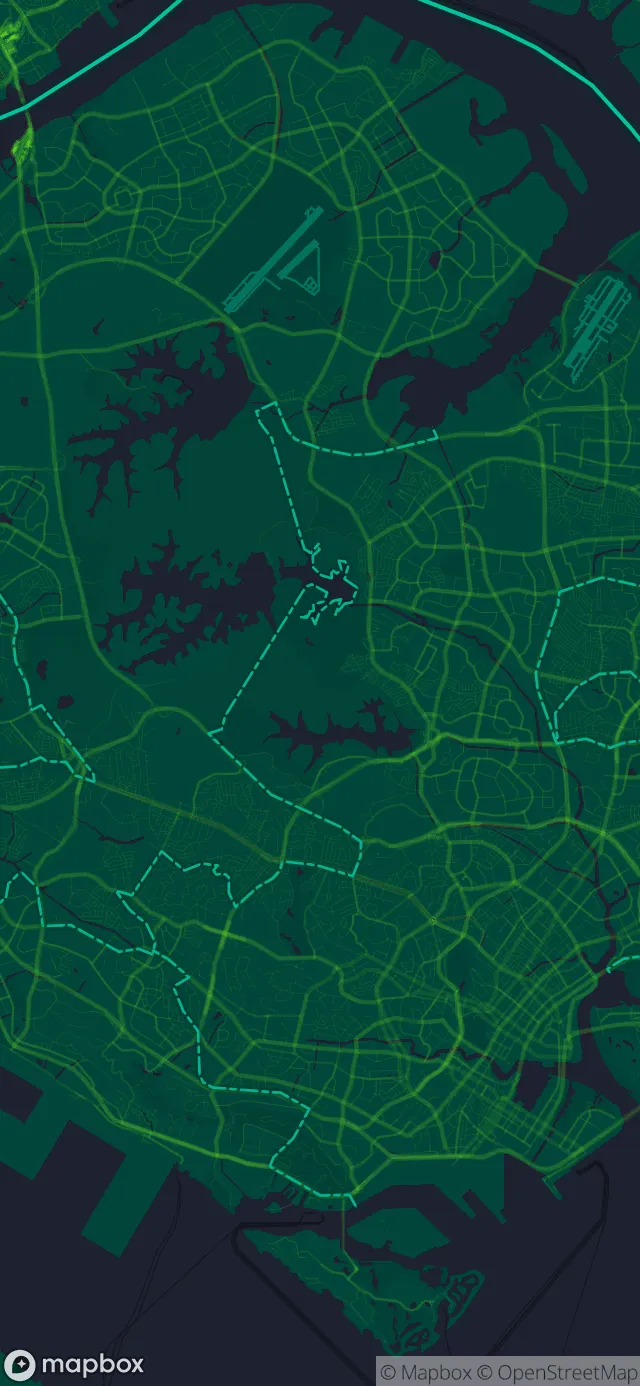
Midnight is free. Neon Green, Pink and Cream are in the extended set.
Set as wallpaper
Set it as your Home screen, Lock screen or both in the Android app. On iOS, save it to Gallery and set it from Settings.
Lock screen
9:41
Tuesday, October 6
Home screen
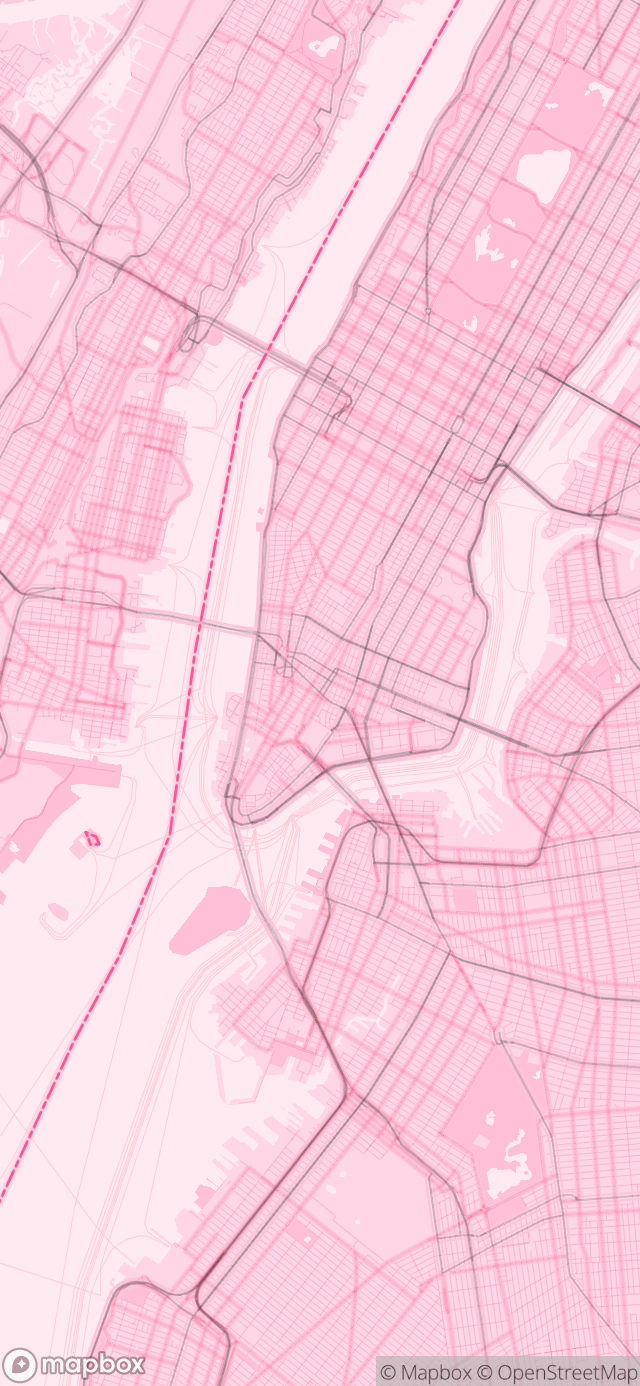
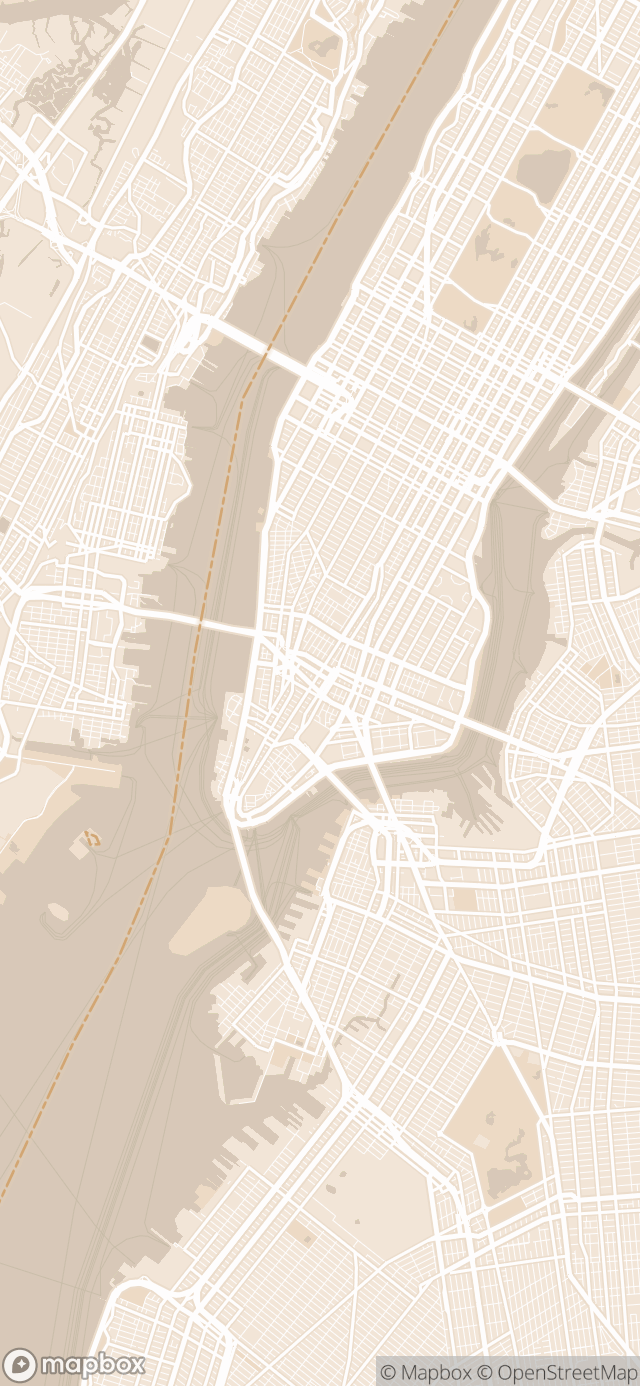
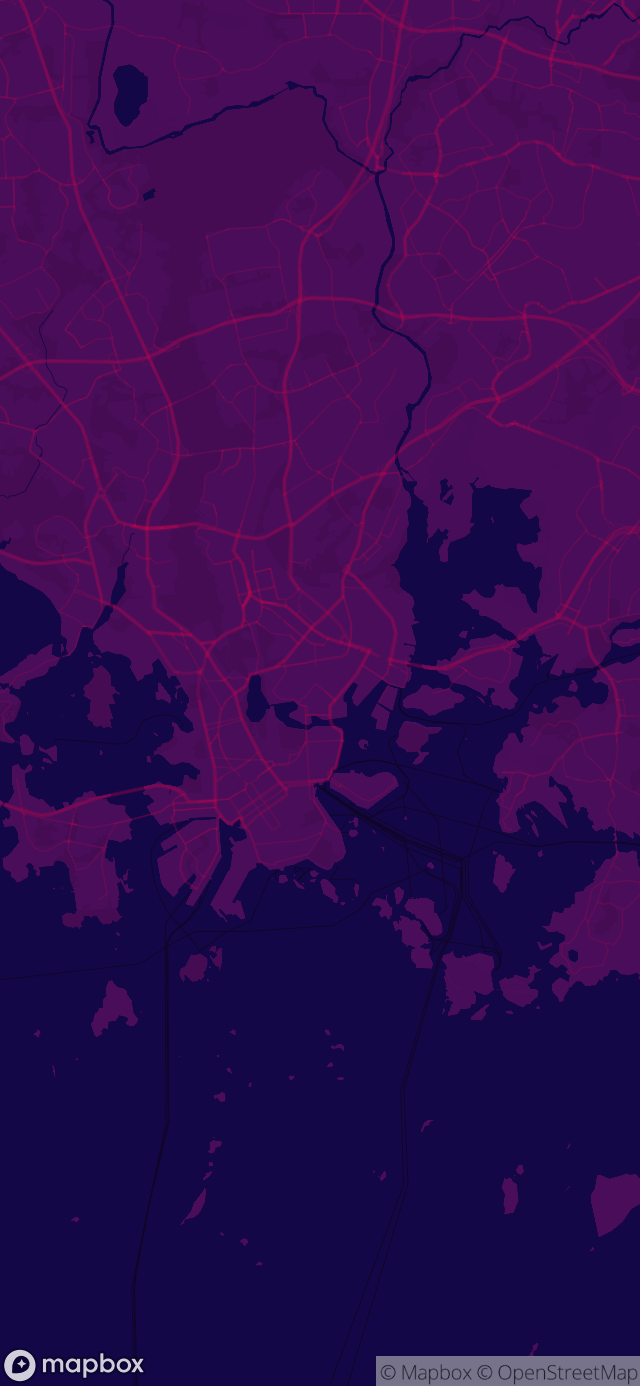
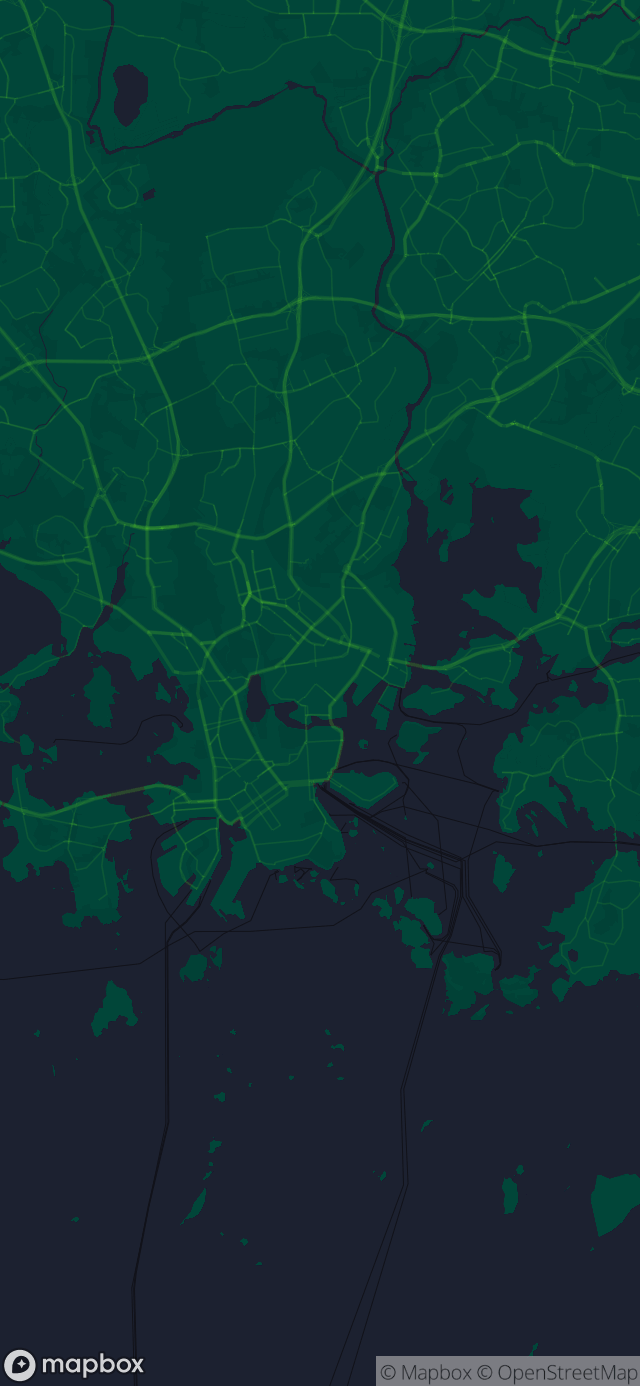
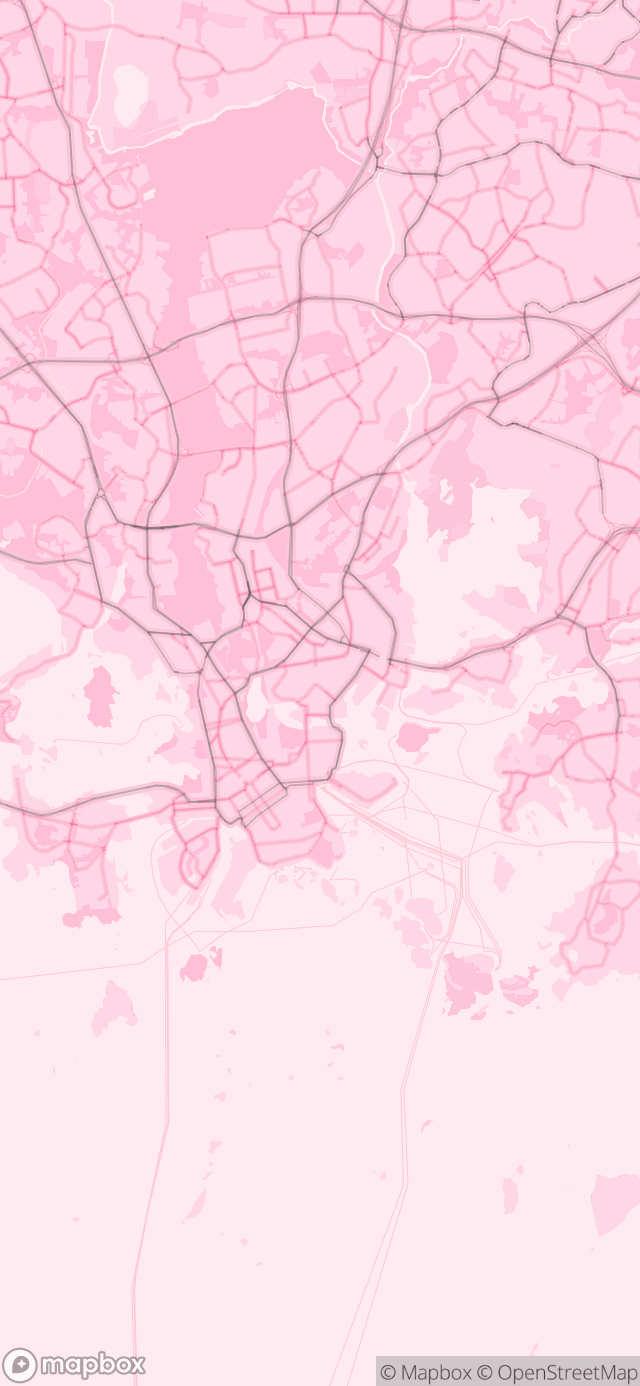
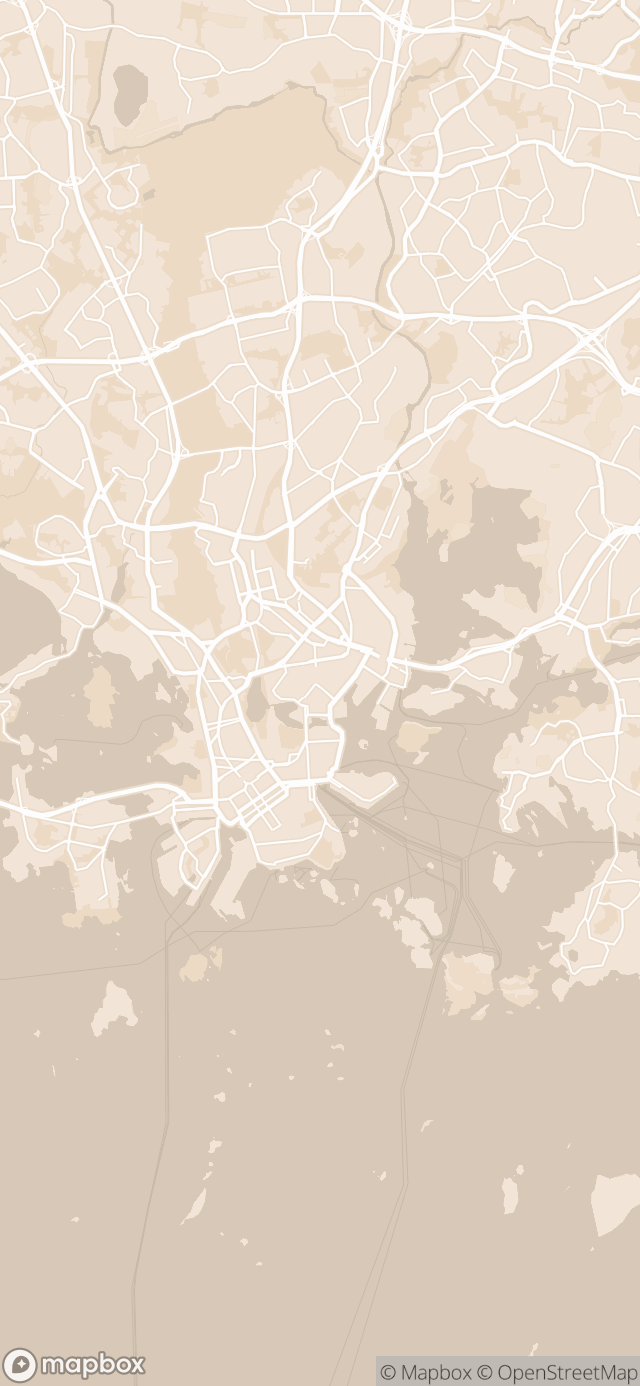
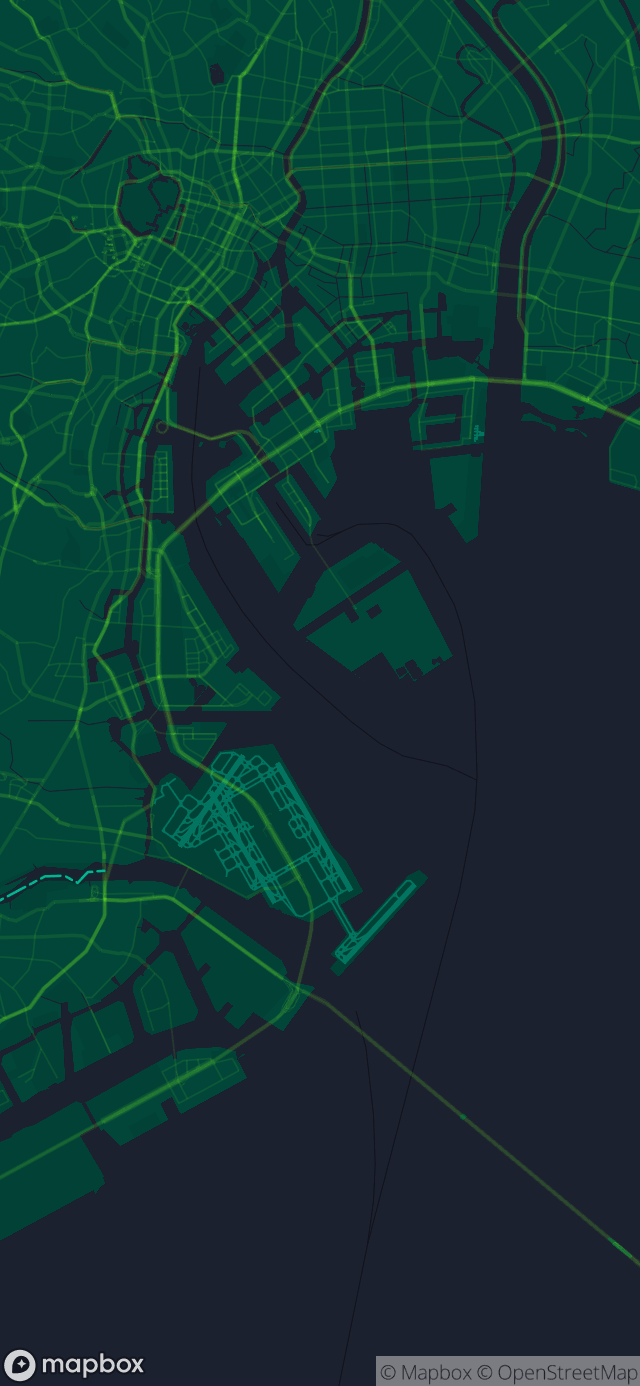
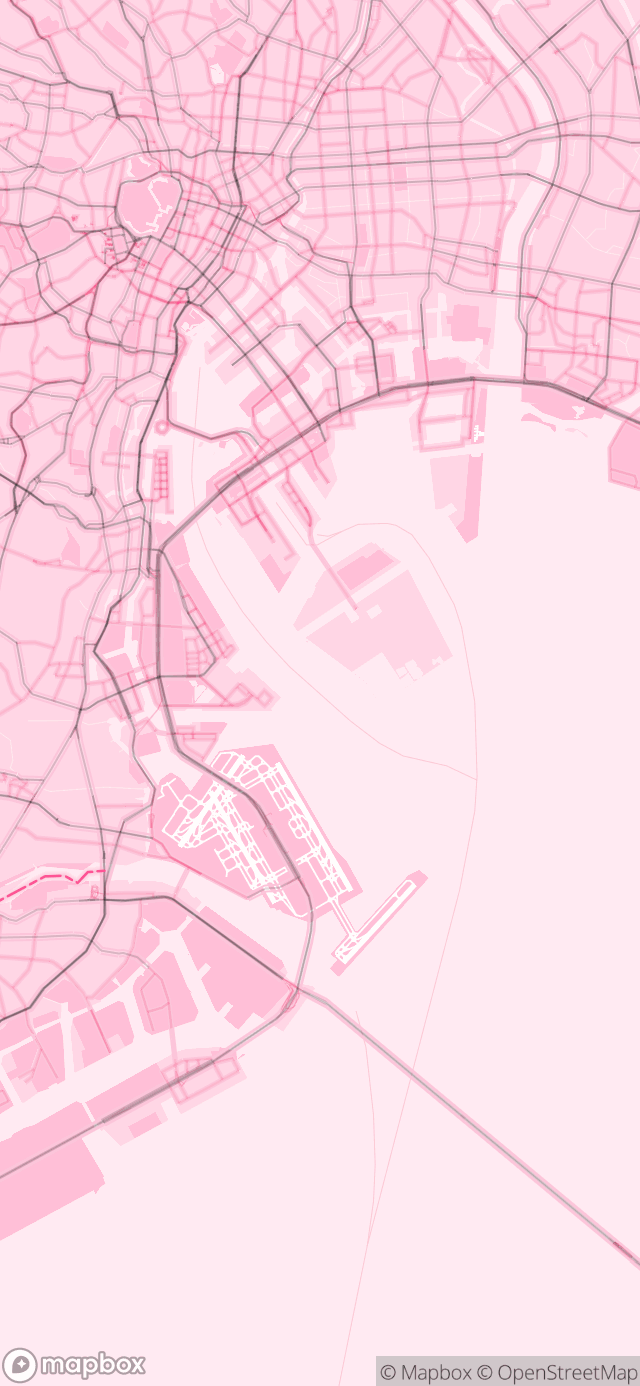
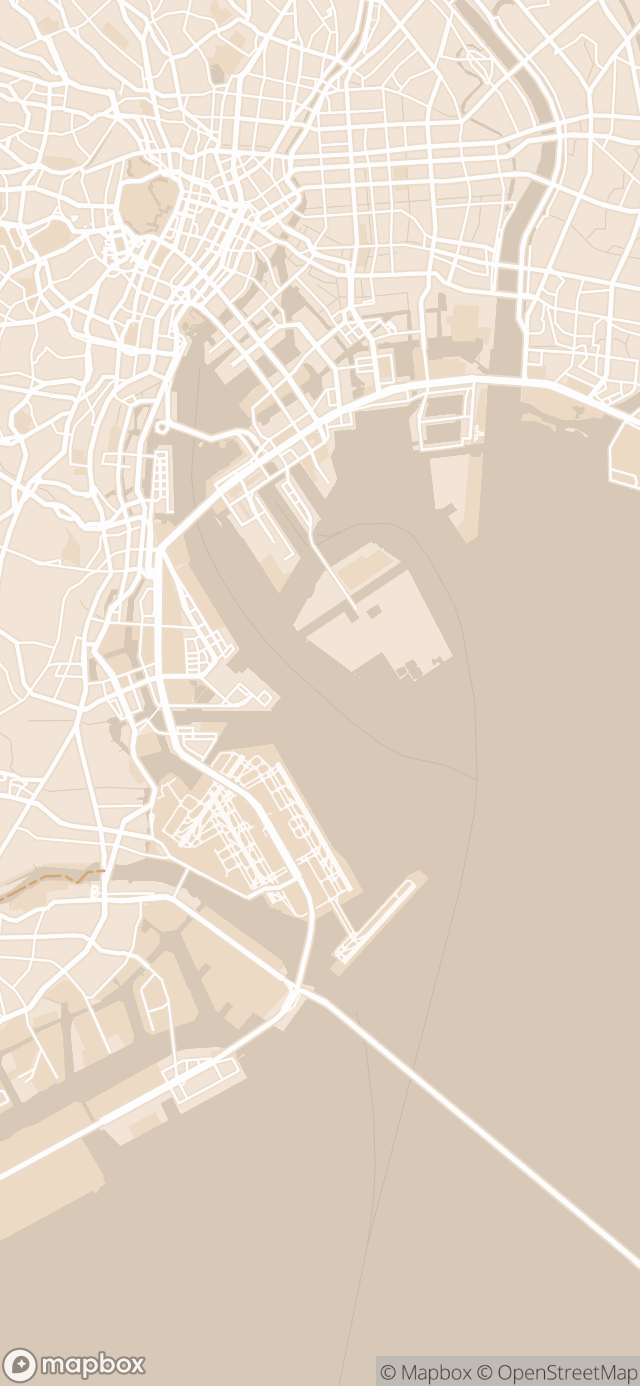
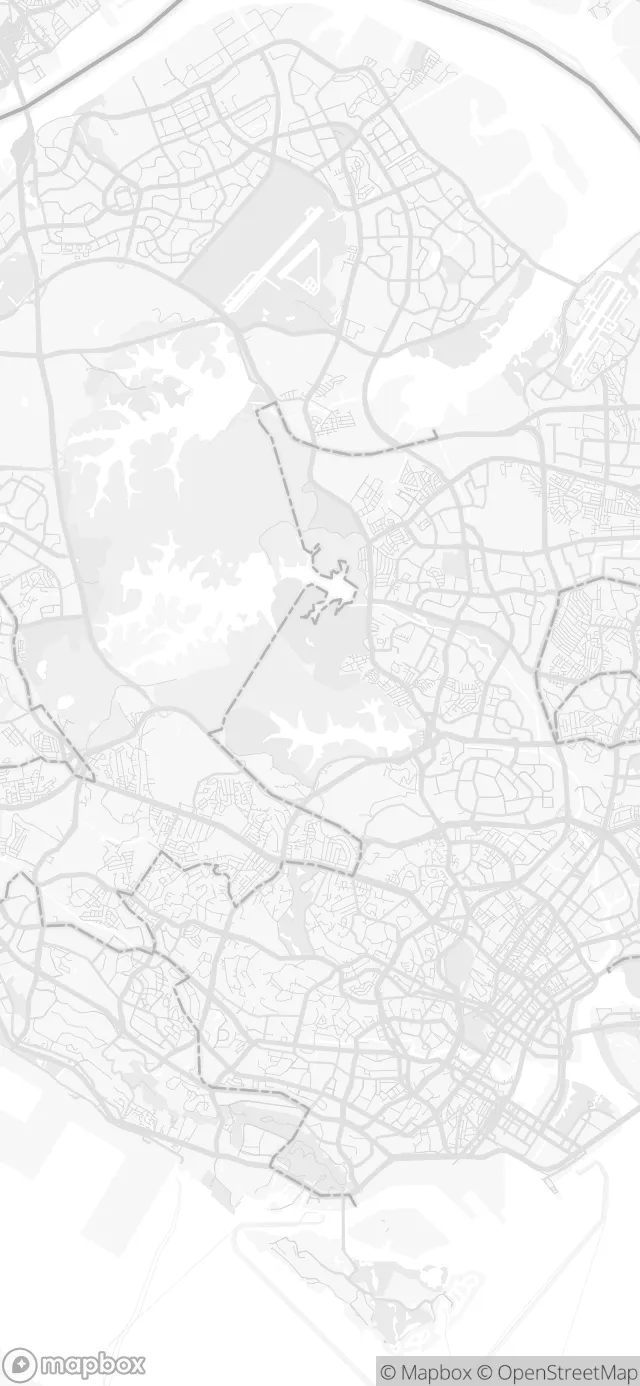
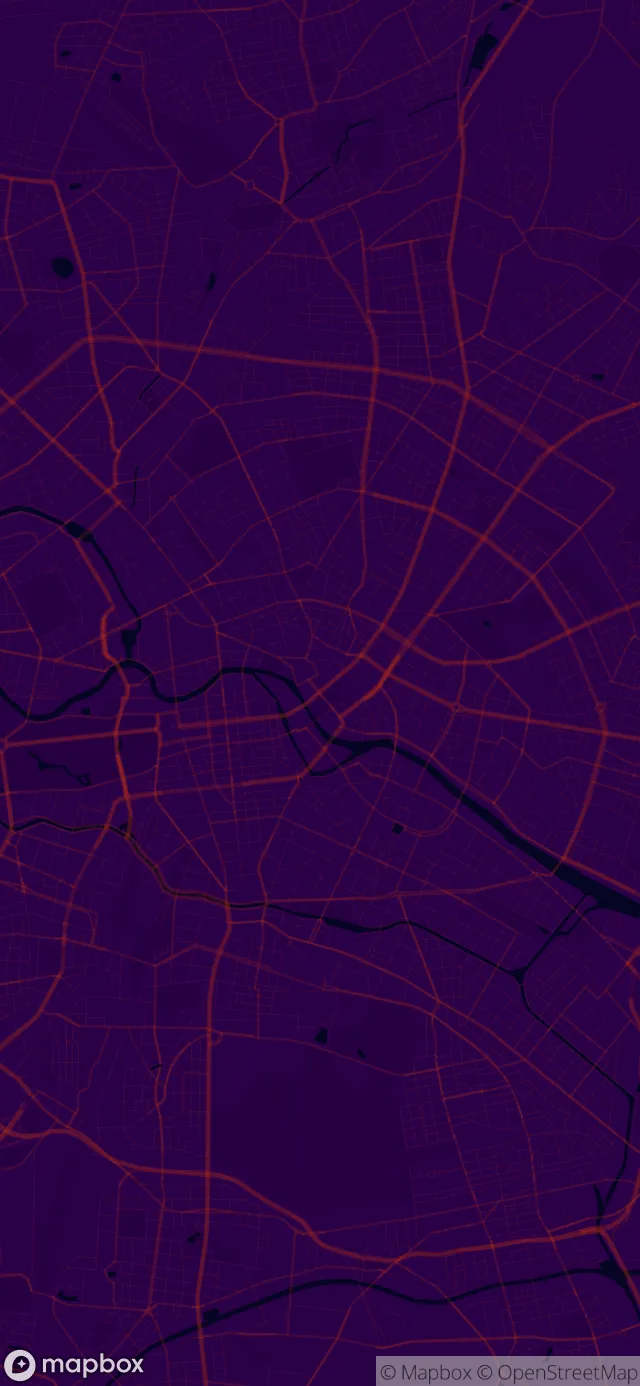
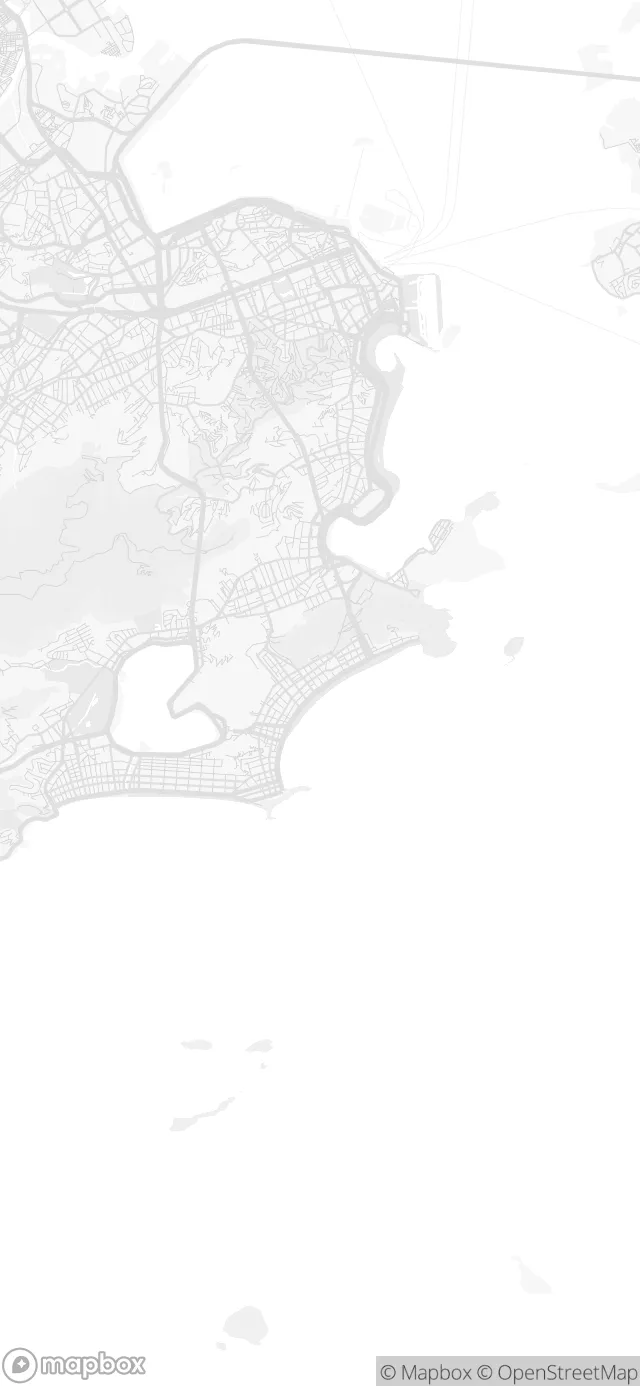
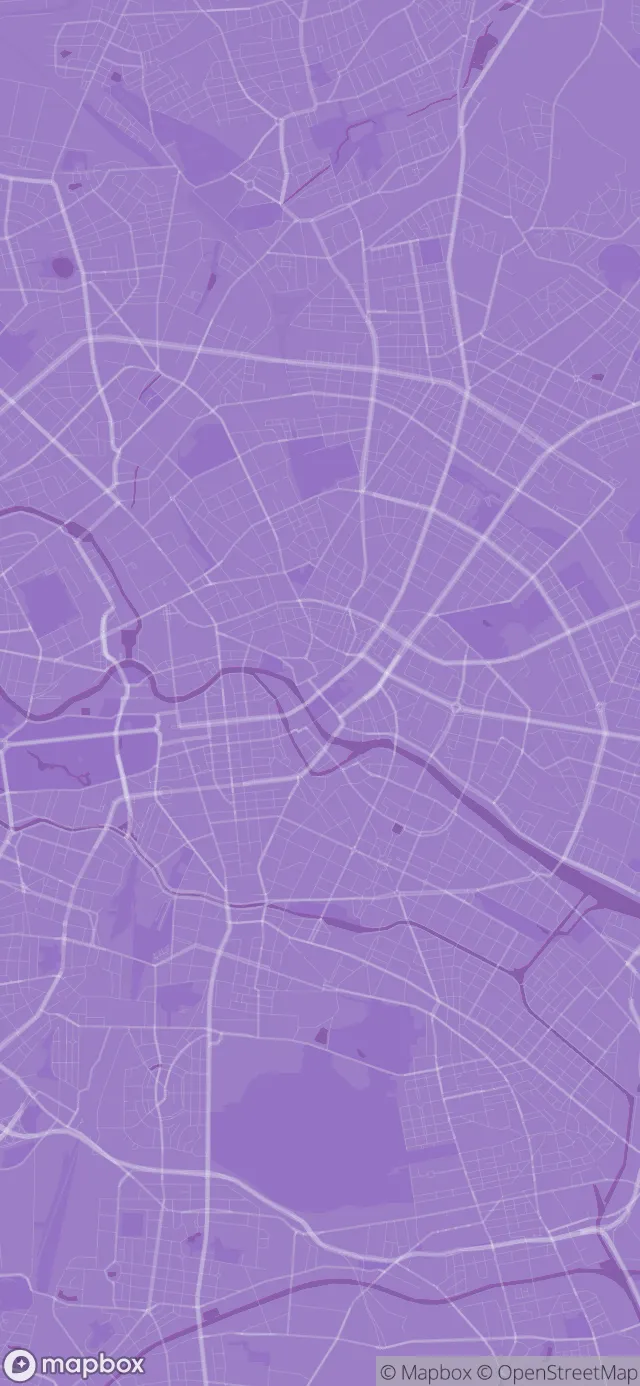
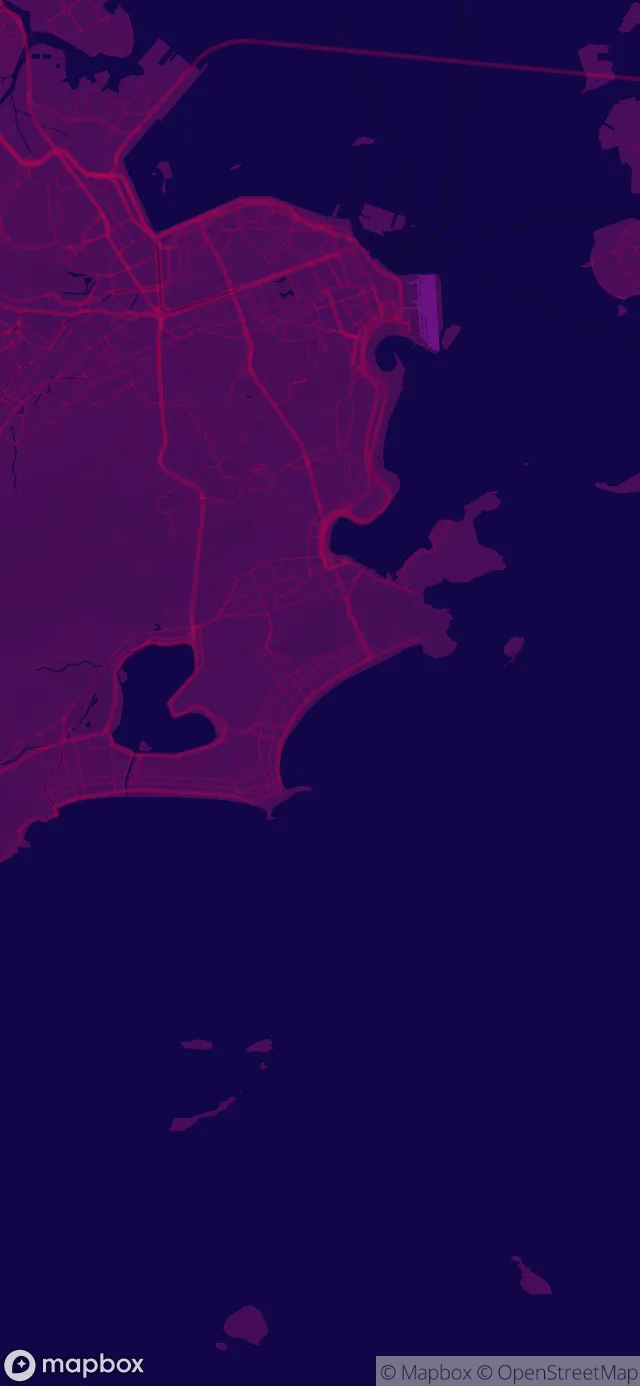
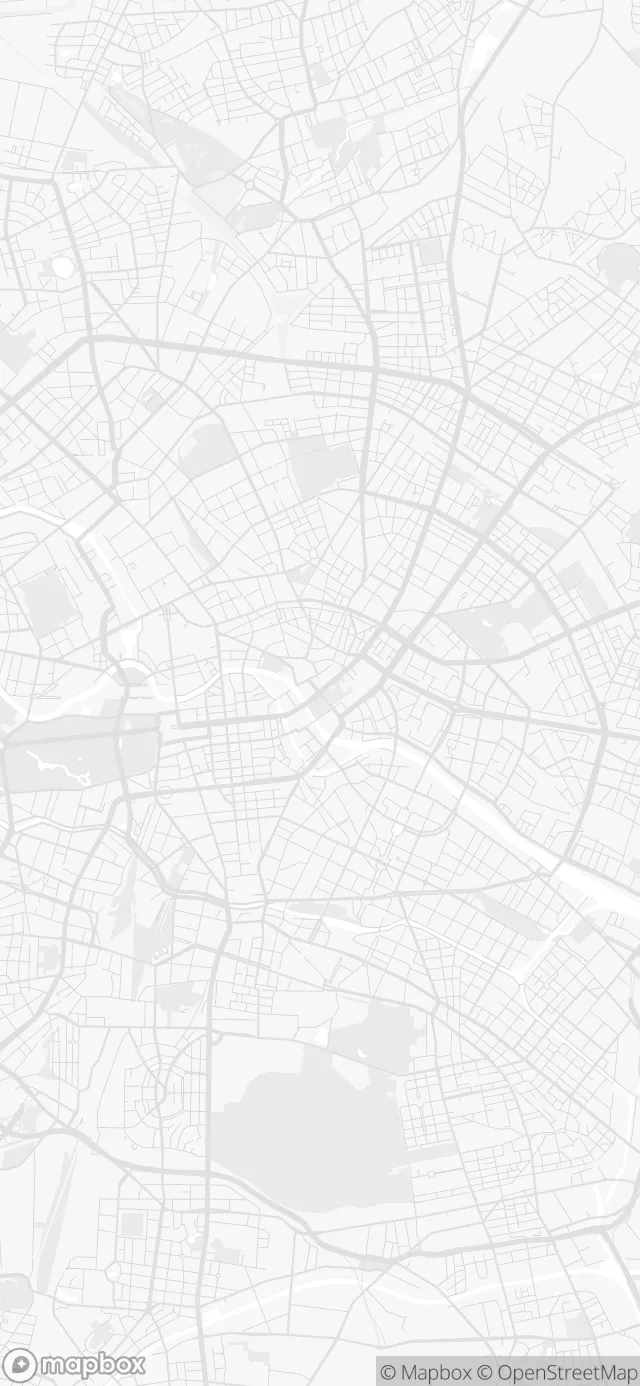
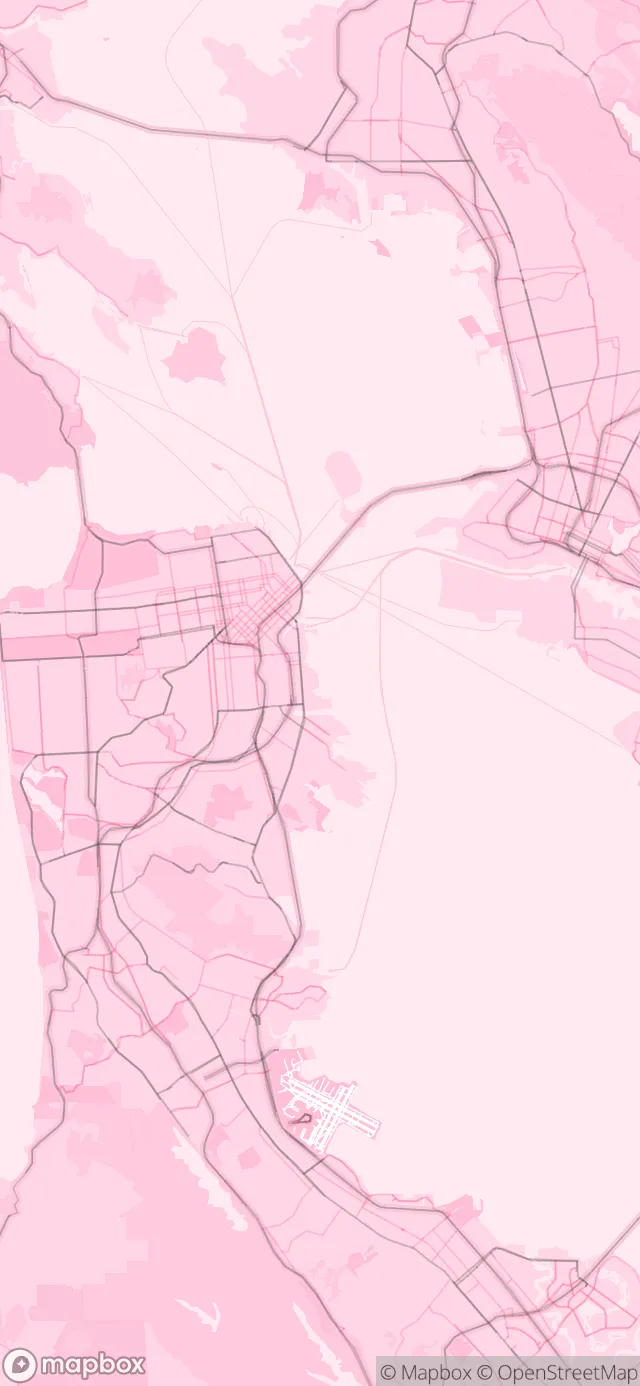
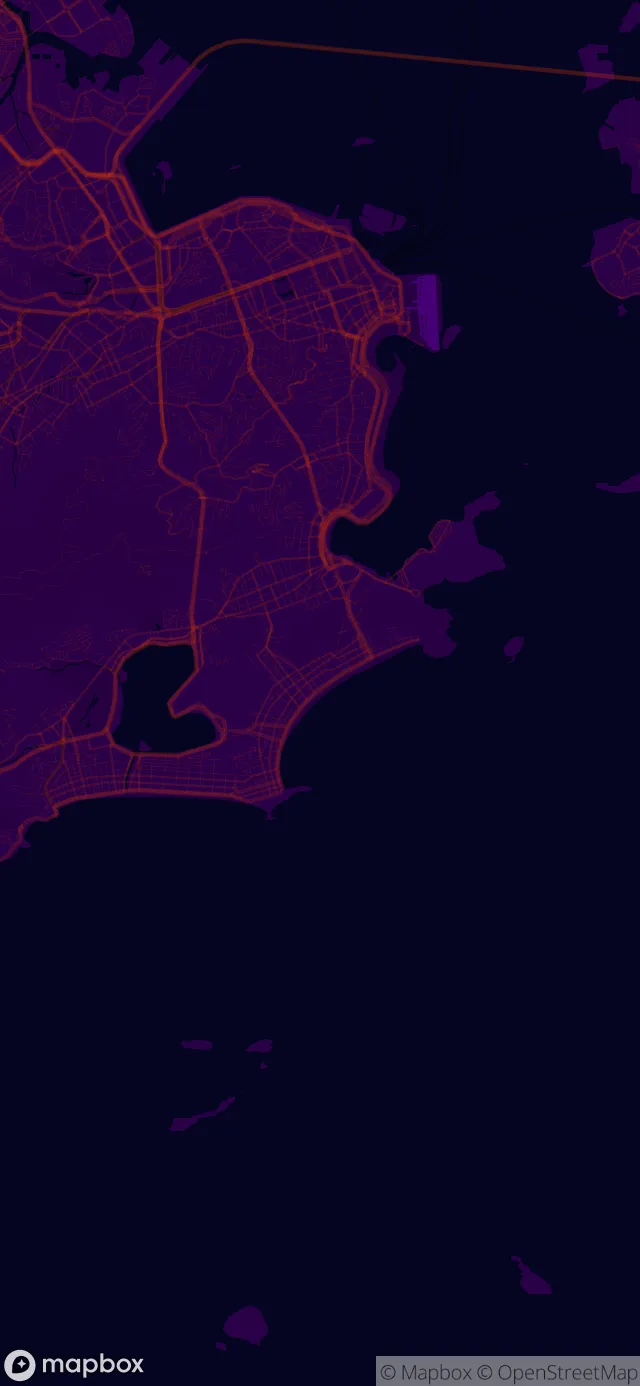
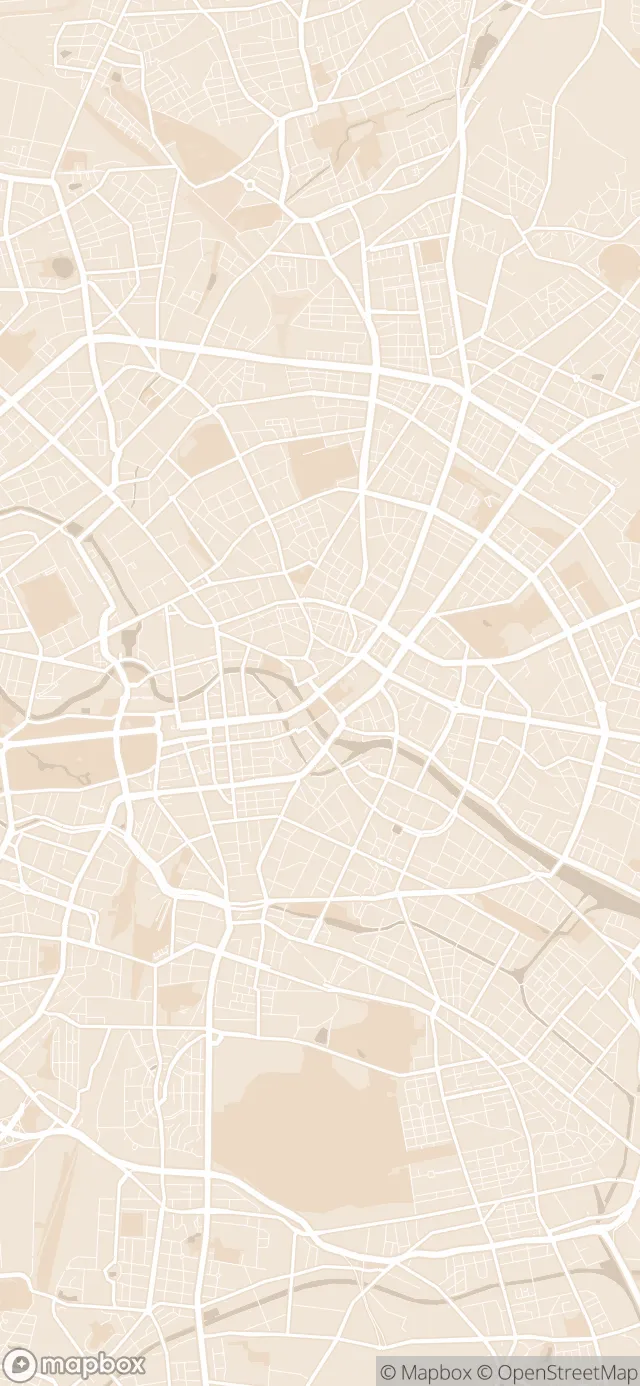
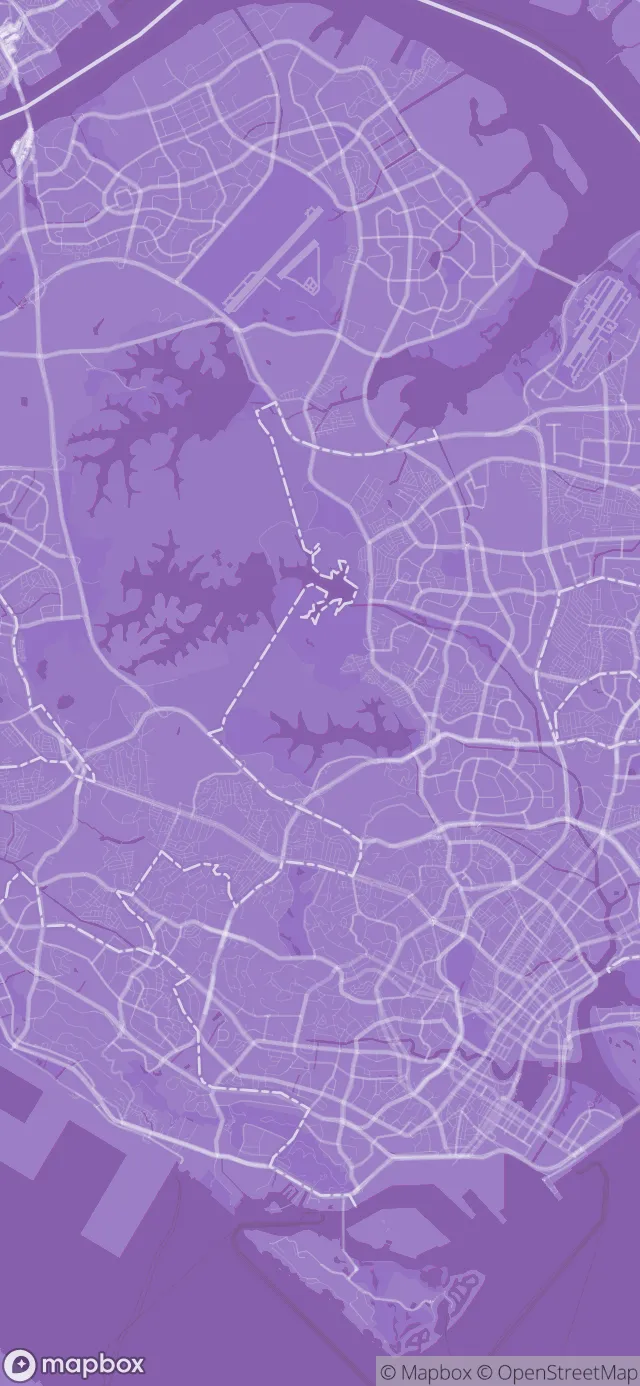
Any place, any style
Examples of map wallpapers you can make with WMap
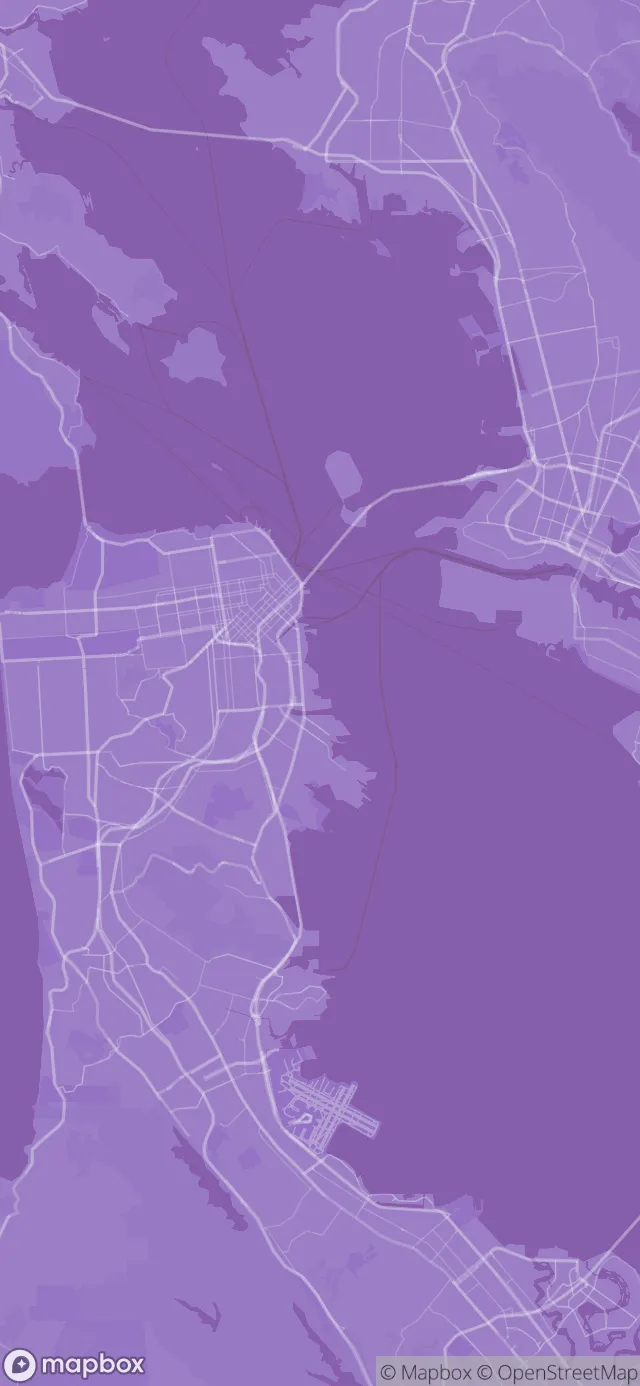
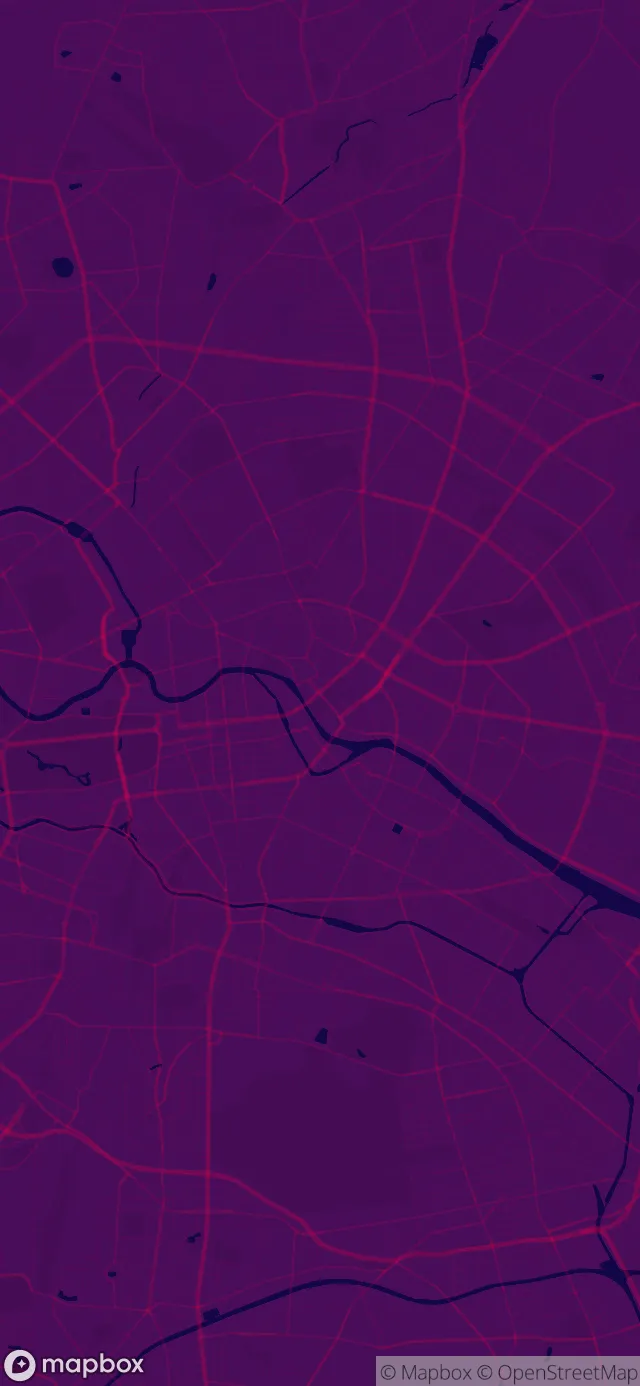
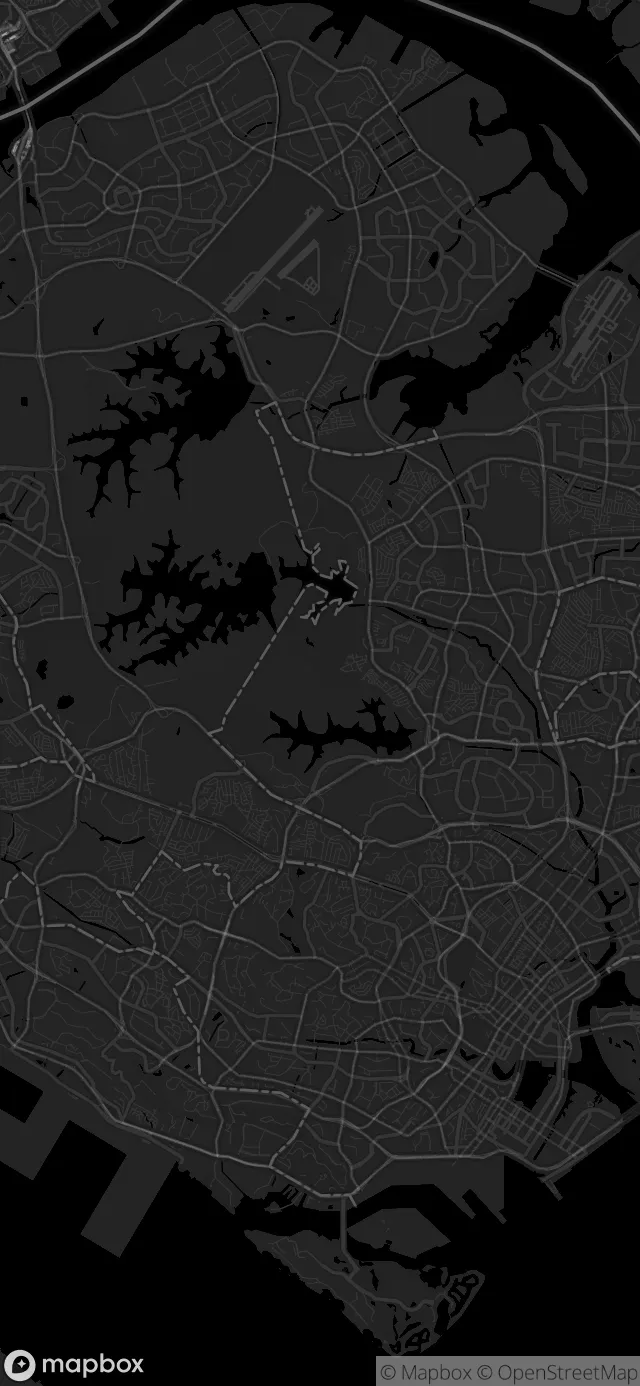
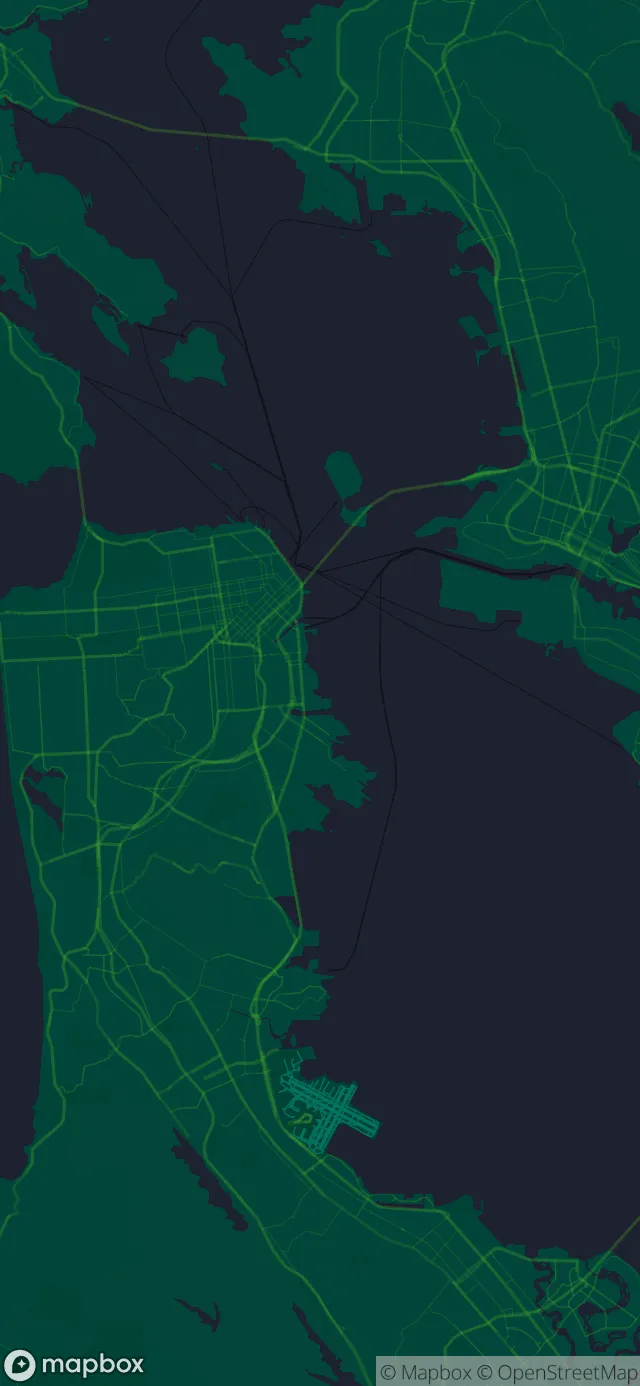
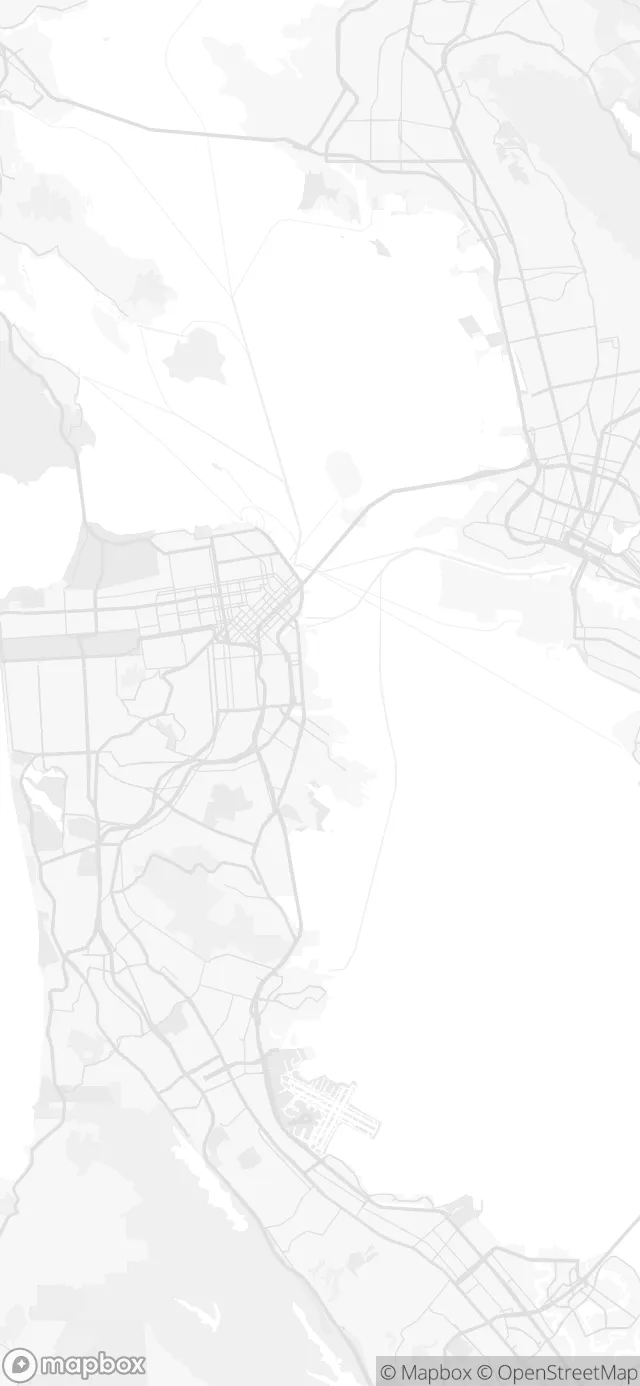
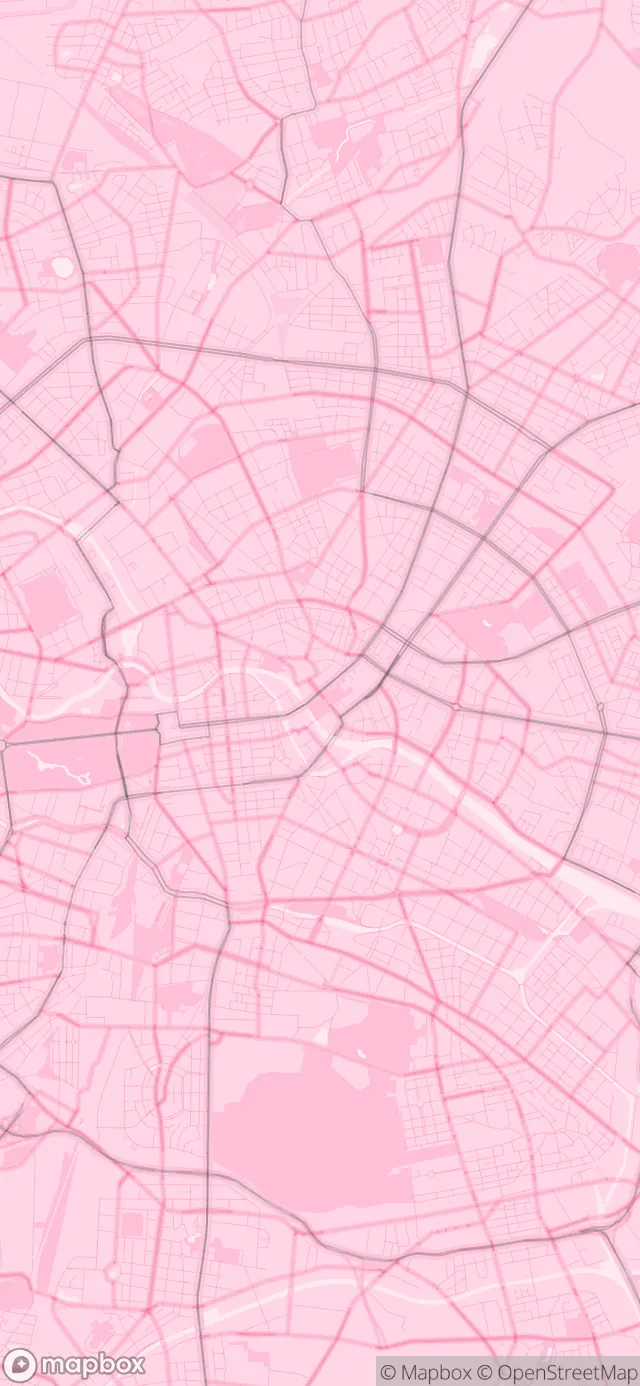
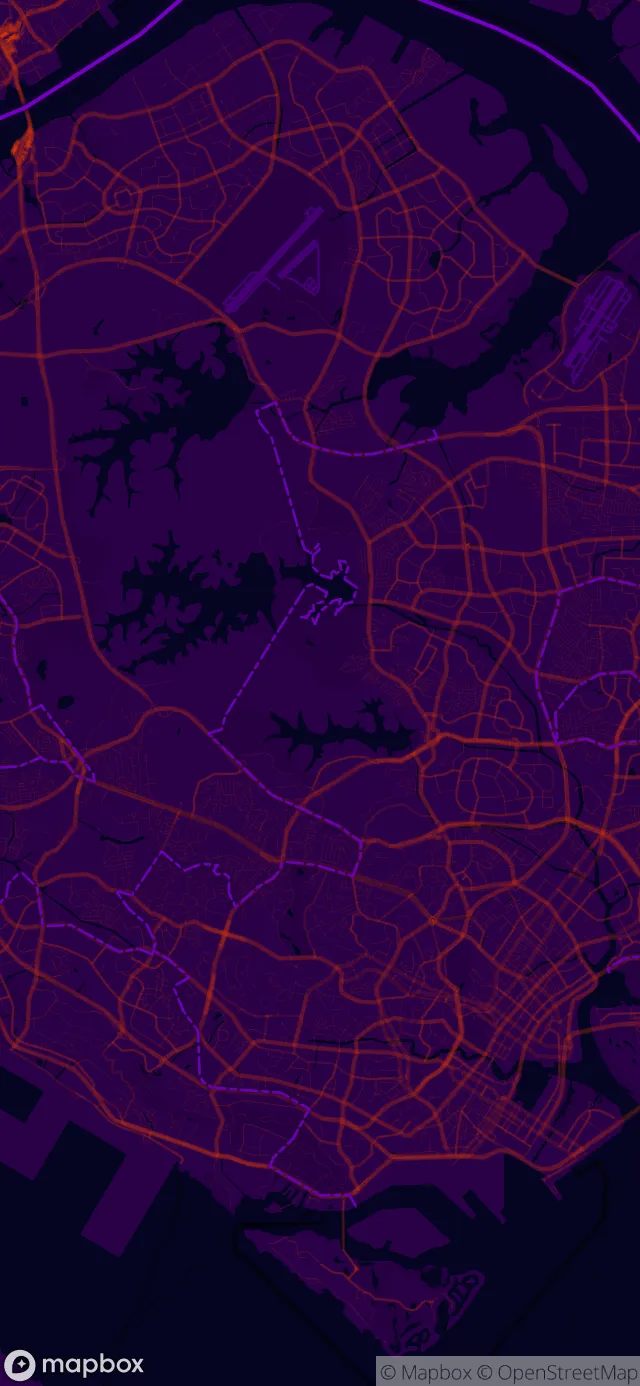
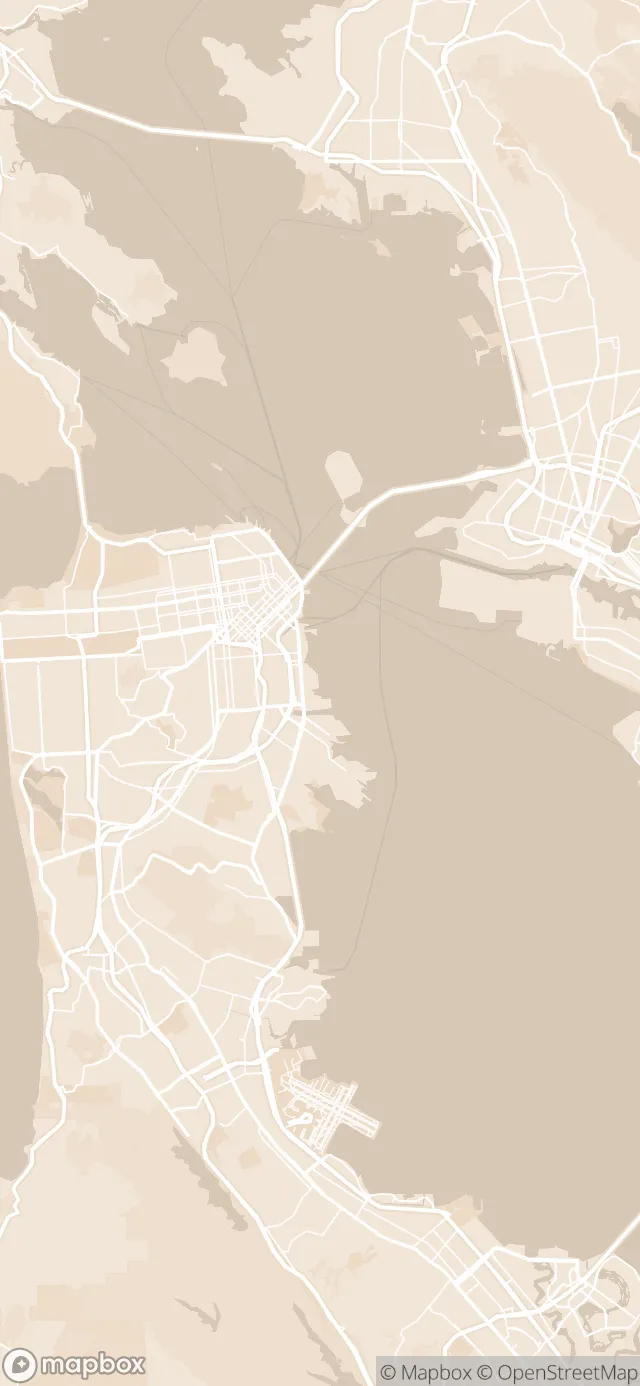
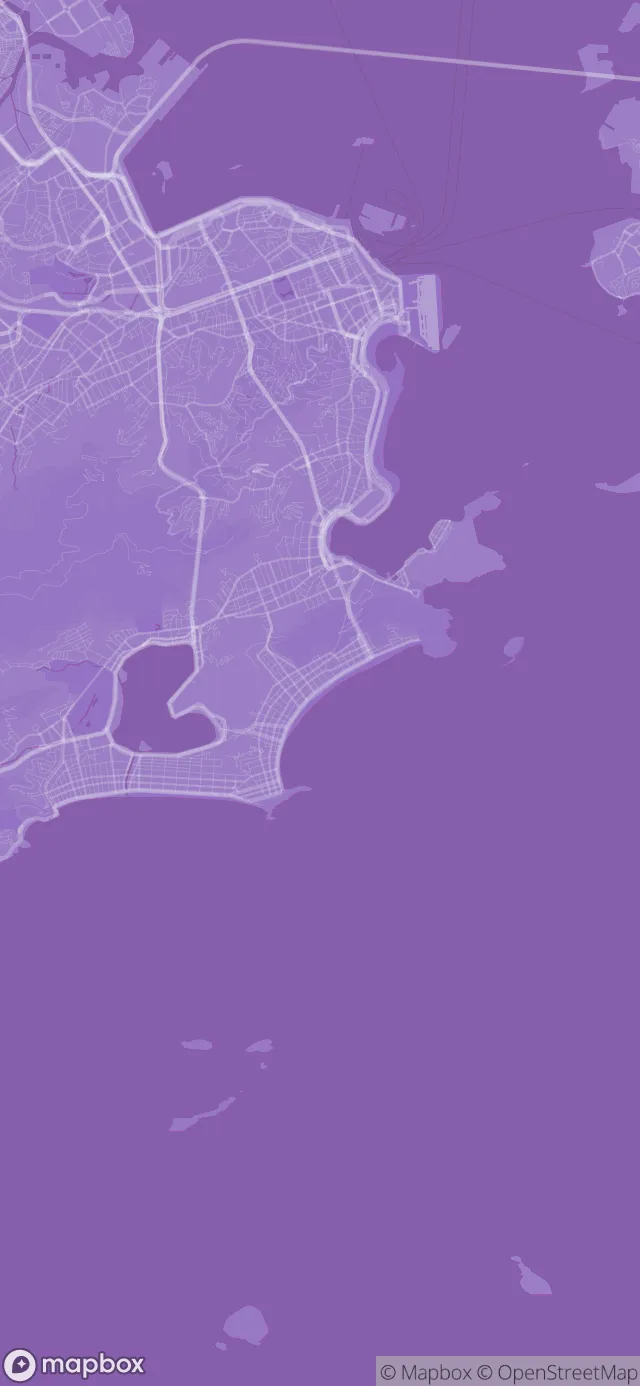
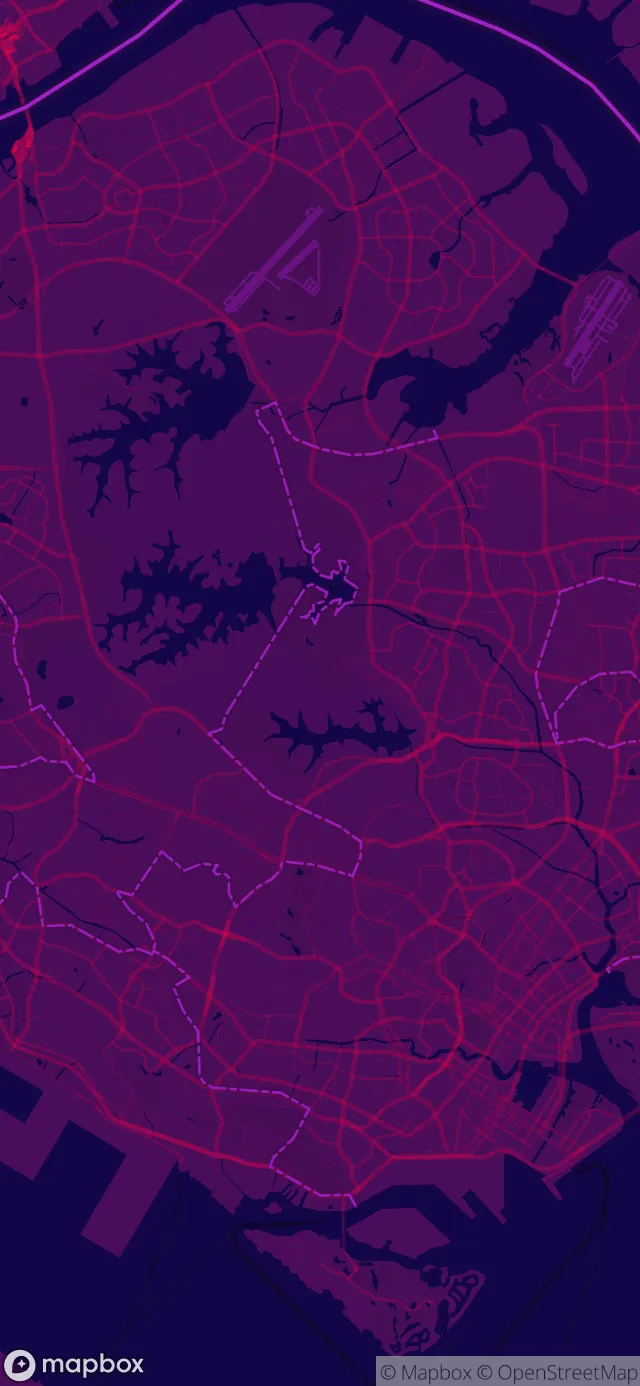
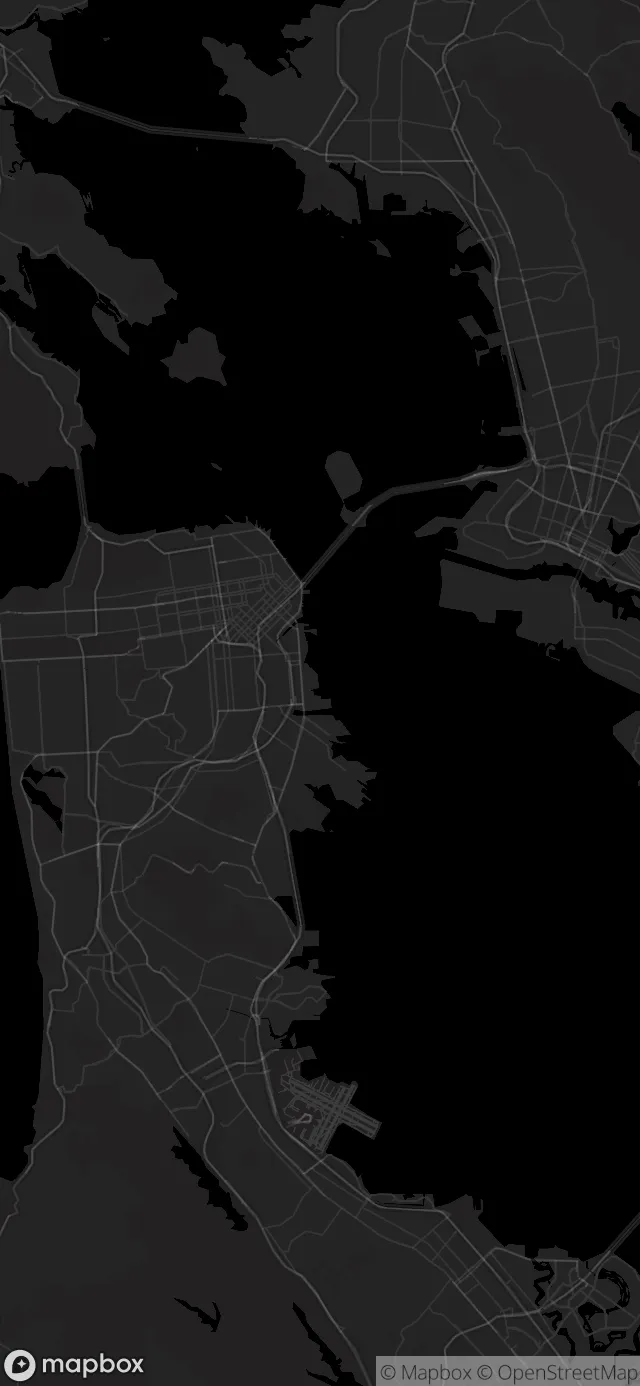
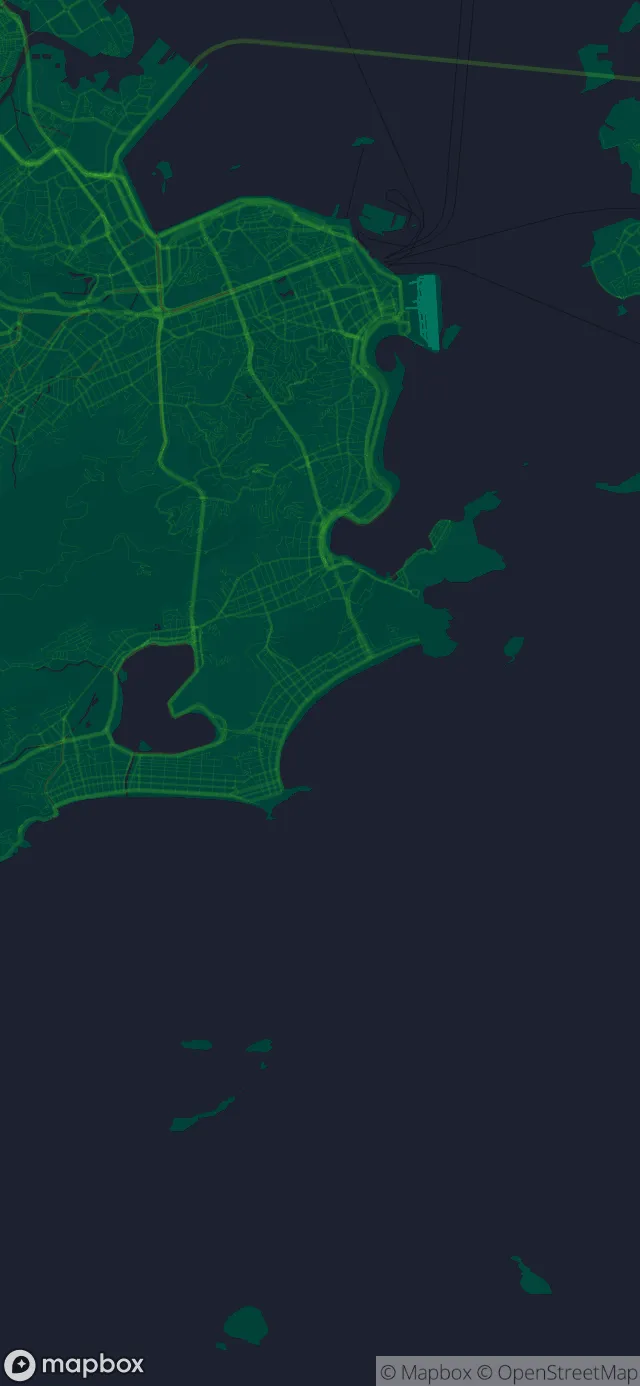
“Great, works better than paid apps.”
FAQs
Before you download
Is WMap free?
Yes. Choose any location and use the 10 Essential styles for free. One in-app purchase gives you access to 29 more styles.
Why is there a small logo on the wallpapers?
Each wallpaper includes a small Mapbox logo to credit the map data. The map data license requires it to stay.
How do I make a wallpaper?
Search for a location and choose a style. Set it as your Home screen, Lock screen or both in the Android app. On iOS, save it to Gallery and set it from Settings.
Will the wallpaper fit my screen?
WMap is available on iPhone, iPad and Android. The app sizes each wallpaper for your screen.
Where do the maps come from?
The maps use Mapbox and OpenStreetMap data. Full attribution details are in the app's About page.
“Very original idea, not like a lot of copy and paste apps.”
Create your map
Download for free
Choose any location and use the 10 Essential styles for free. One in-app purchase gives you access to 29 more styles.
More apps
You might also like