00 ▪ Professional
CAD Touch
Rebuilding a professional CAD application and bringing it to two mobile platforms.
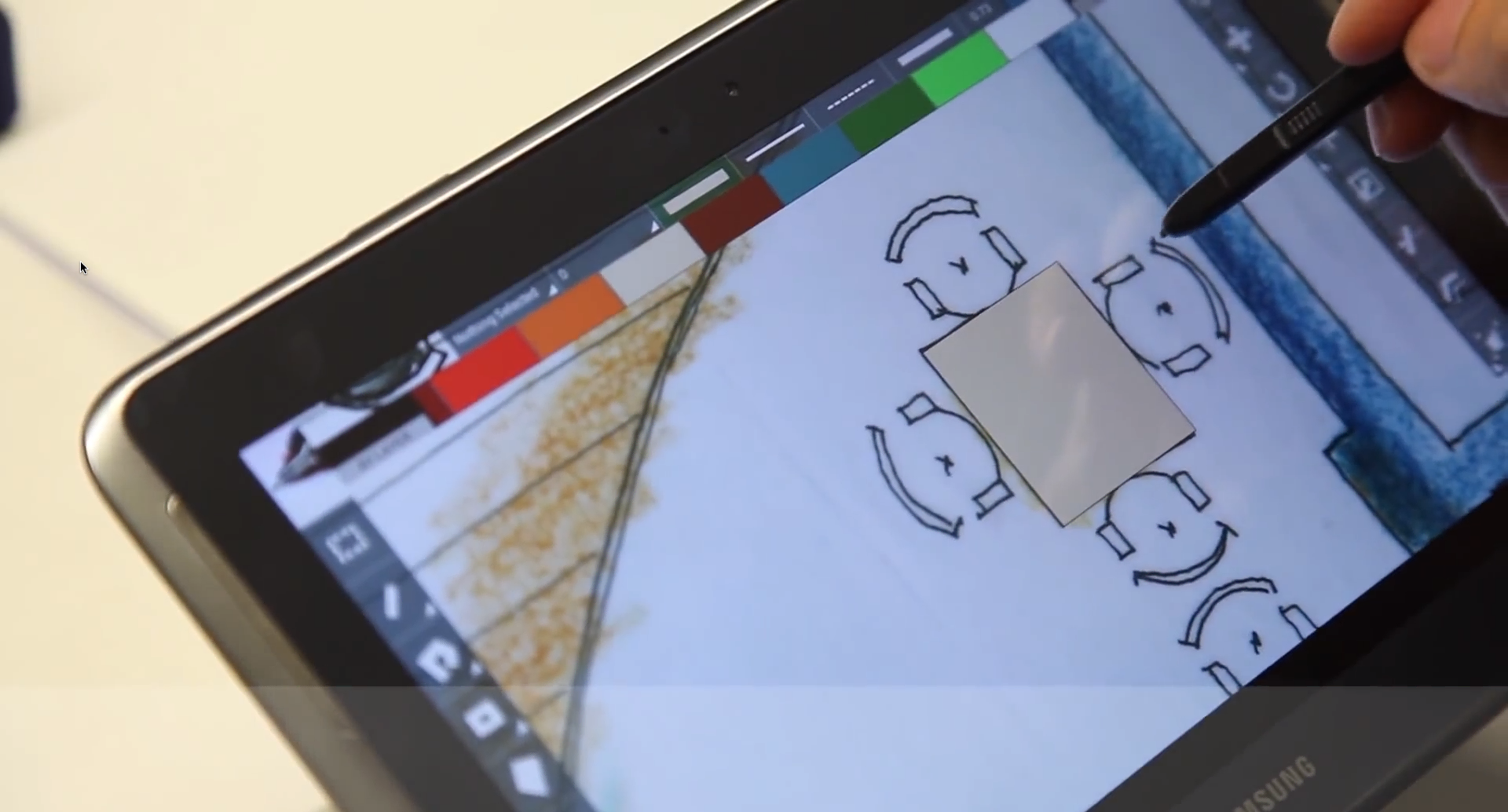
I joined CAD Touch when its iOS/iPad app needed a new foundation. I worked with its original creator to rewrite the app, update its interface, add features, and bring it to Android.
For about a year, I worked on product design, UI, and engineering, from sketching new workflows to building them in code.
01
A new foundation
The new app used the existing C++ CAD layer for drawing and rendering. I rebuilt the app UI on top of it, using Objective-C for iOS/iPad and Java for Android.
The iOS version was an update to the existing app. Android was released as a new product.
02
Rethinking the workspace
The original app opened to a blank drawing. Users opened existing drawings from the menu.
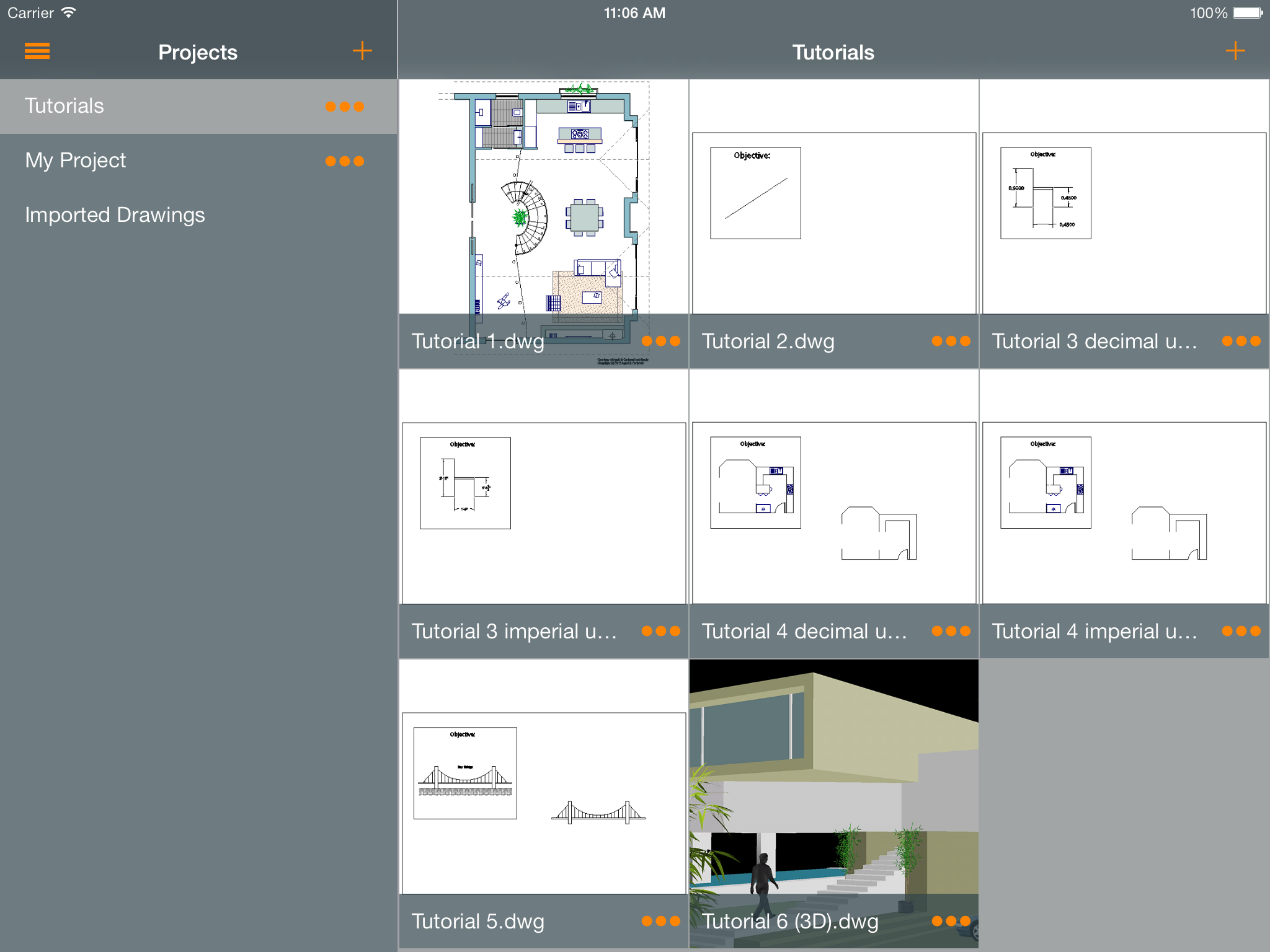
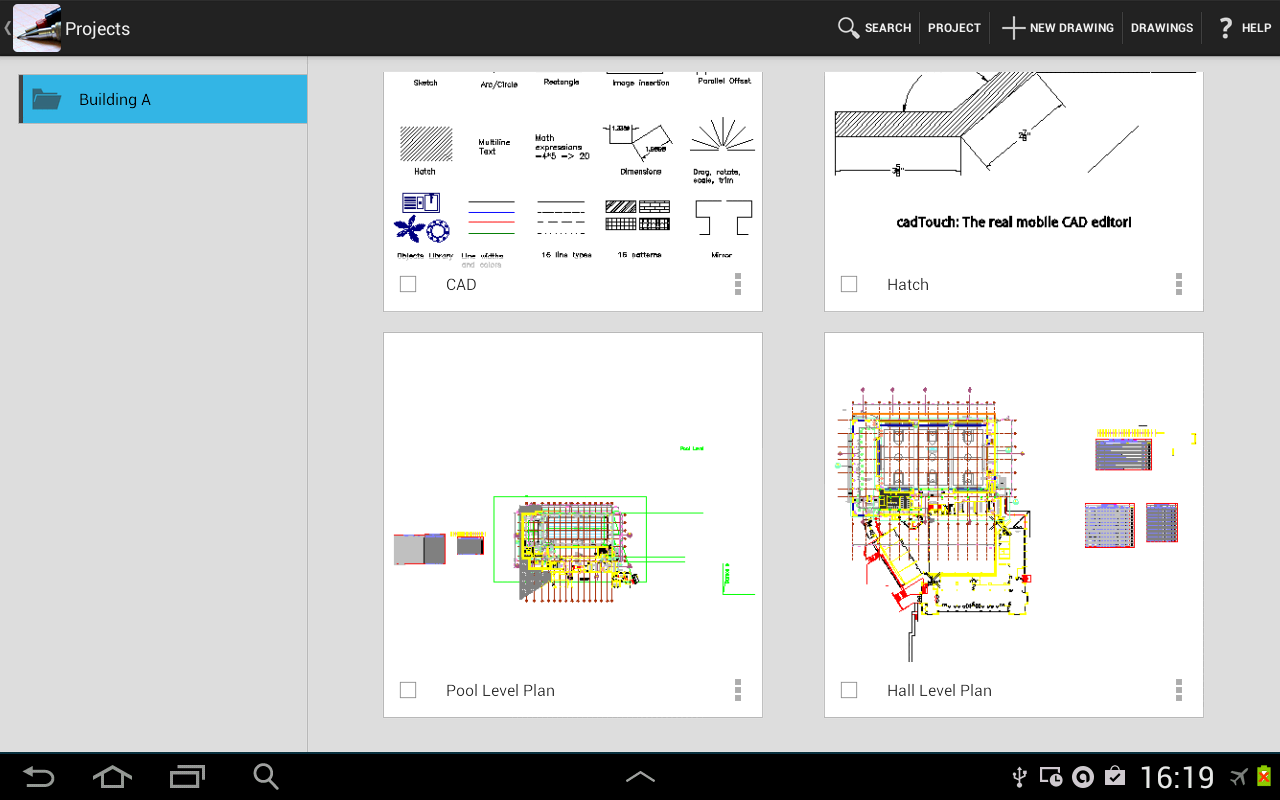
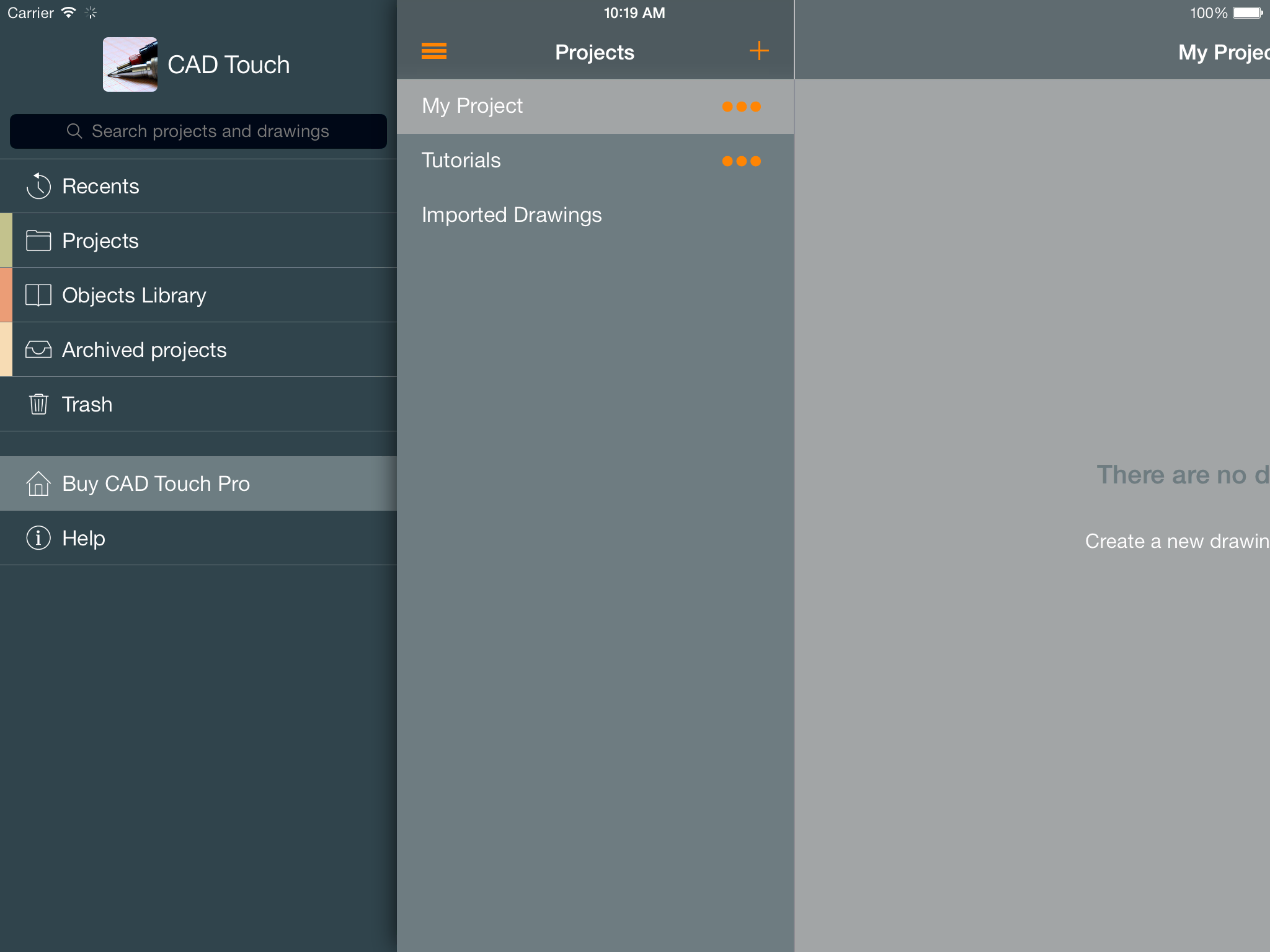
In the new version, the app opened to a file manager. Users could browse folders, open drawings, or create new ones.
I researched mobile and desktop file-management patterns, sketched flows and screens, and discussed options with the team. We refined the design together, and I then built it myself.
The file manager had nested folders and actions to rename, move, and trash files and folders. Users moved between folders through a stack of folder views.
03
Designing the drawing
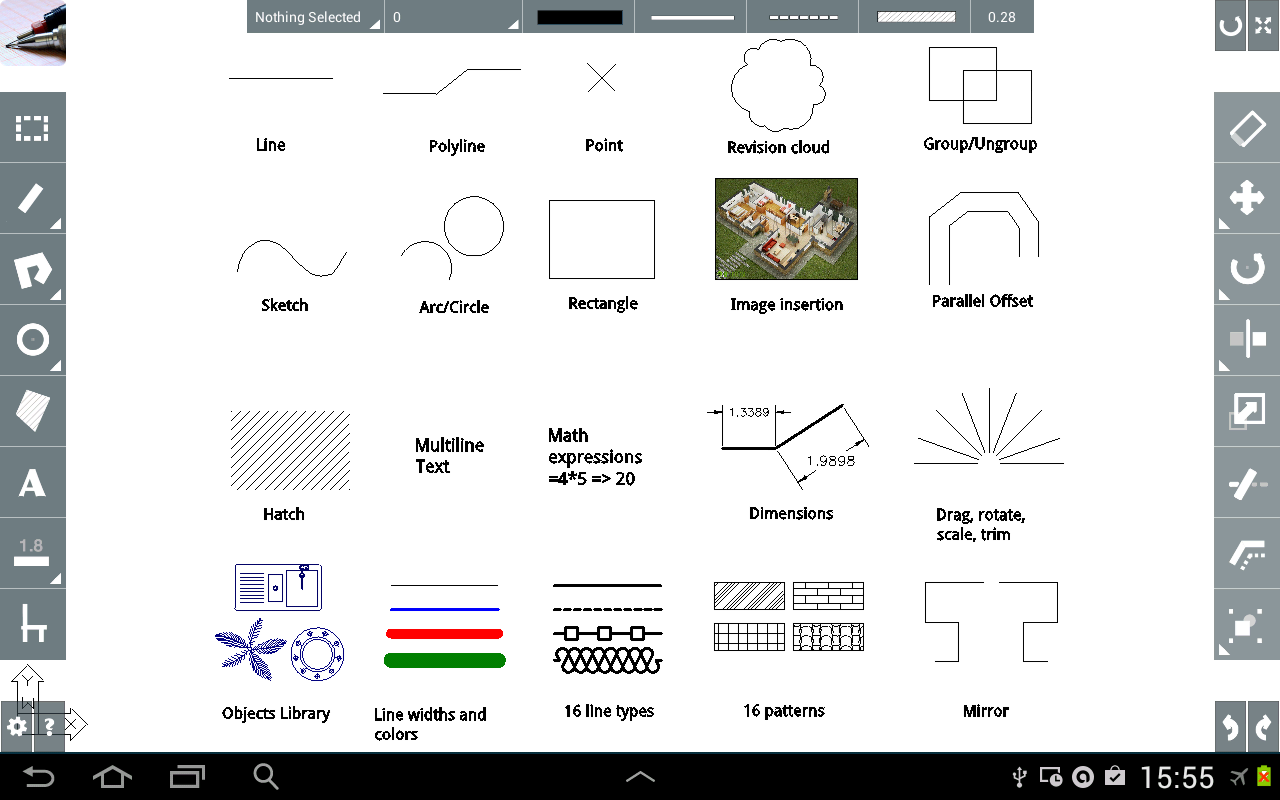
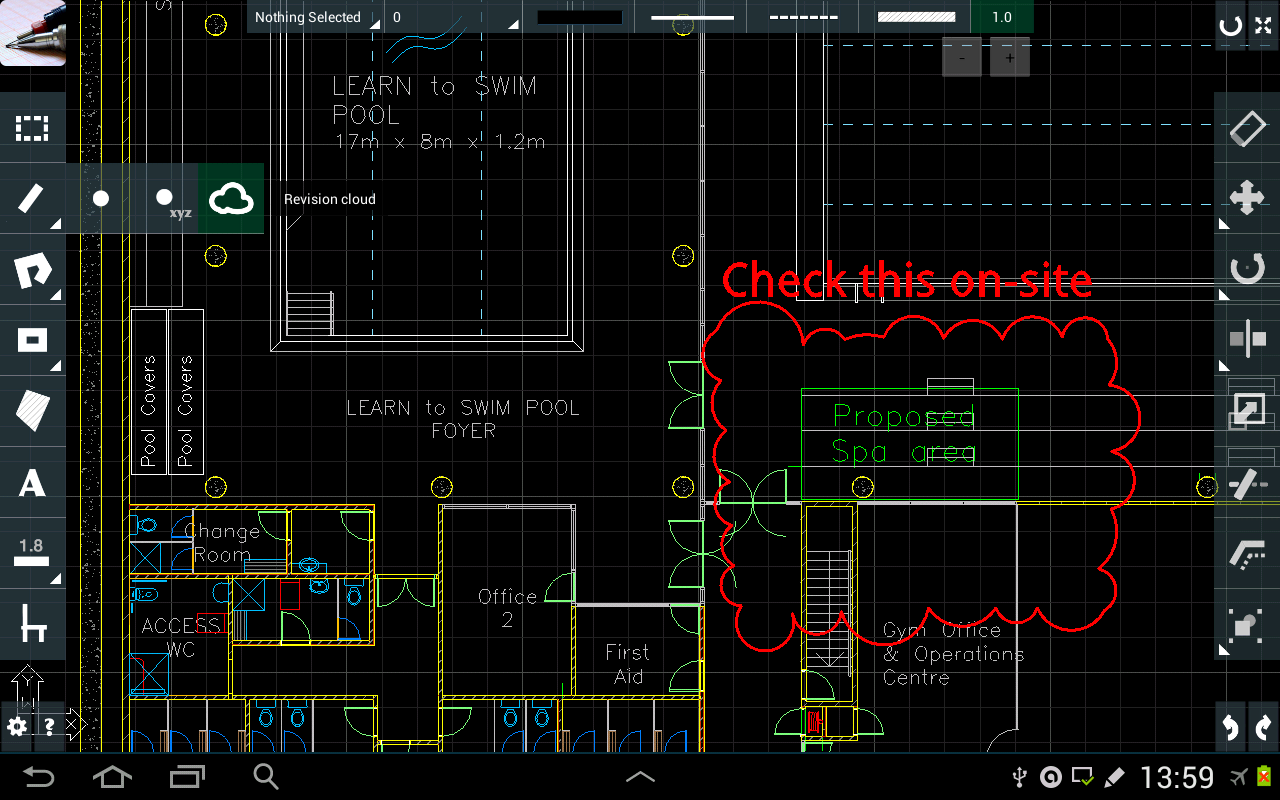
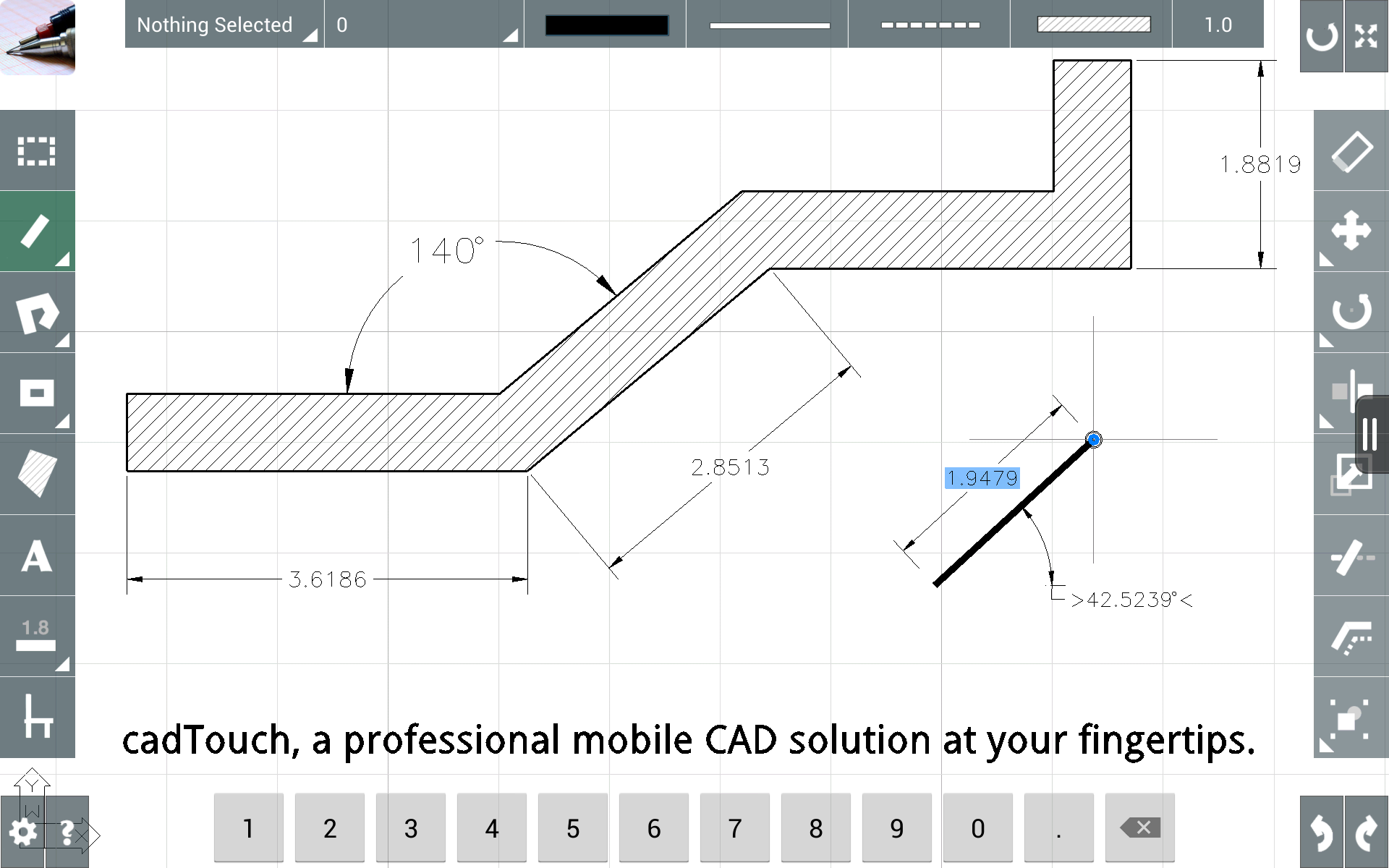
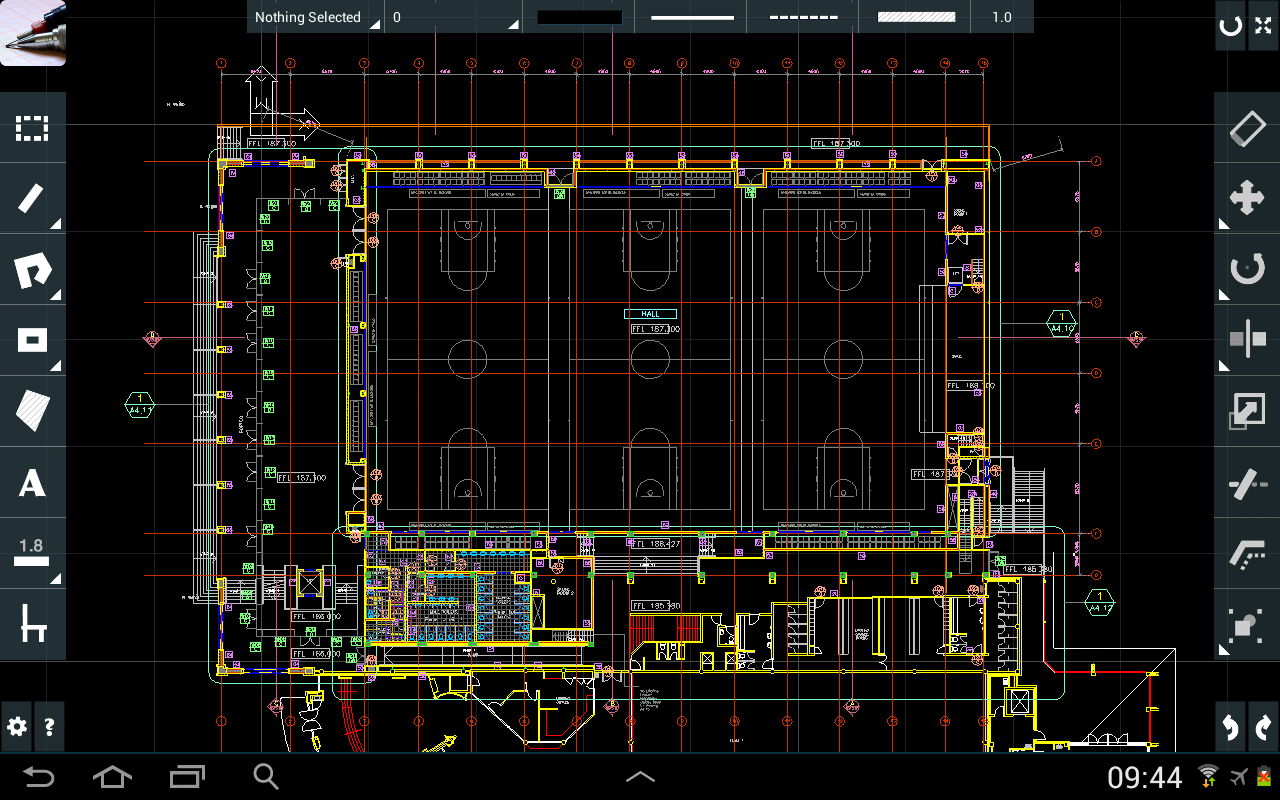
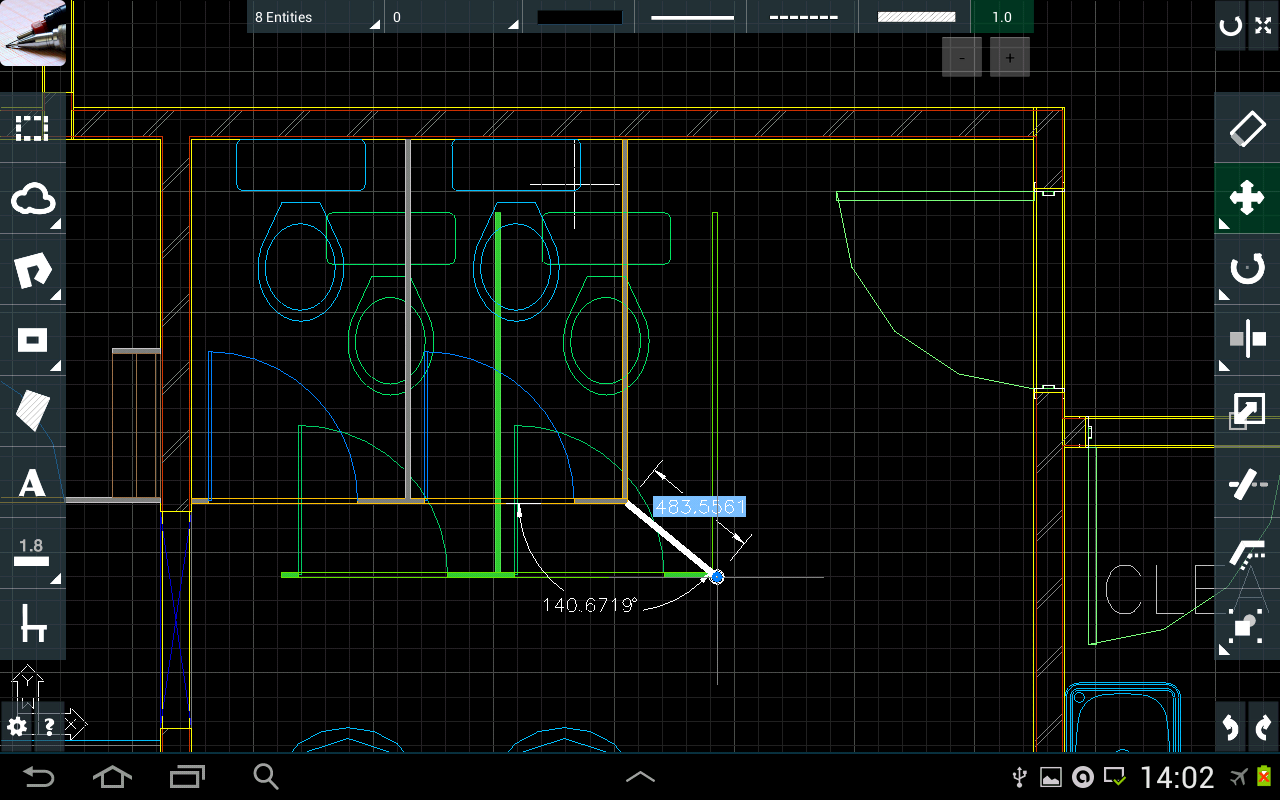
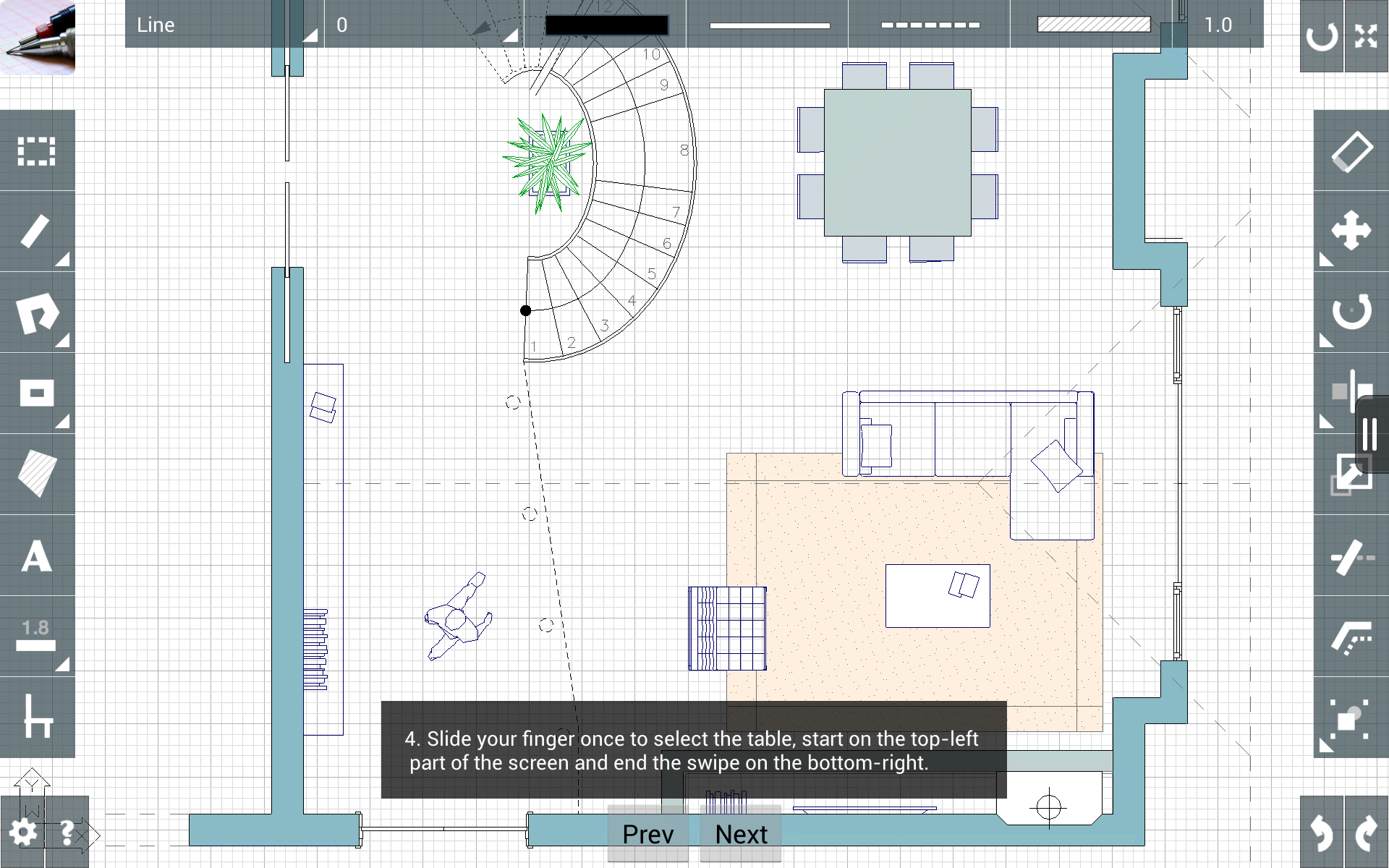
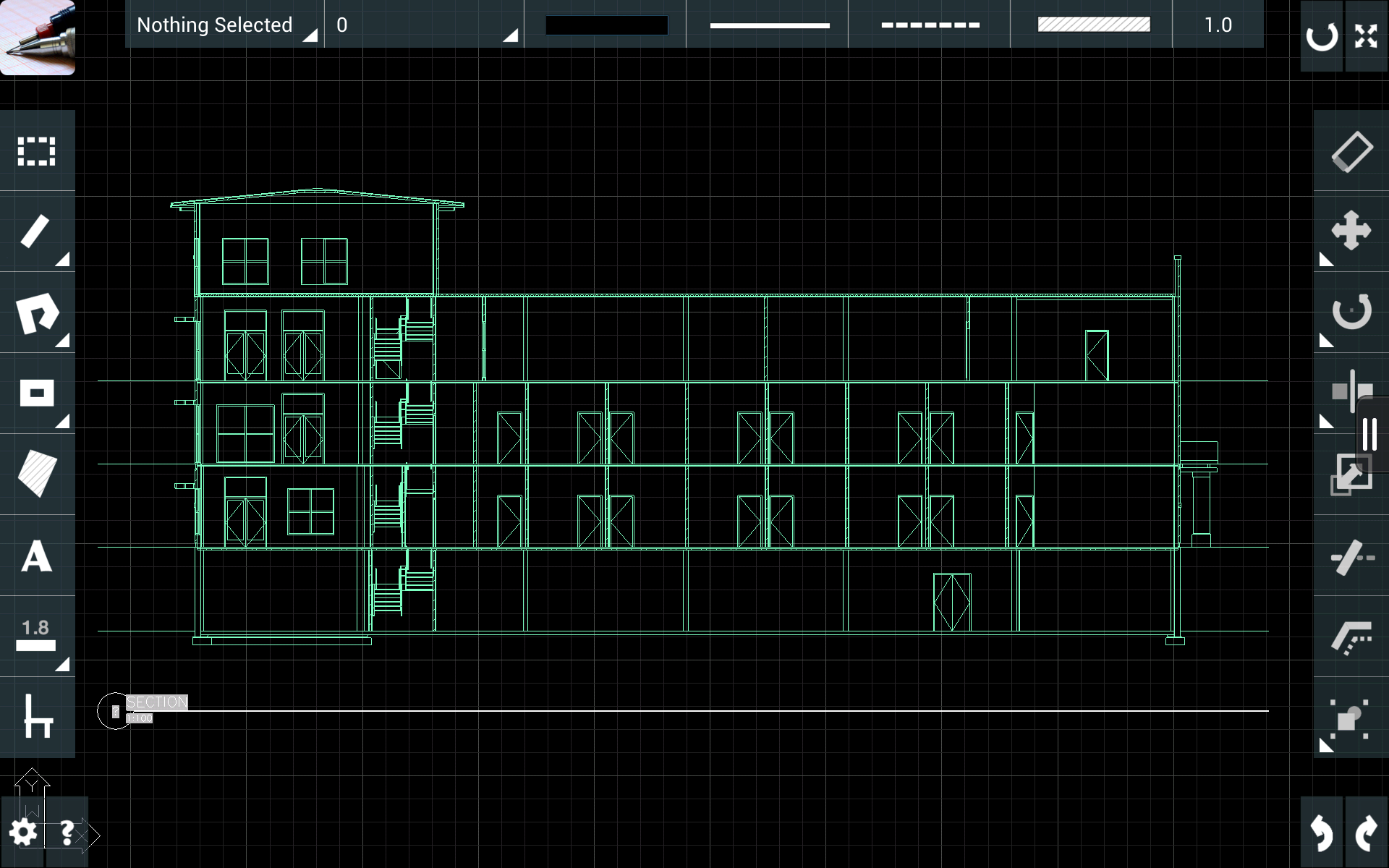
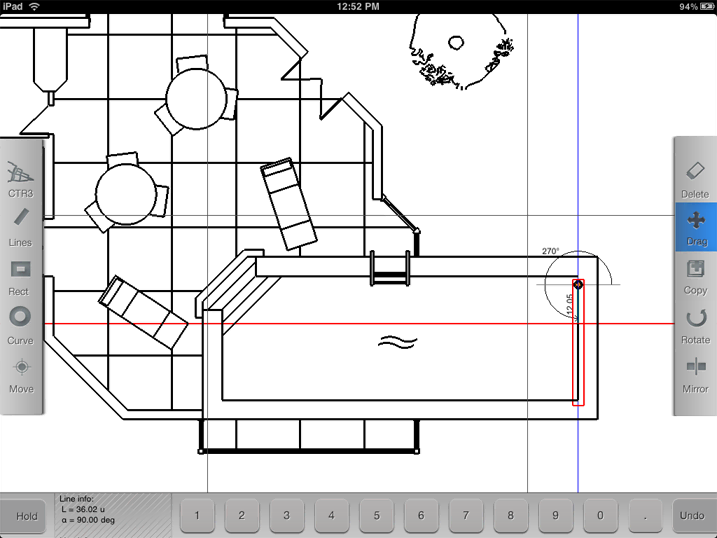
Along with the new workspace, I rewrote the drawing UI, including the toolbars and the overall look.
We updated the older, simpler interface with new colours, transparency, and visual hierarchy. We kept the existing CAD interactions that already worked well.
04
Bringing objects into the drawing
We added an object library so users could add ready-made elements instead of drawing everything themselves.
The library opened from the drawing toolbar as a panel over the canvas. It grouped objects into categories such as furniture and natural elements. When a user selected an item, it appeared in the drawing and could be moved, scaled, and rotated.
We designed the library together through sketches and experiments. I built the UI and object storage in the app, using an existing collection of objects.
05
One product, two platforms
The Android version wasn't just a copy of the iOS app.
We shared the C++ CAD foundation, but built the app interfaces separately. We used Objective-C on Apple platforms and Java on Android. We adapted the UI to each platform rather than using the same interface on both.
This was my first major experience building and releasing a product on more than one mobile platform.
06
Shipping, and what happened next
Both versions were released while I was on the project. Several updates and bug fixes followed.
On Android, we tried separate free/trial and paid versions. The free version had many more downloads but a lower average rating. The paid version had fewer downloads and a higher rating.
The original CAD Touch had an established user base, but the new version didn't attract enough interest to keep the business going. The project eventually closed.
For me, CAD Touch was an early lesson in how closely design, engineering, and product decisions are linked. Building and releasing a product is only one part of making it succeed.