00 ▪ Professional
DAQRI
Designing interactions for a new kind of computer.
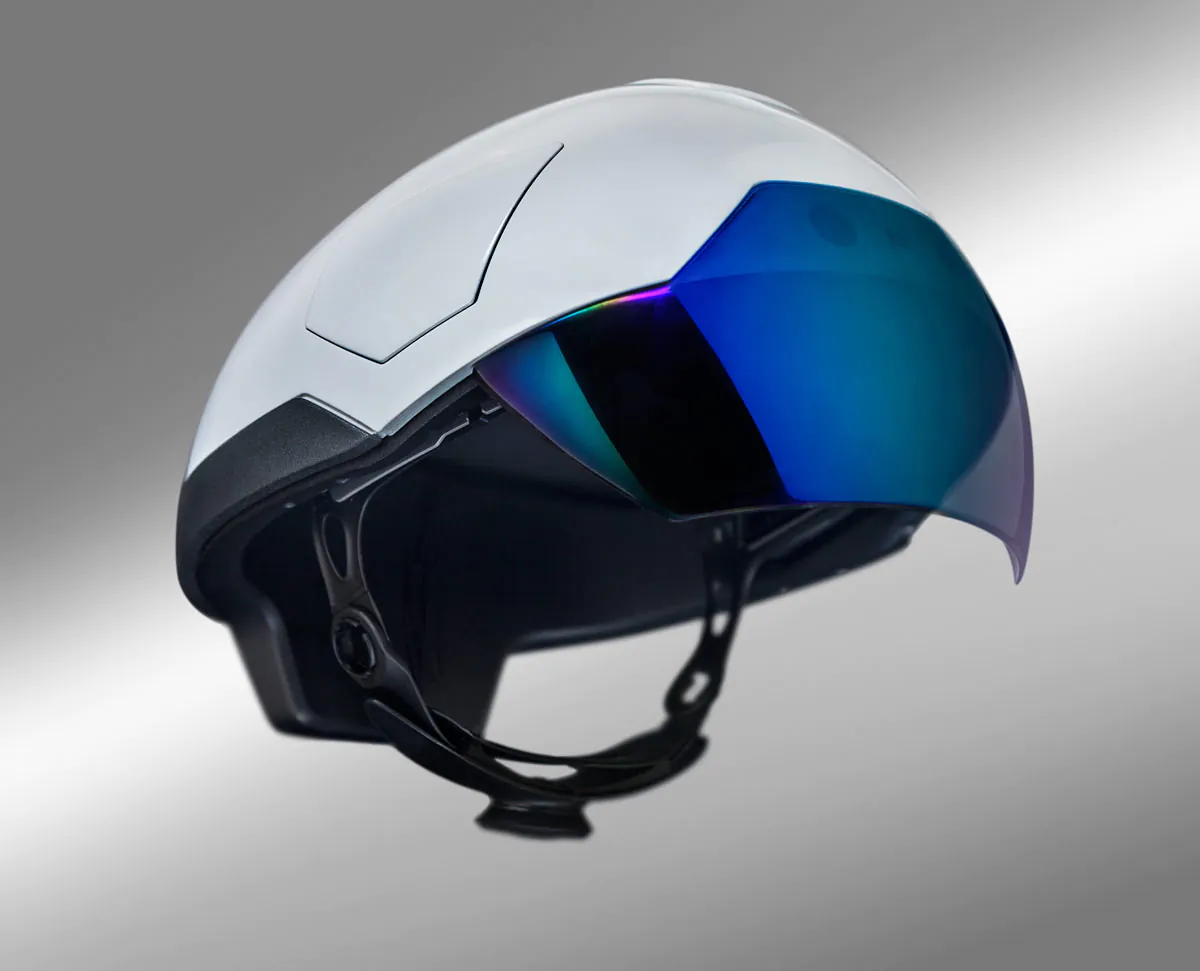
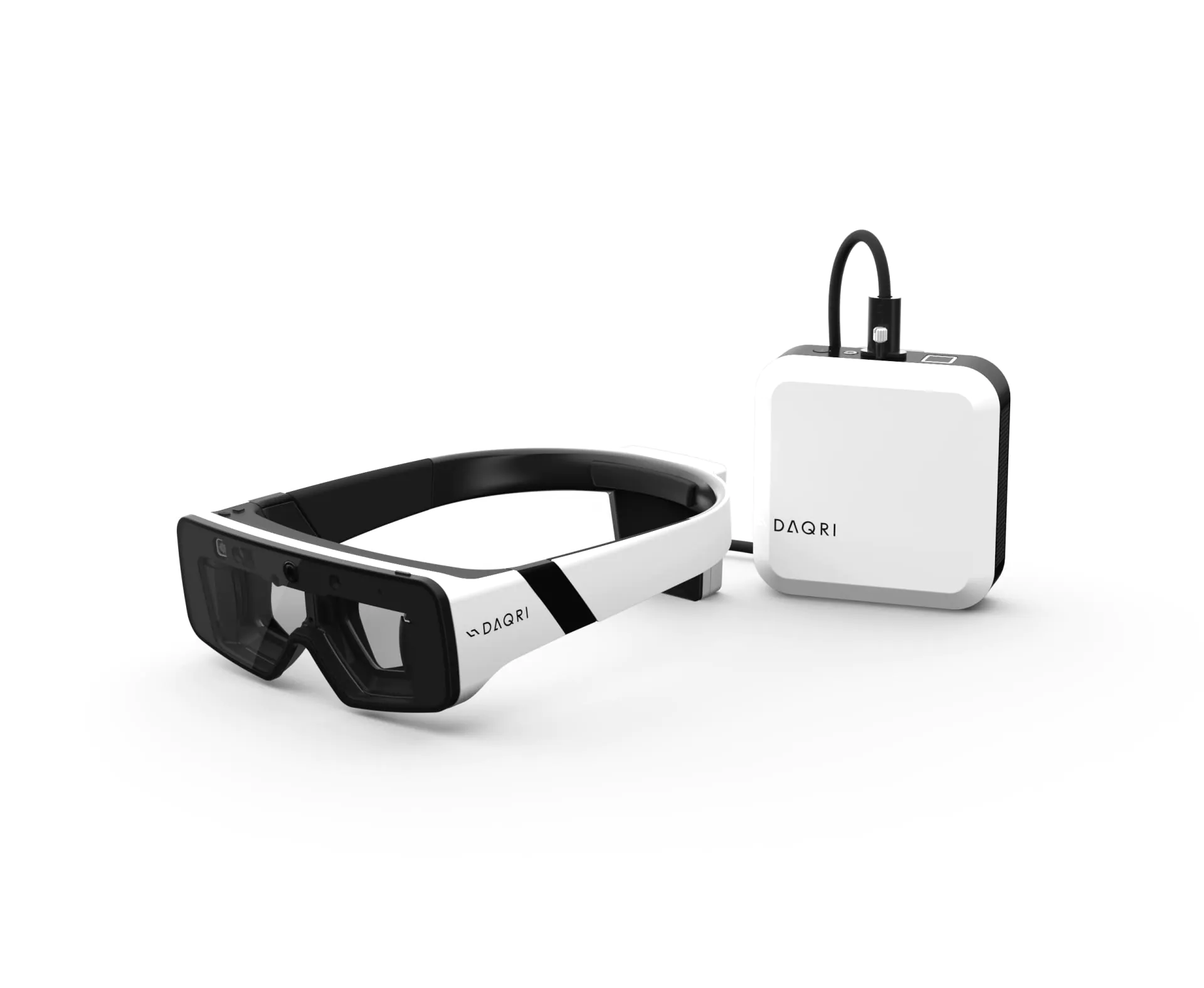
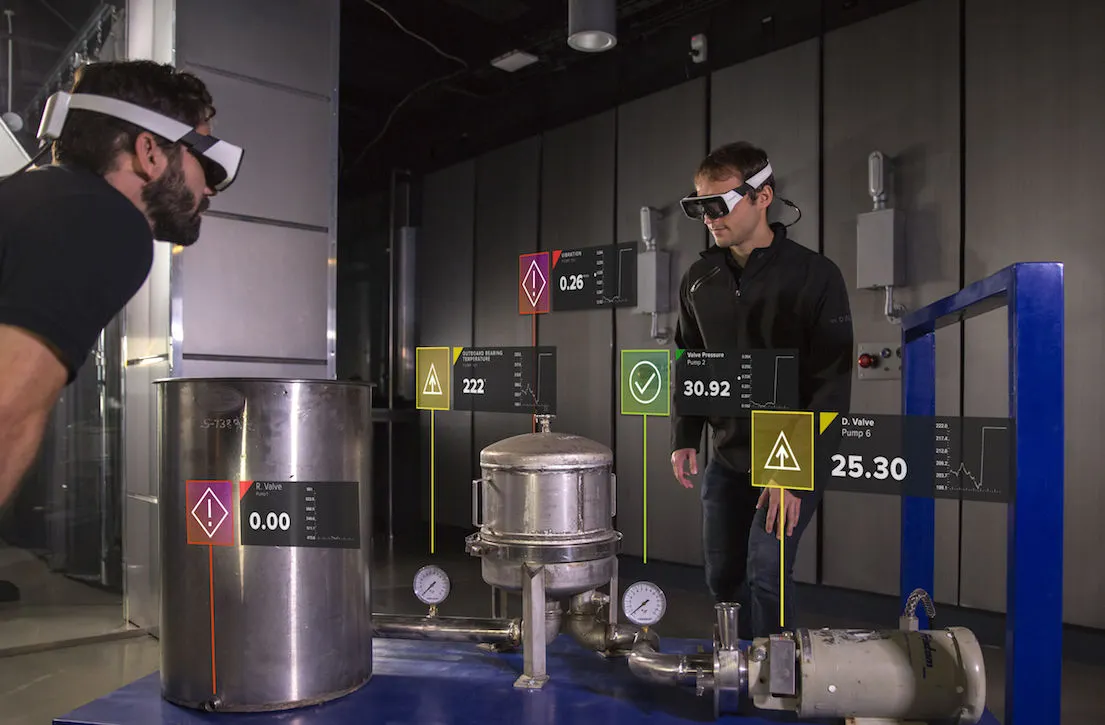
DAQRI was building wearable AR computers for professional settings such as construction and manufacturing. The Smart Helmet and Smart Glasses could put information in the user's physical surroundings. The devices had no standard screen to interact with.
01
Rethinking the interface
There was no touchscreen, mouse, or eye tracking. The devices could detect head movement and spatial position, so the interface had to work around the user, not inside a standard rectangular screen.
The design team explored different ways to interact with the devices. My role was to turn those ideas into working prototypes so the team could review and refine them before we used the ideas in apps.
02
Look. Focus. Activate.
The interaction model came down to three simple words: look, focus, activate.
A cursor stayed in the centre of the user's view. Looking at an item and holding focus on it for a moment activated it. App windows could follow the user or be anchored in physical space. This made the interface part of the surroundings, not just an overlay.
03
From experiments to applications
I built this interaction model into apps such as the camera and gallery.
The gallery shows how we worked. We tried scrolling through images with head movements, then chose clear controls that users could activate with their gaze. This gave the system a more consistent way to interact.
04
Building the UI layer
The apps were part of a custom software stack: hardware → operating system → rendering engine → UI framework → applications.
I worked on the UI framework above the rendering engine. I made higher-level components that helped the team build apps consistently for the devices.
05
Designing beyond the screen
DAQRI taught me that a UI doesn't have to stay inside a screen.
I worked with the design team to turn new interaction ideas into working software. It changed how I think about design, interaction, and engineering, and still affects how I approach product development today.