00 ▪ Independent
Universal Palette Converter
A bridge between the many ways we represent colour.
Universal Palette Converter (UPC) is a cross-platform tool for importing, inspecting, and converting colour palettes between design apps, files, and code.
It supports many palette formats, from binary design files to CSS, JSON, JavaScript, Swift, Kotlin, and Dart. Designers and artists can reuse palettes without rebuilding them by hand.
01
From Hexee to UPC
UPC started as part of Hexee, a palette manager and set of colour tools. While building it, I realised palette conversion was useful on its own.
I moved that feature into a separate product with a clear purpose: move palettes between formats without becoming another palette manager.
That difference has stayed important as the app has grown.
02
One palette, many formats
There is no single standard for saving a colour palette. Different apps use different formats. Some are proprietary and binary, and colours can also appear in text or source code.
I designed UPC around a common internal palette model.
Each format has its own decoder or encoder, but they all use the same representation. Adding a format doesn't mean we need a converter for every existing pair of formats.
This also gives UPC a common foundation for working with files, text, and other types of input and output.
03
Import
The main steps are simple:
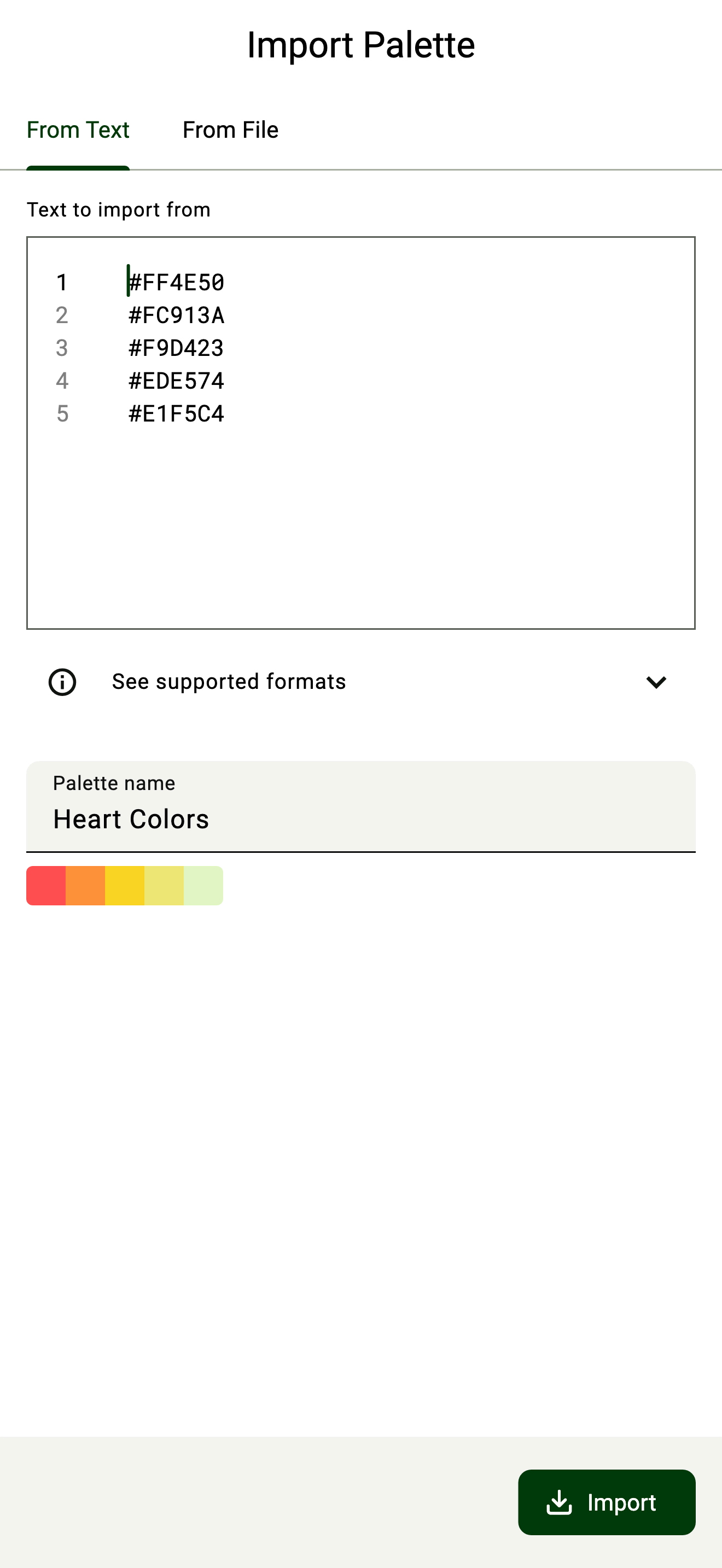
Choose a source → preview → import
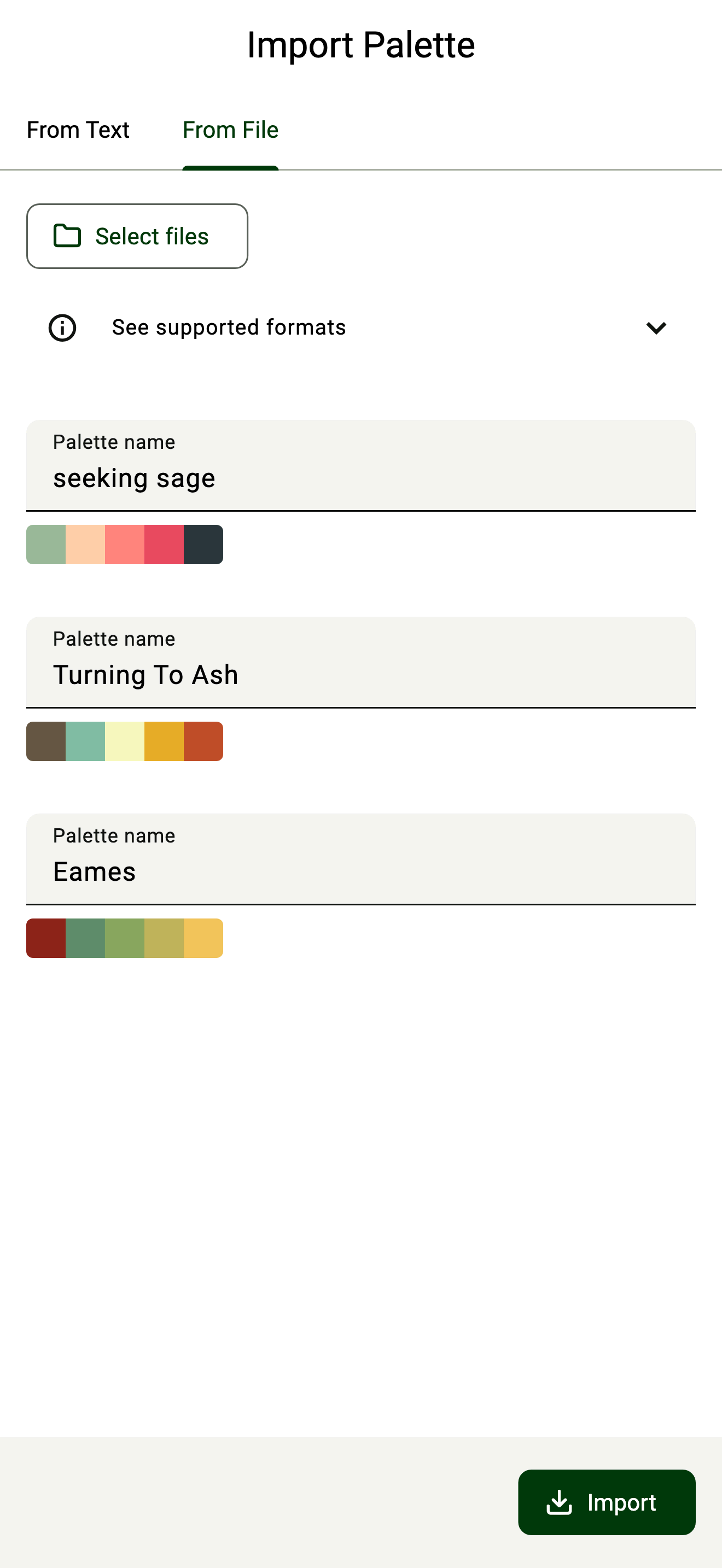
Users can import palettes from files or plain text. UPC detects the palettes and colours, shows a preview, and lets the user confirm before adding them.
The supported formats are there when users need them, without getting in the way of the main steps.
04
Inspect
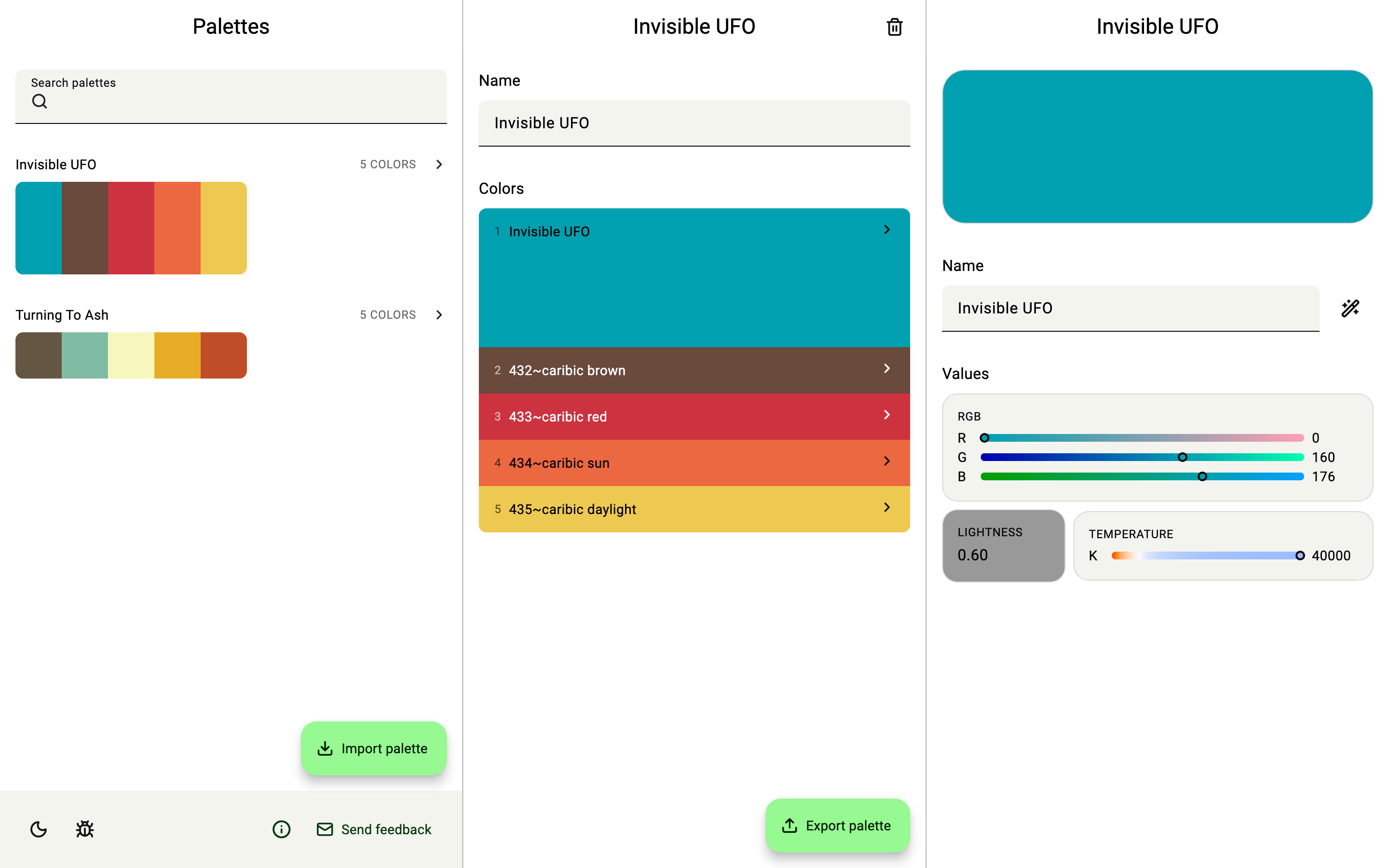
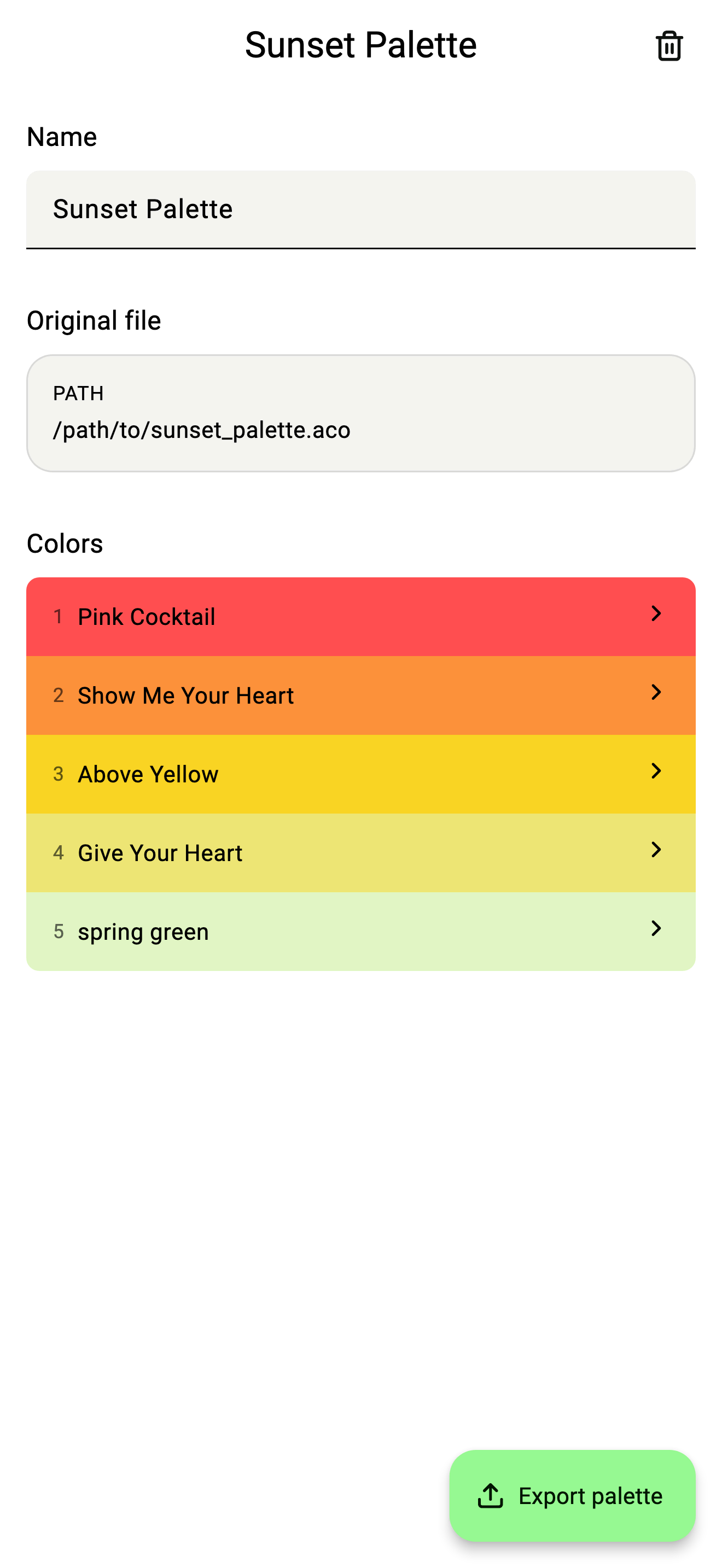
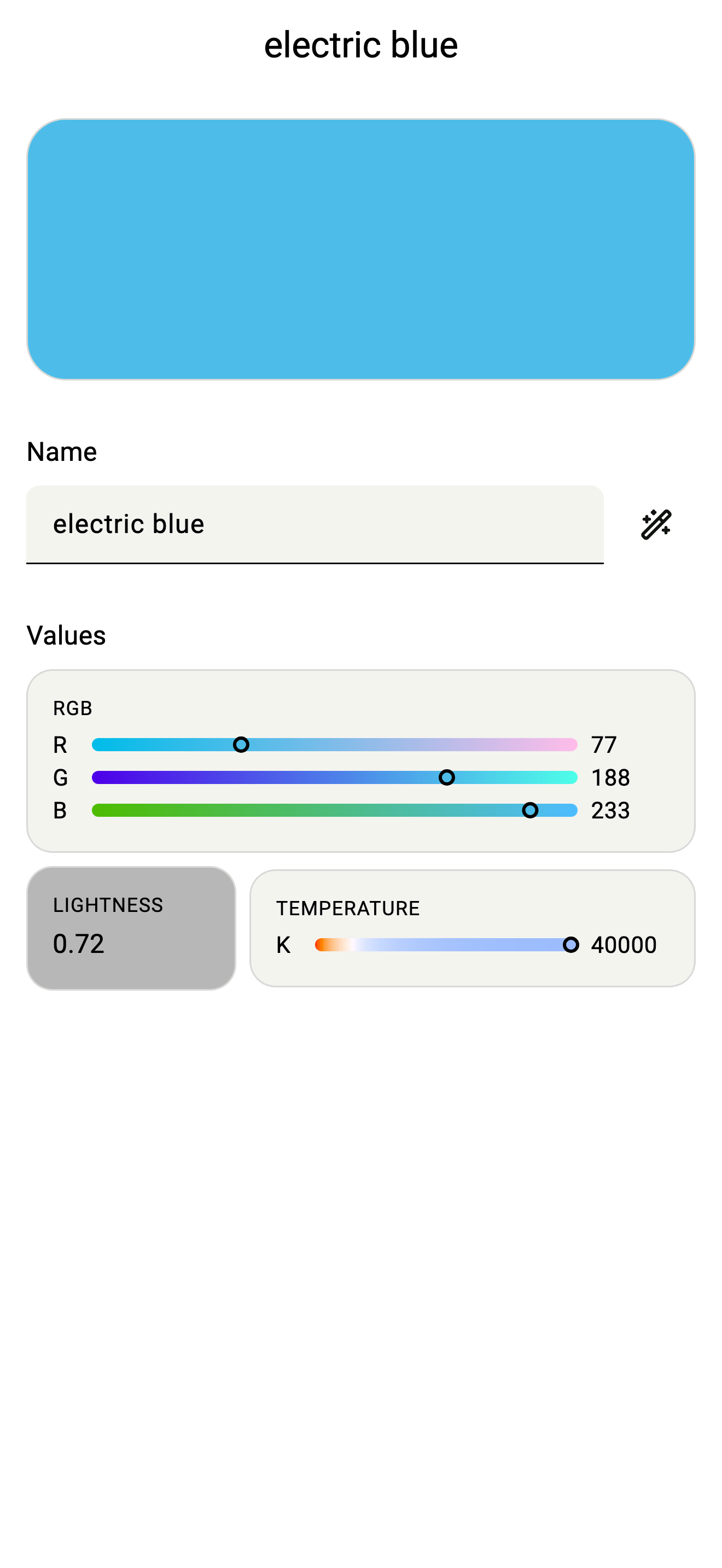
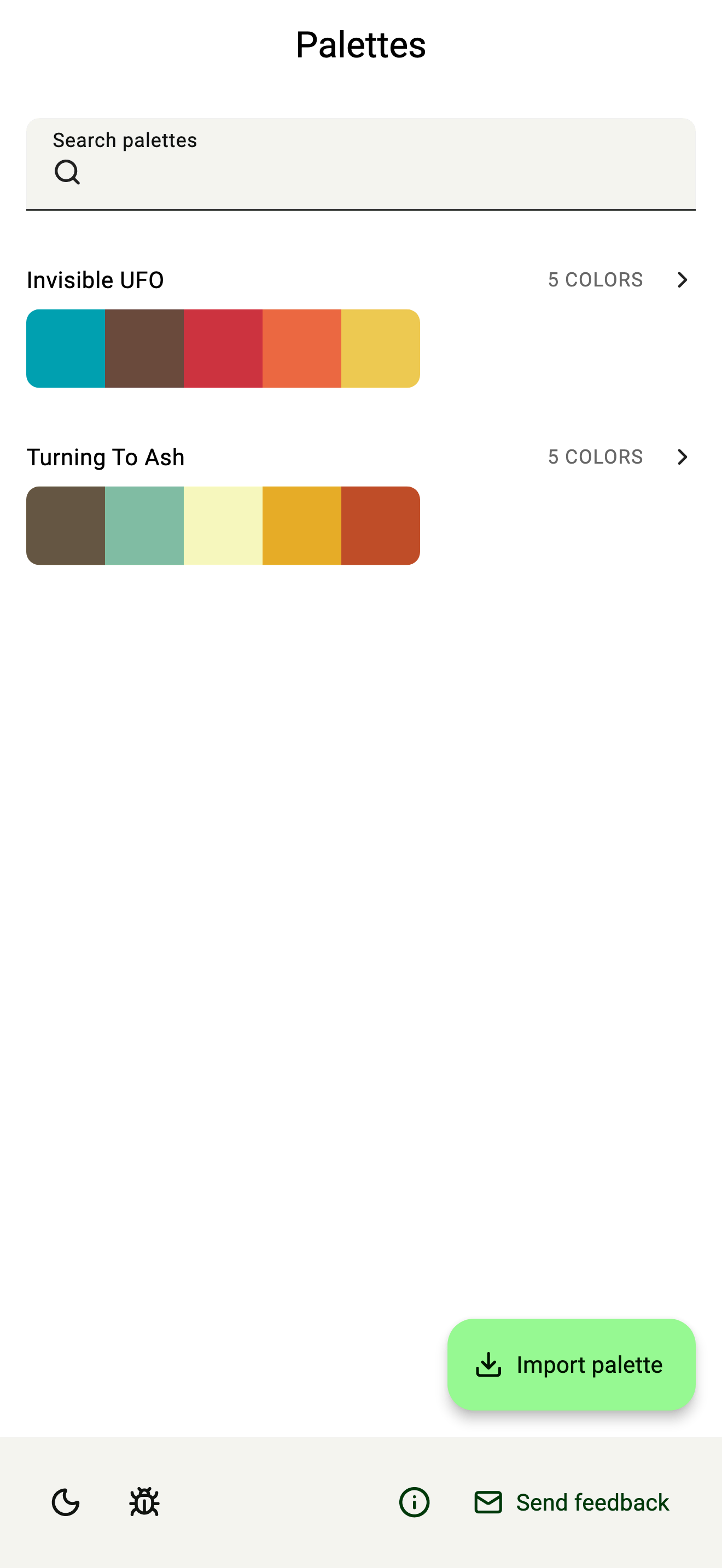
After import, UPC shows palettes in the same way, no matter where they came from.
Users can browse palettes, inspect individual colours, and view their values in different colour spaces and representations.
The interface shows this information when it's useful. Users don't need to know how the original file stored it.
05
Export
Export uses the same idea:
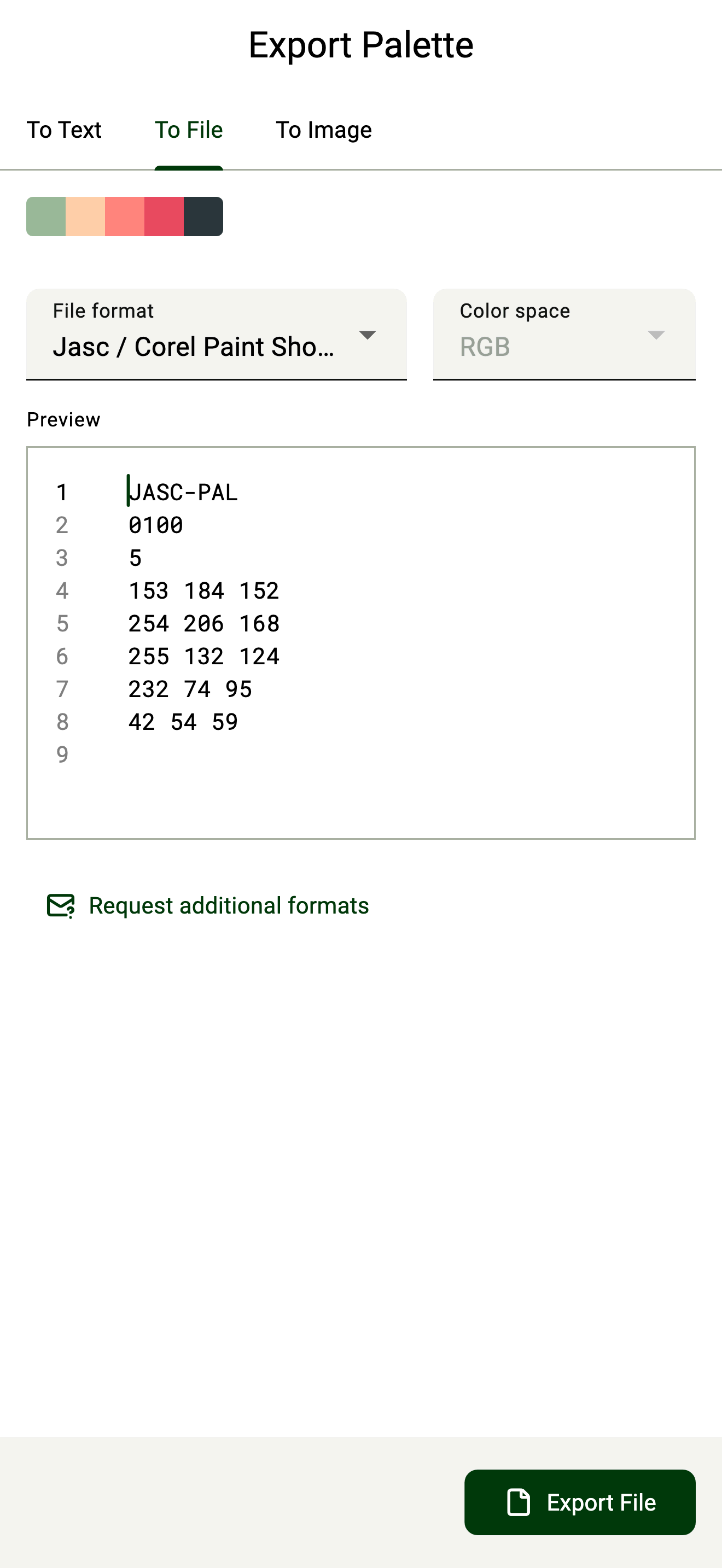
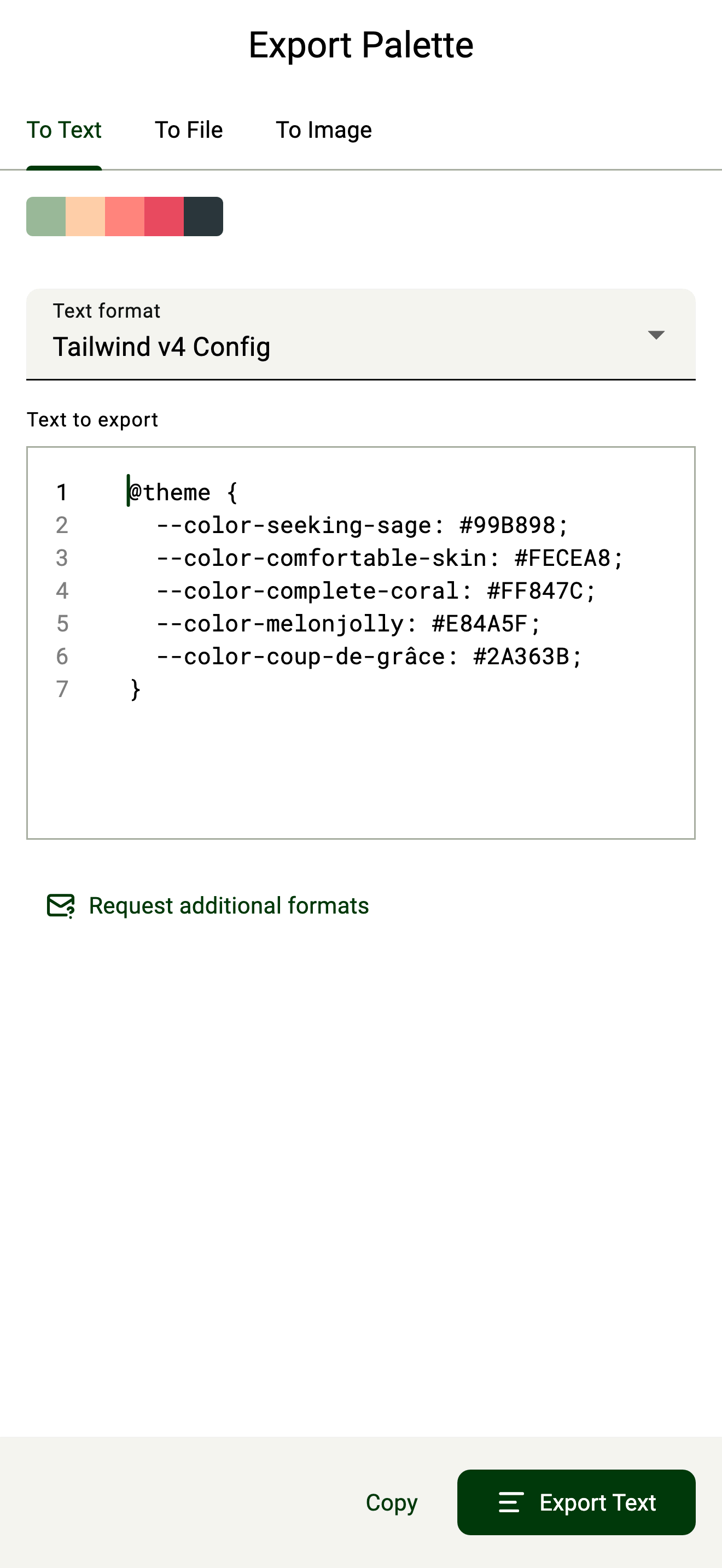
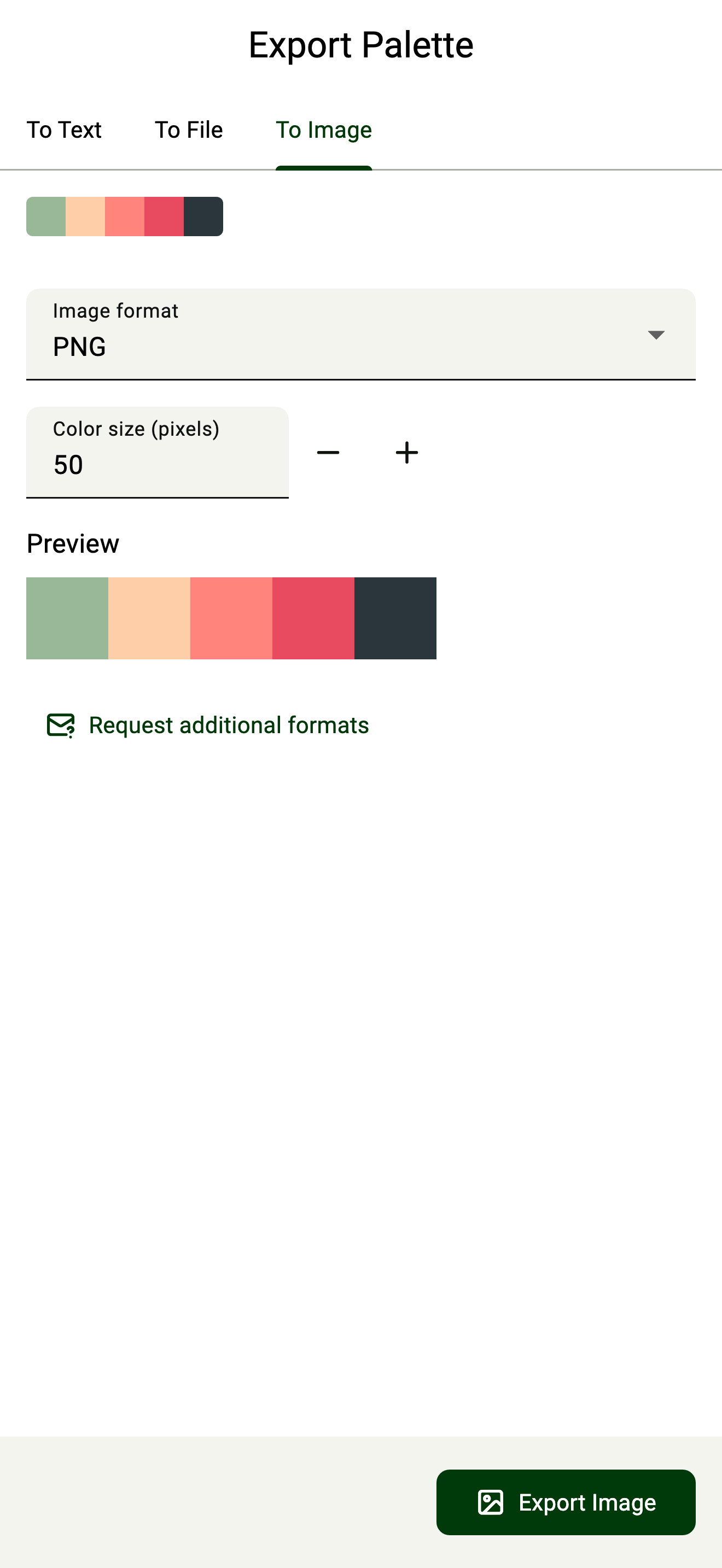
Choose a format → configure it → preview → export
Users can export palettes to design-file formats, source code, or images.
The preview helps with technical formats. Users can see what UPC will create before exporting it.
06
Making the formats work
Building support for each format was one of the most technical parts of UPC.
Some formats are binary, so the app has to work with their data byte by byte. Other formats have their own rules and ways of representing colour. These have to be translated reliably into the common palette model.
I built the format decoders and encoders and tested them with real files from the apps that use those formats.
I also use round-trip testing. I decode a format, convert it to another format, then decode it again to check that the information is still there.
I open generated files in the apps that should read them. After release, users also report when they find files that don't work as expected.
07
Keeping the product focused
As UPC has grown, users have suggested features such as editing palettes, extending palettes, and bulk exporting.
I've chosen not to add editing or extending. Those features would make UPC more like a palette manager, which is what Hexee already does.
The product works because it has a clear purpose:
Take a palette from somewhere and make it usable somewhere else.
Bulk exporting is more complicated. Some target formats don't support multiple palettes, so I haven't added it until I can define a way that works across those formats.
08
Open source
The file-format tools were useful beyond UPC, so I made the decoders and encoders into an open-source Dart/Flutter package.
UPC uses the package. Other apps can use it to read and write these palette formats too.
I released it to share the format code with the Flutter/Dart community and let others add support for more formats.
GitHub repository pub.dev package Explore all my Flutter packages
09
One product, four platforms
UPC uses Flutter, so the same product and conversion engine work on iOS, iPadOS, macOS, and Android.
The interface started with a simple Material Design setup. I've changed it as the product has expanded to larger screens.
The current UI is responsive. It adjusts to different screen sizes and changes its layout when desktop windows are resized.
Some Apple-platform users have asked for a more native feel. I'm considering this as the interface develops.
10
A simple interface for a complicated problem
The main UPC workflow has changed little since the first version. Most updates have been small interaction improvements, visual changes, new formats, and compatibility fixes.
That's on purpose.
The system can handle proprietary binary formats, different representations, and colour data in source code. Users don't need to see all that complexity.
What I like most about UPC is that it acts as a small bridge between otherwise disconnected formats. It brings different ways of representing the same colours together and makes the process less complicated.